TEXT-TO-IMAGE AI, STARTING WITH YOUR WORDS
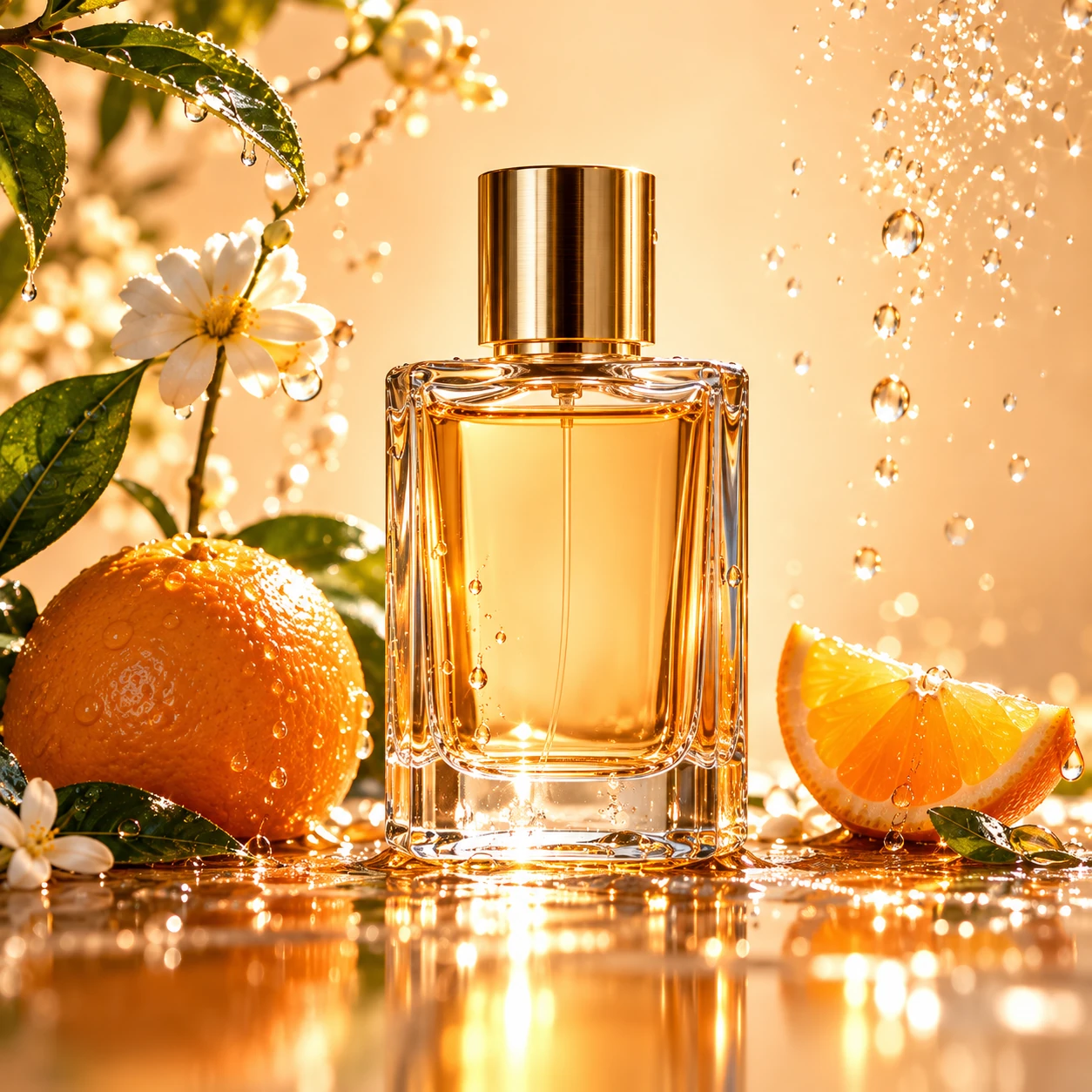
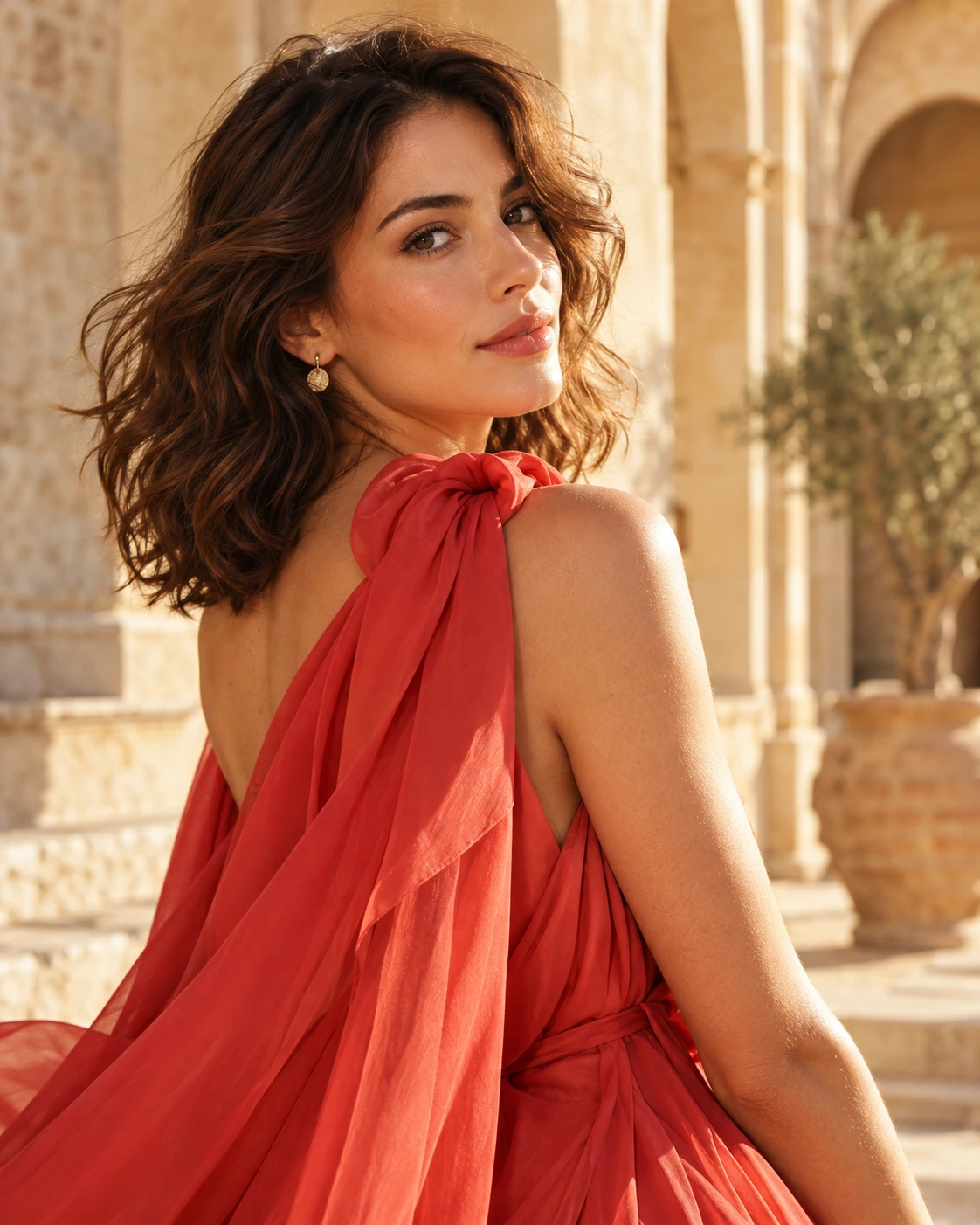
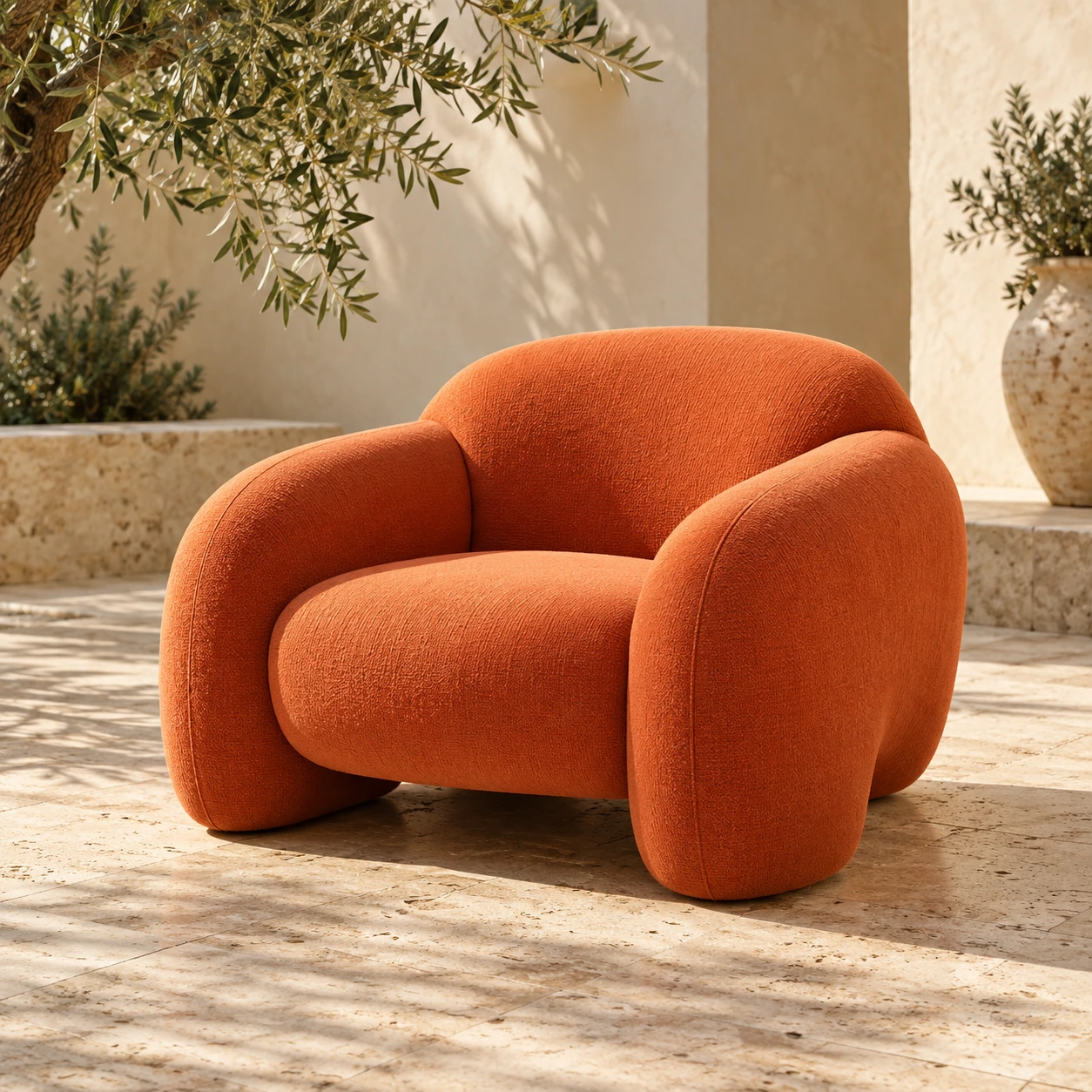
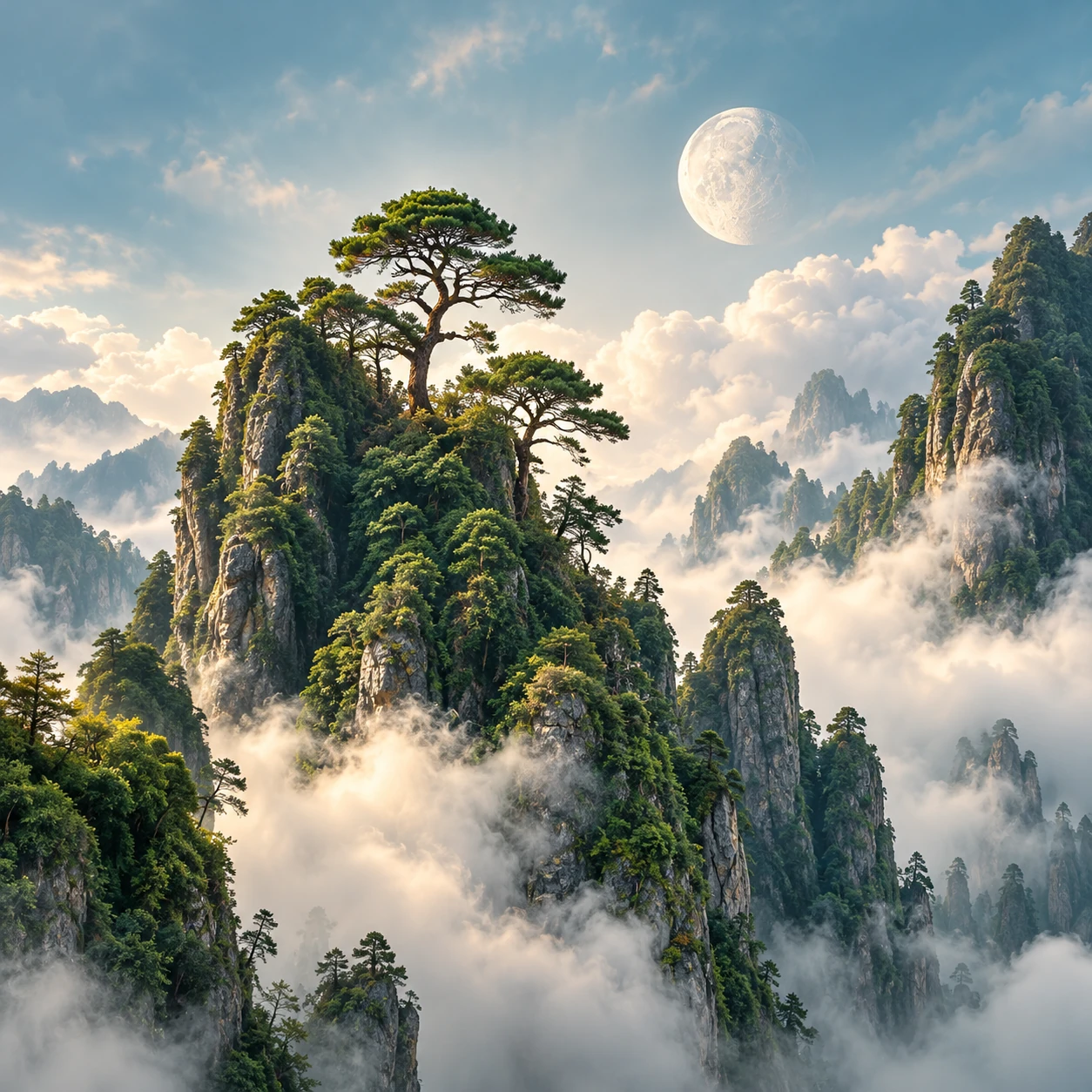
Text to image AI, imagined.
Start with a description. Give your next idea a direction.

Interactive preview. Live AI generation is coming.
A world of possibilities.
Explore the galleryWhat is text-to-image AI?
Text-to-image AI creates an image from a description. Describe the subject, setting, light and style you have in mind. When you already have a photo to transform, start with our image-to-image workflow instead.
Read the image-to-image guideFrom your image to your next idea
Describe your scene
Start with a subject, then add the setting, lighting and the visual details that matter.
Choose a direction
Pick a format and style. Keep the first prompt focused so you can change one thing at a time.
Preview your edit
Review your image, prompt and settings. This preview prepares your idea; it does not generate a new AI image yet.
A few things to know
How is image-to-image different from text-to-image?
Image-to-image uses an existing image as a visual reference. Text-to-image starts from a written description. PicUnfold has separate starting points for both workflows.
Can I generate a new image here now?
Not yet. This is an interactive product preview. You can prepare an edit and explore before-and-after examples, but no model is called and no generation credits are charged.
What happens to the image I choose?
In this preview, the studio uses a temporary browser preview of your file. It does not send that file to an AI model. Reloading the page clears your selected file.
Are the gallery examples outputs from this website?
The examples are independently prepared AI illustrations of possible edits. They show the intended workflows, rather than verified outputs from a connected PicUnfold model.