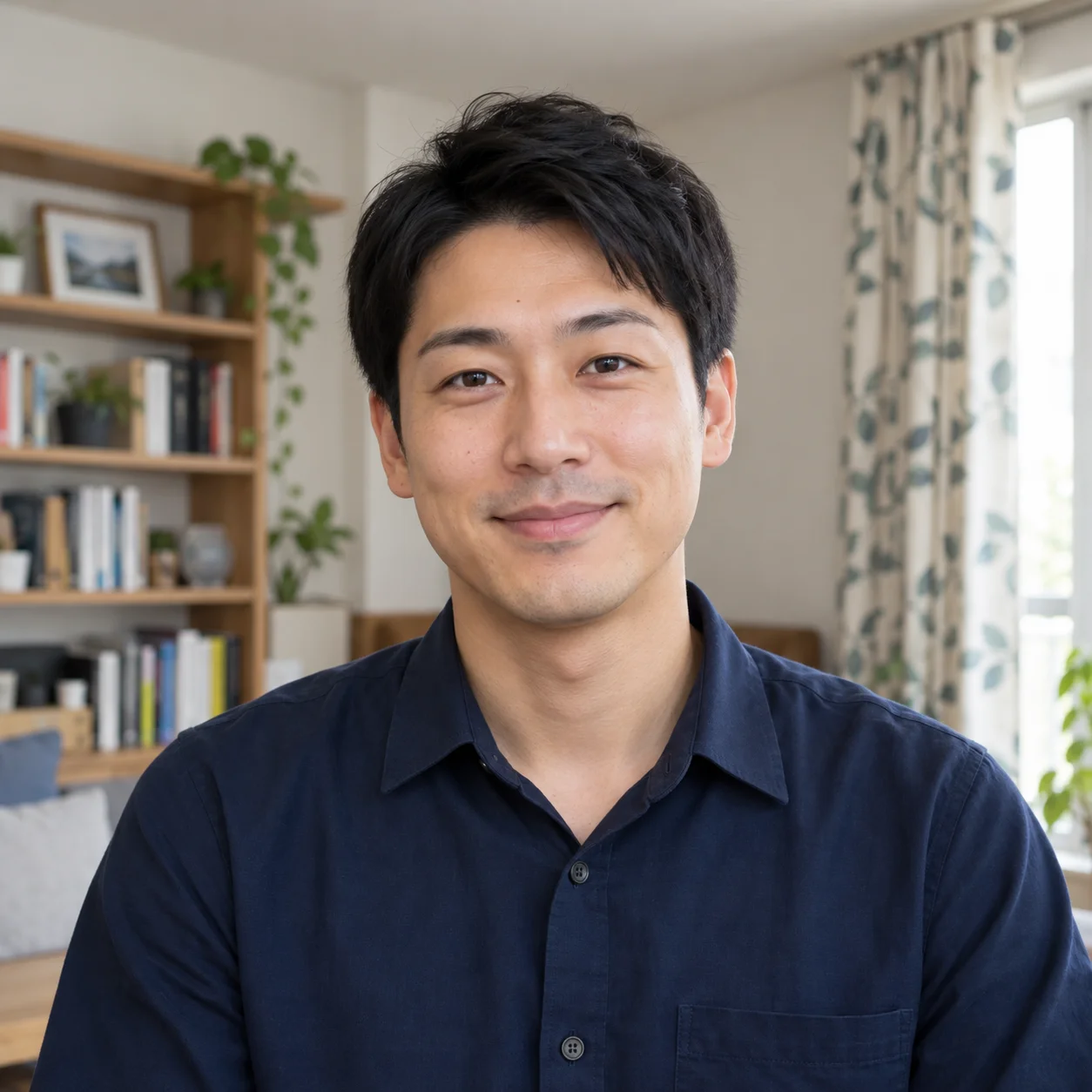
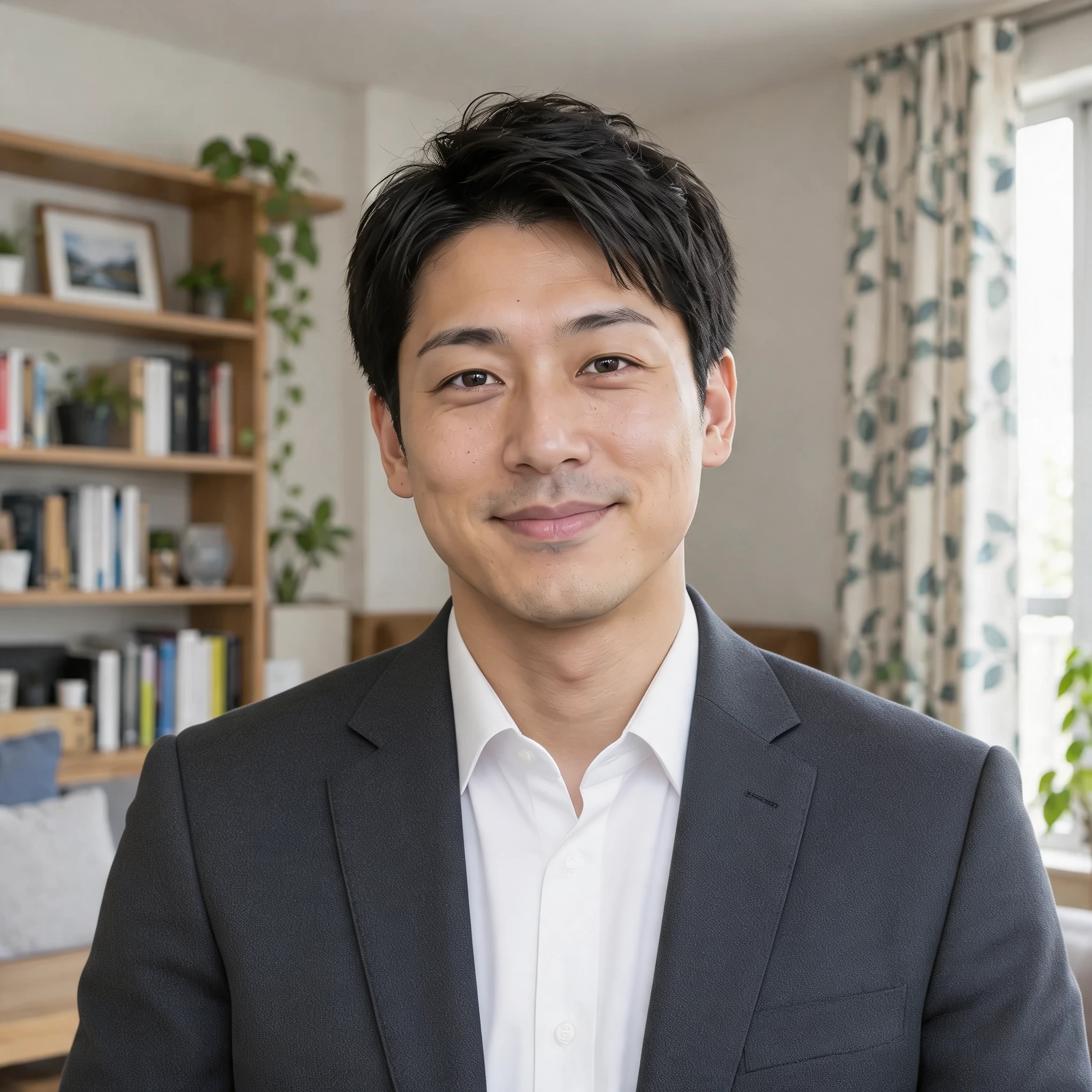
A business look for a portrait
Try a charcoal jacket and white shirt. Compare the face, hair, pose and background as the outfit changes.
 PicUnfold
AI clothes changer
Try business, casual or evening clothing on a photo. Describe the color, fabric and details you want to explore.
Compare original photos with actual model results. Try a sample or use its settings on your photo.
Photo editing toolsTry a charcoal jacket and white shirt. Compare the face, hair, pose and background as the outfit changes.
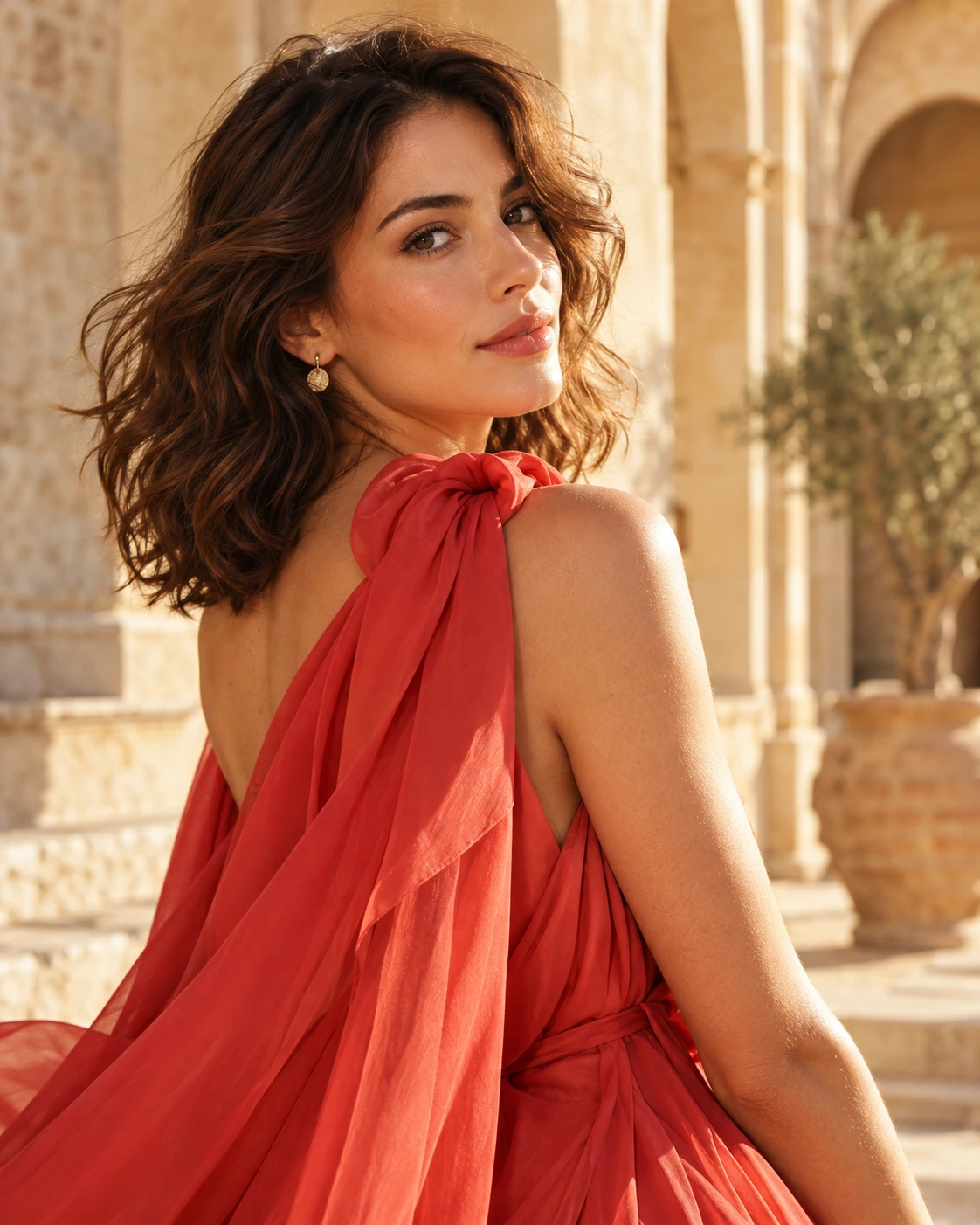
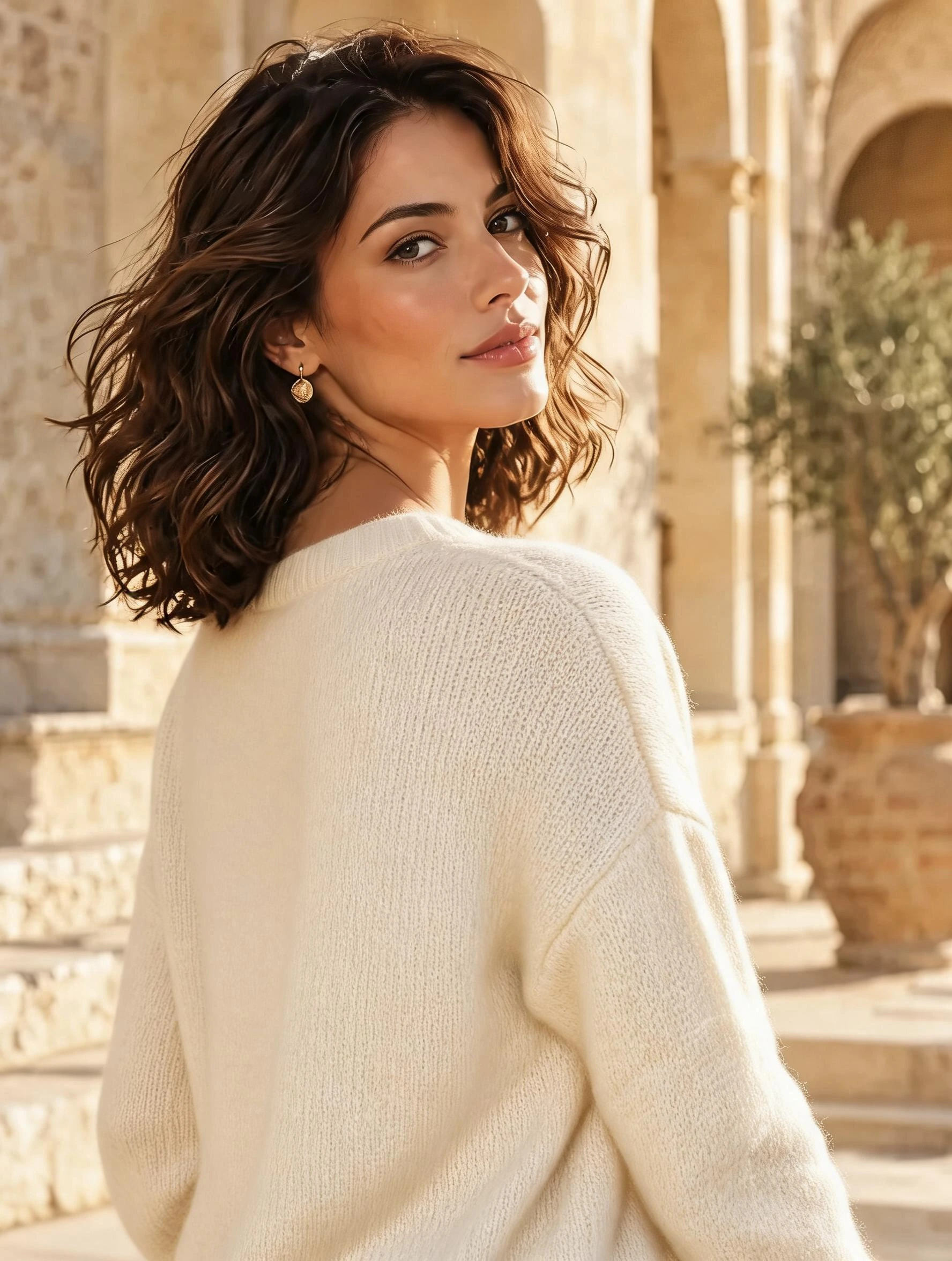
Replace the red outfit with a cream sweater concept. Compare the subject’s expression and the surroundings.
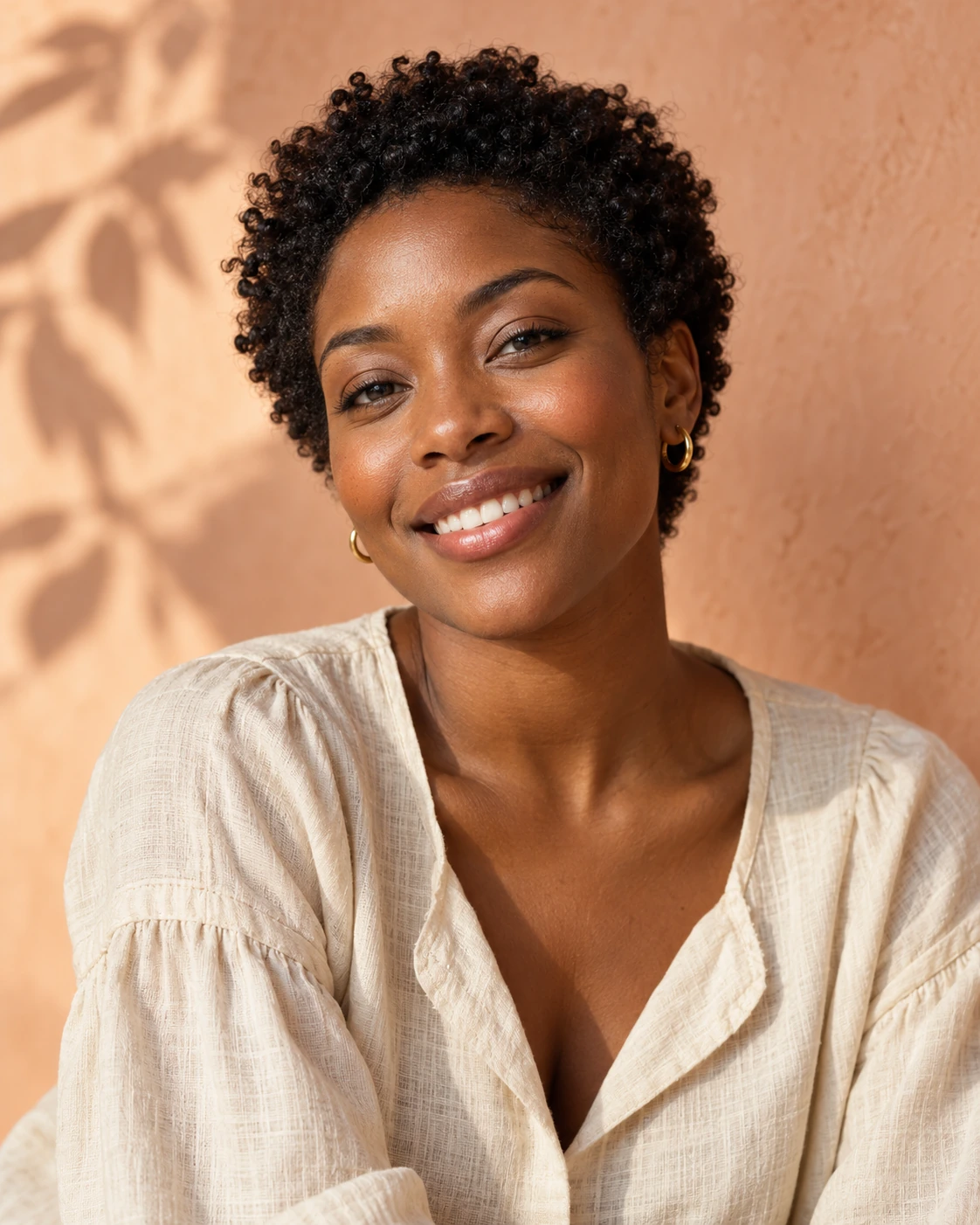
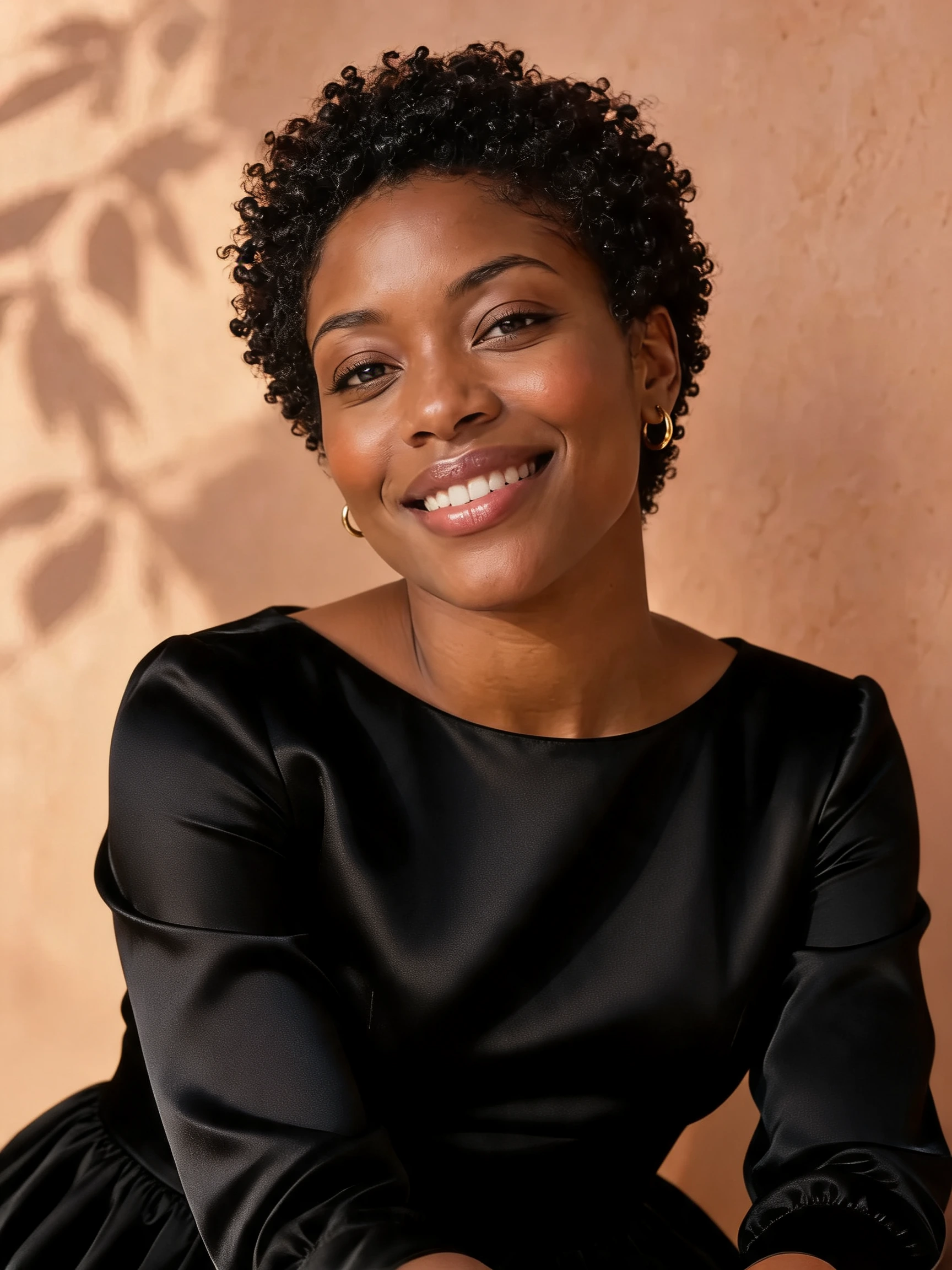
Explore a black satin outfit with sleeves and a modest neckline. Check the face, neckline and clothing detail.
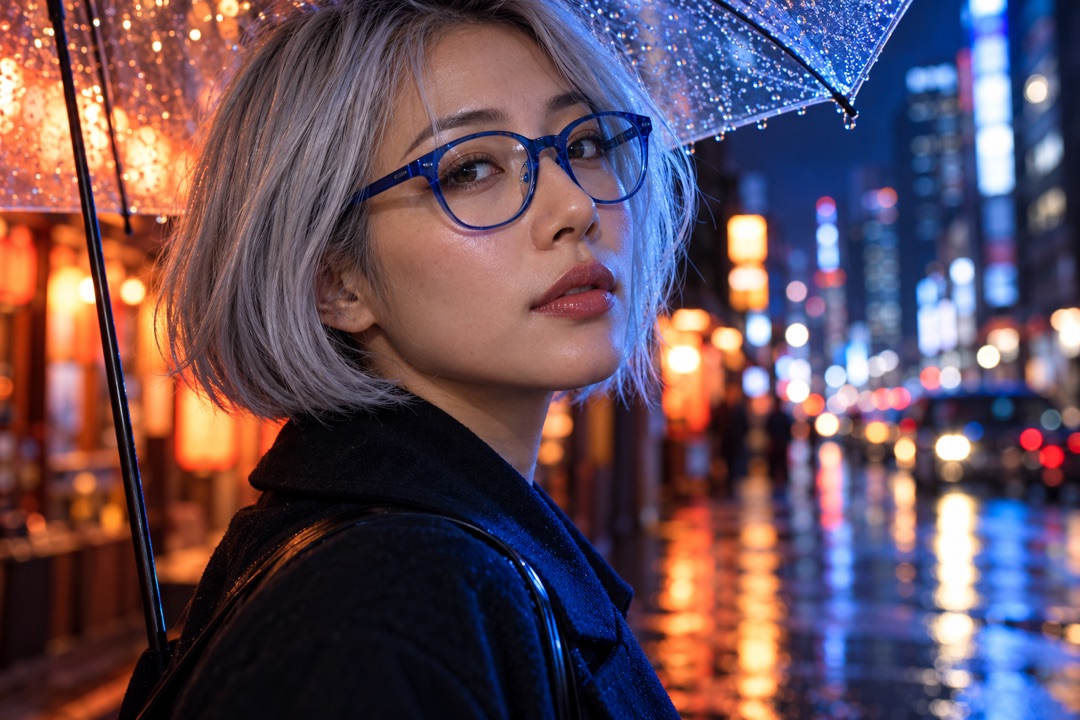
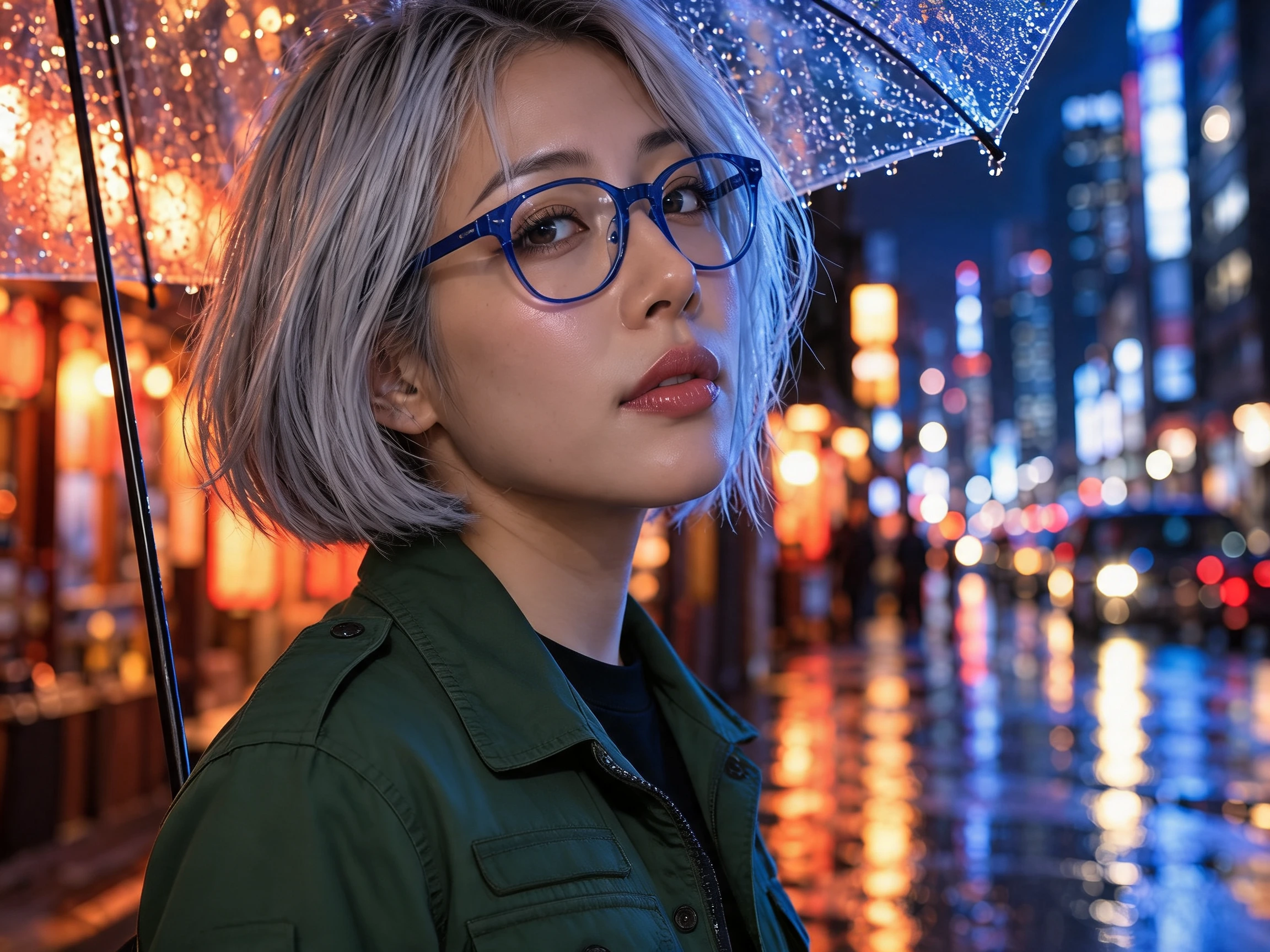
Try a dark green jacket in a city portrait. The glasses, umbrella and night scene give you useful reference points beside the clothing change.
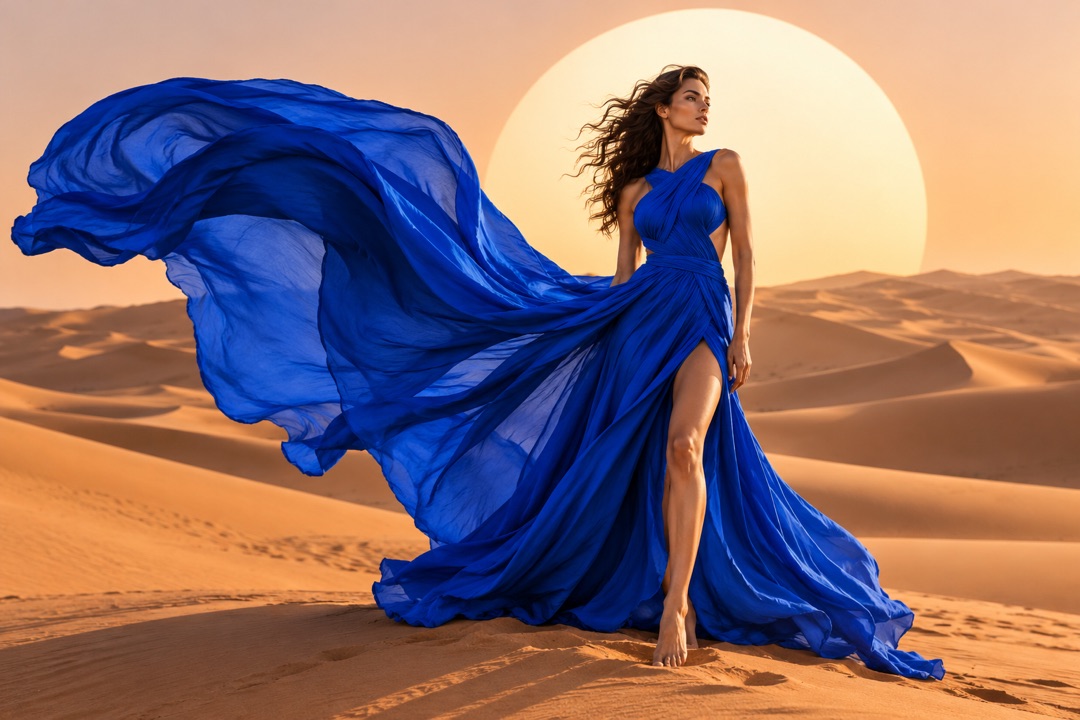
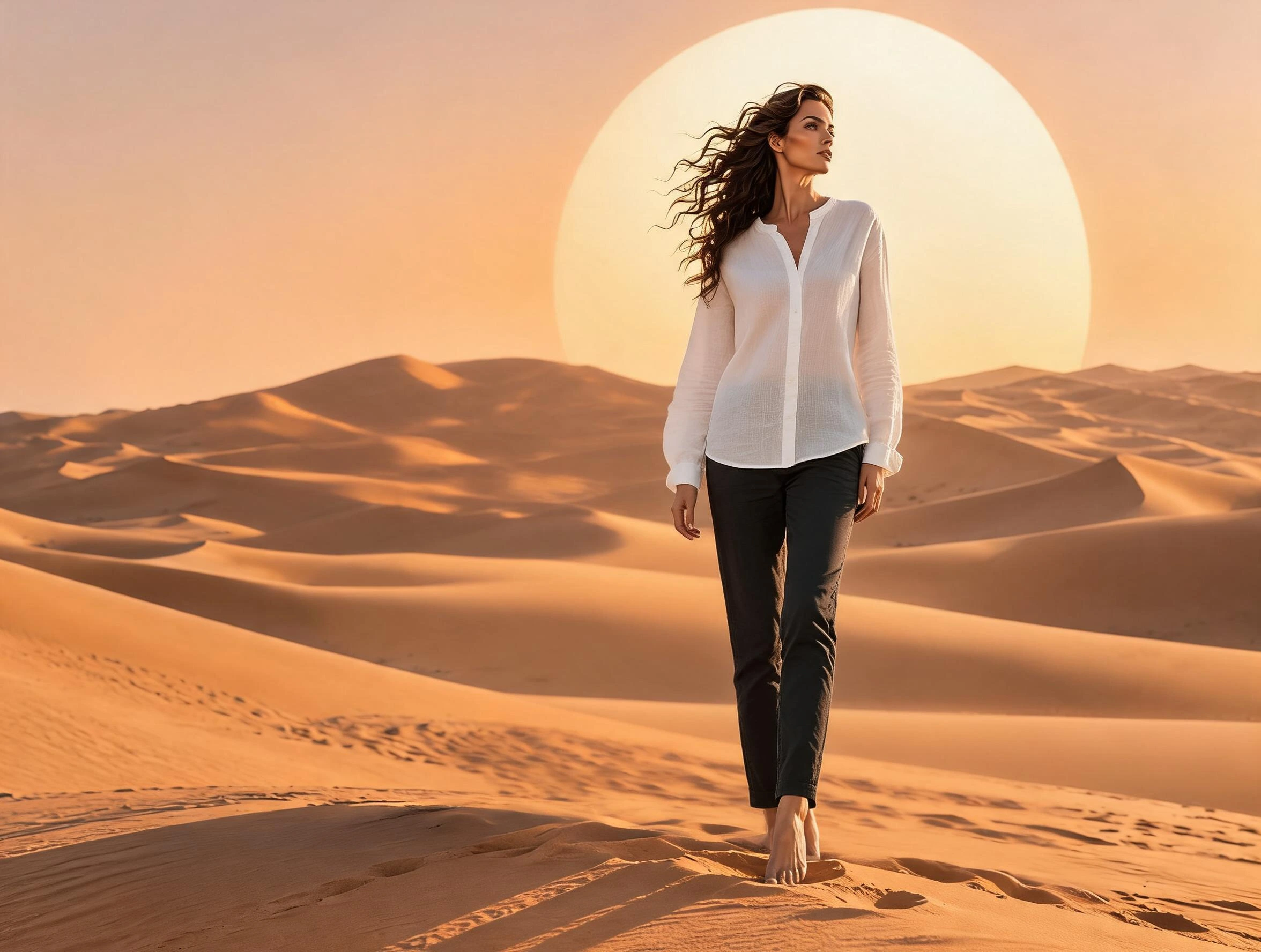
Explore a blouse and trousers in place of a flowing gown. This full-body concept also shows why pose and framing need checking after an outfit edit.
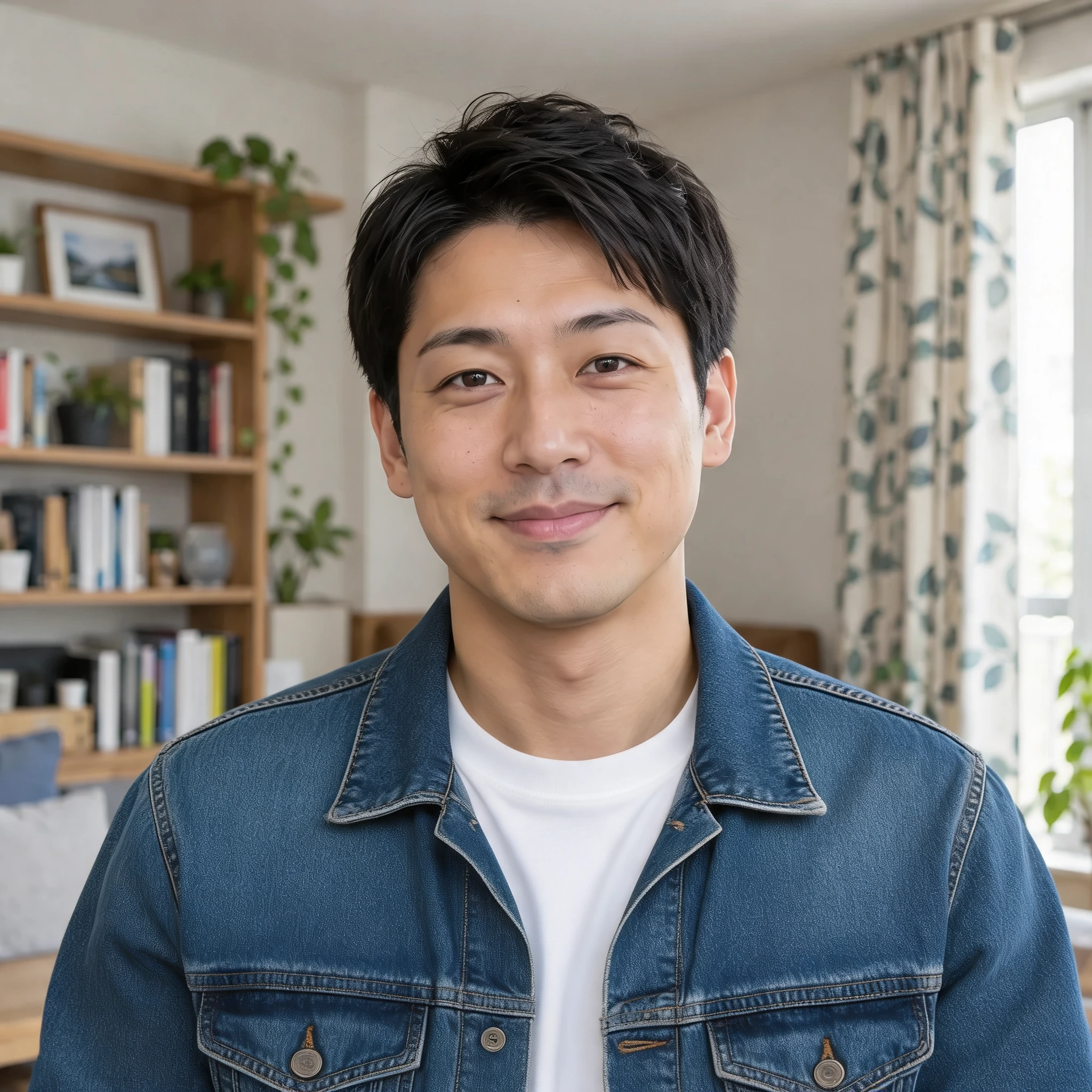
Give a portrait a casual denim layer over a white shirt. Compare the collar, jacket seams and original room setting.
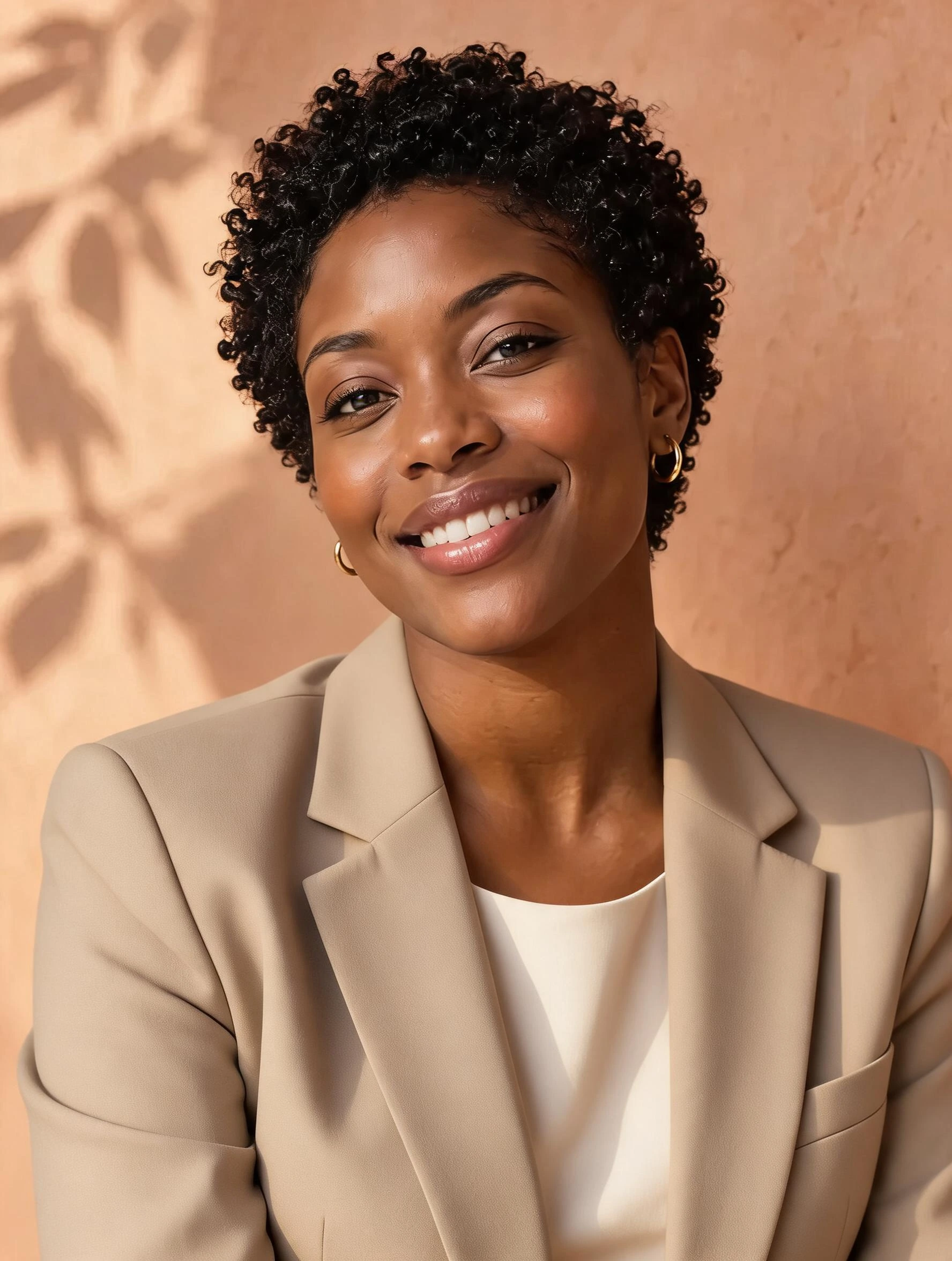
Try a beige blazer for a warmer business look. Compare the lapels, neckline, face and curls before deciding whether the style suits the portrait.
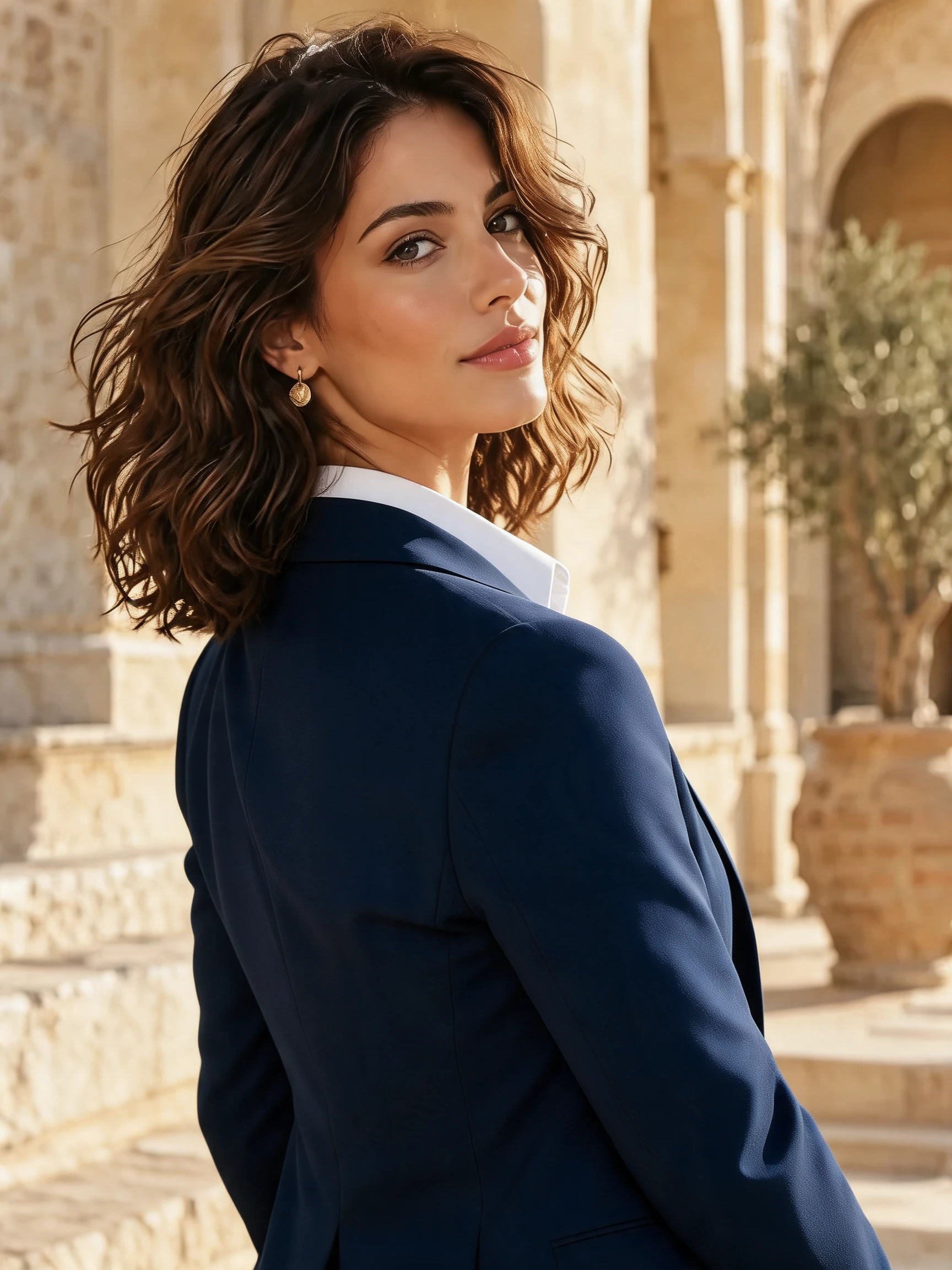
Explore a navy blazer and white blouse in the same architectural setting. Check the shoulder line and hair against the original red outfit.
Choose a business, casual or evening direction, or describe an outfit’s color, fabric and neckline. A photo showing enough of the body gives the model room to represent the clothing you want to try.
Use the output to explore styling ideas. Check the face, hair, hands, garment edges and background before using it. The examples show actual outfit edits rather than a guarantee of exact fit or fabric behavior.
Choose a clear JPG, PNG or WebP image.
Explore a different outfit in your photo with a simple style choice.
Review the result, compare it with your photo, and download it.
This page currently uses one person photo plus a style or written outfit description. It does not offer exact transfer from a separate garment photograph.
No. It creates a visual outfit concept, not a measurement-based fitting or a guarantee that a real product will look and fit the same way.
The examples use our AI-created source images and actual edits from the model named on each example. They are demonstrations, not customer photos. Results depend on the input.
Upload your photo, choose an option, then generate. You can add instructions under Advanced settings.
Review face, hands, clothing fit, and garment details. This creates a visual concept, not an exact virtual fitting.
Verified accounts receive starter credits, subject to the daily allocation. Each generation uses the credits shown on the button.
AI edits may change fine details. Review faces, text, product details, and geometry before using the result.
Your files are private. When you generate, the reference is uploaded for processing. Reference files are kept for 7 days and generated files for 30 days. Download any results you want to keep. See the privacy policy for processing details.
Requests and images undergo safety checks. Credits used for a confirmed failed or undeliverable task are returned. Check My creations for its status.
Explore a different outfit in your photo with a simple style choice.