Find a new color for a product
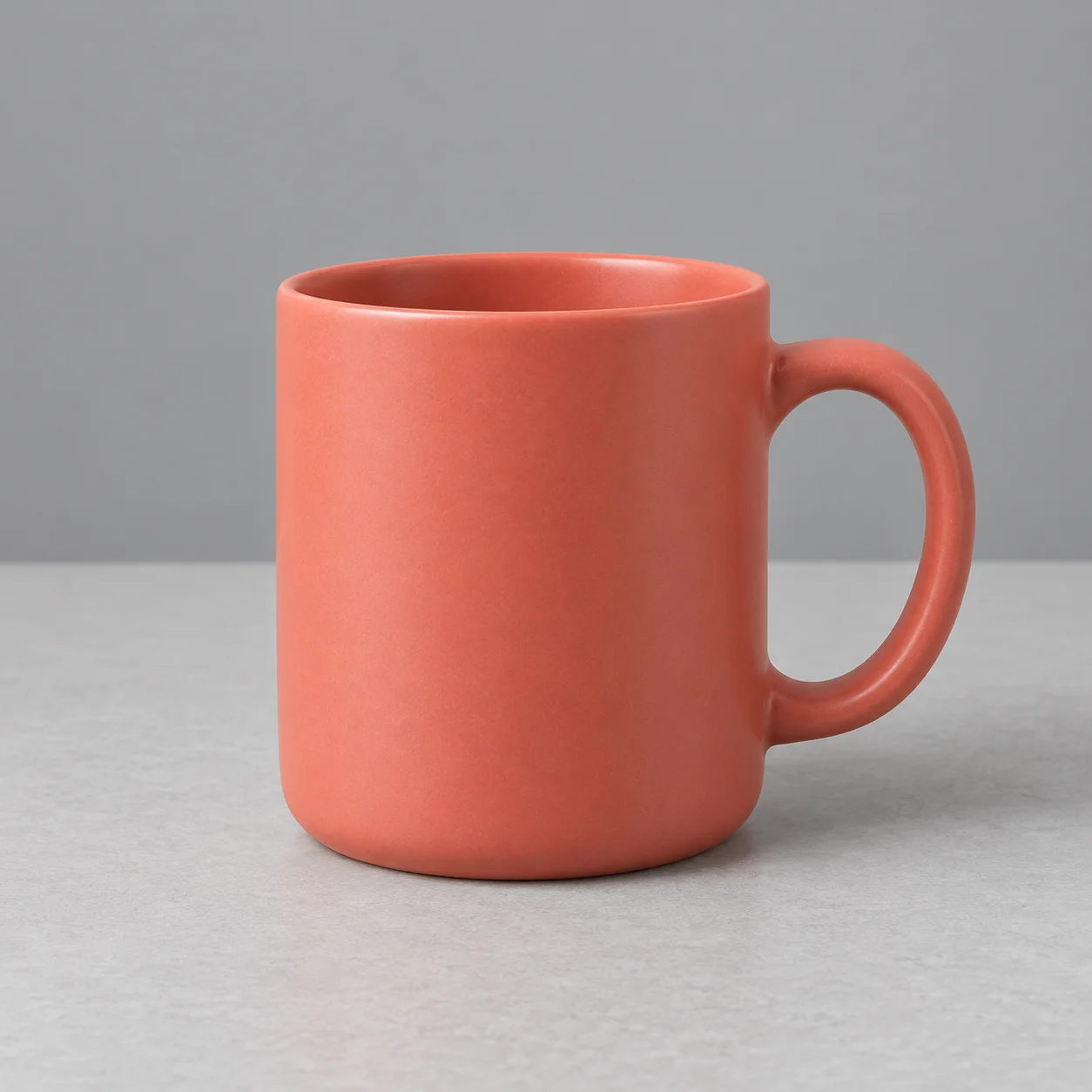
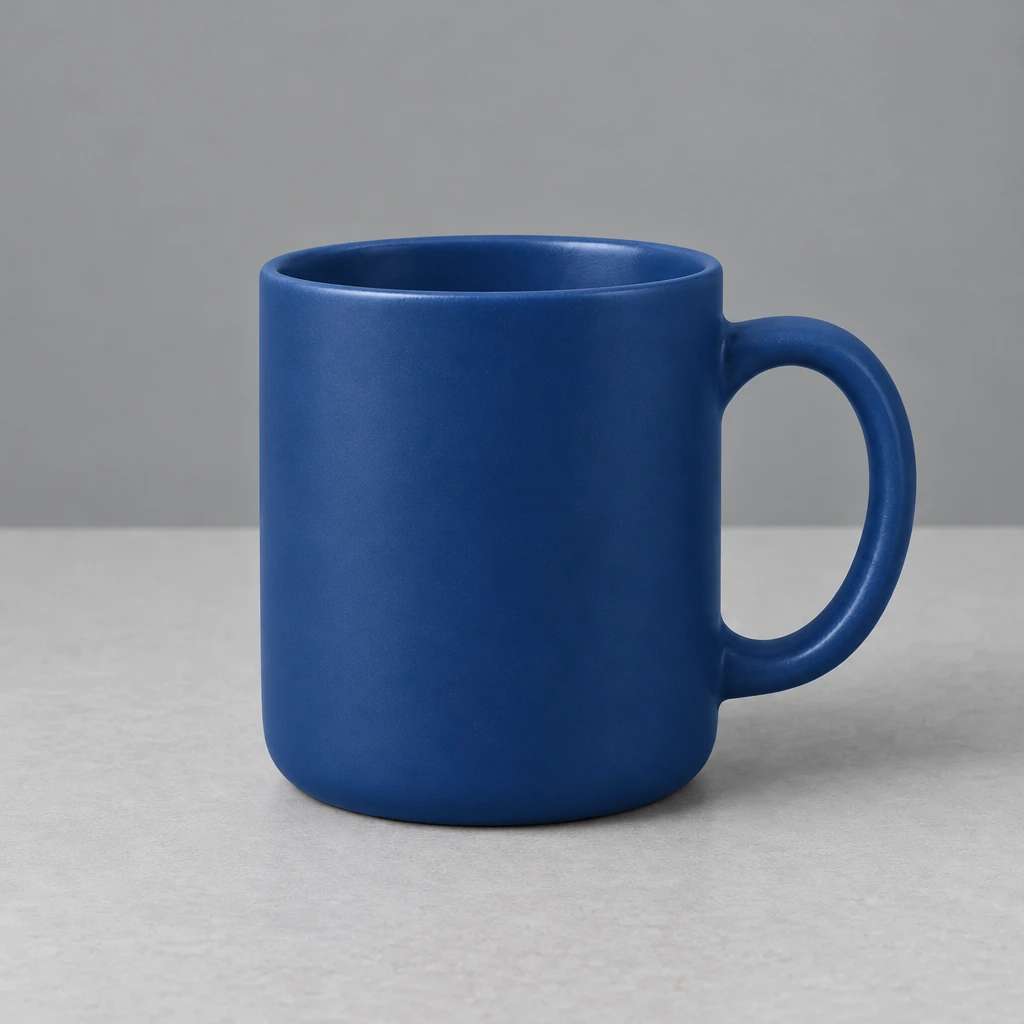
Turn a coral mug deep blue while asking the model to keep its shape, shading and handle. Compare the rim and surface texture.
 PicUnfold
Change image color
Preview new shades for clothing, products and interiors. Upload a photo, describe the object and choose a color.
Compare original photos with actual model results. Try a sample or use its settings on your photo.
Photo editing toolsTurn a coral mug deep blue while asking the model to keep its shape, shading and handle. Compare the rim and surface texture.
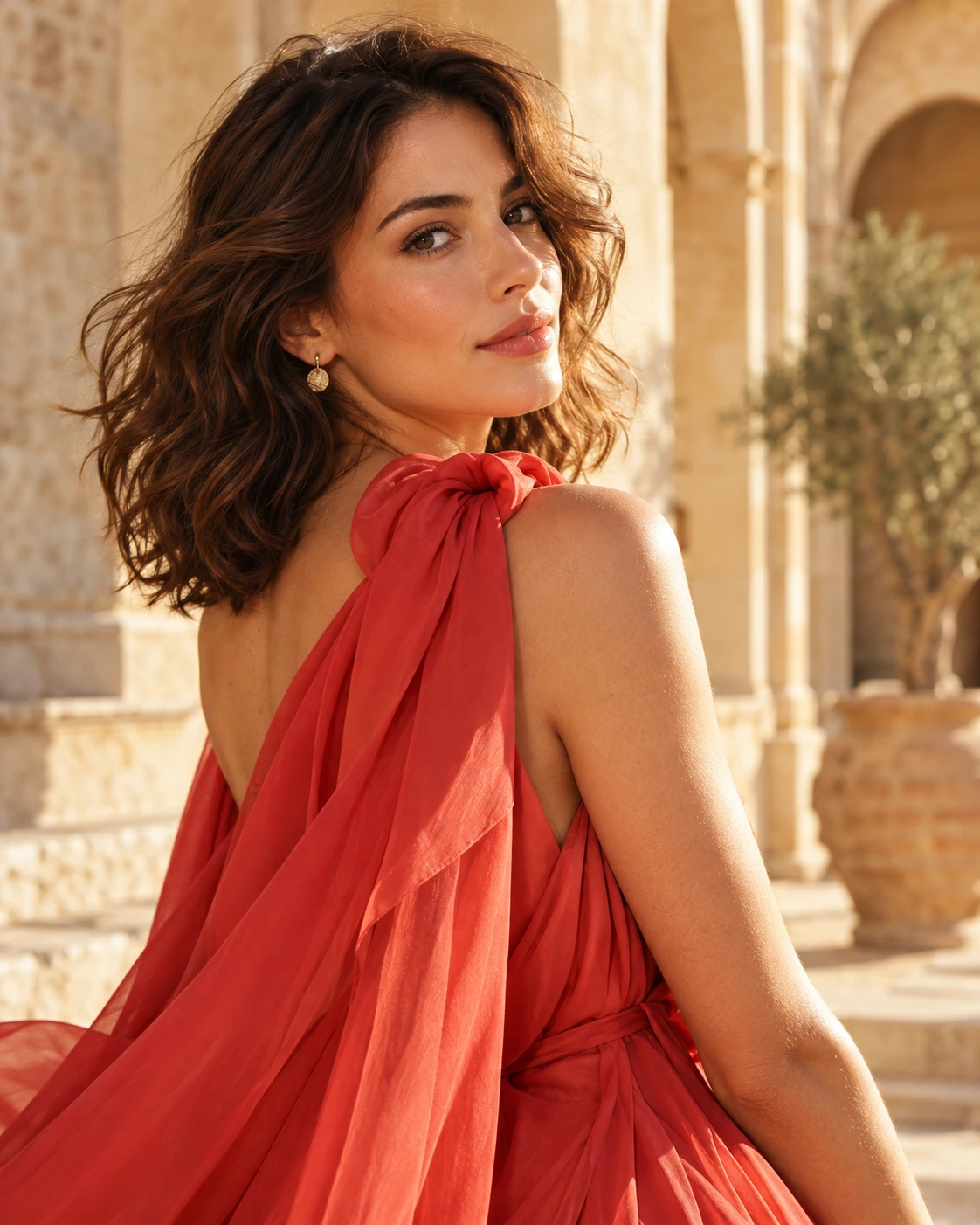
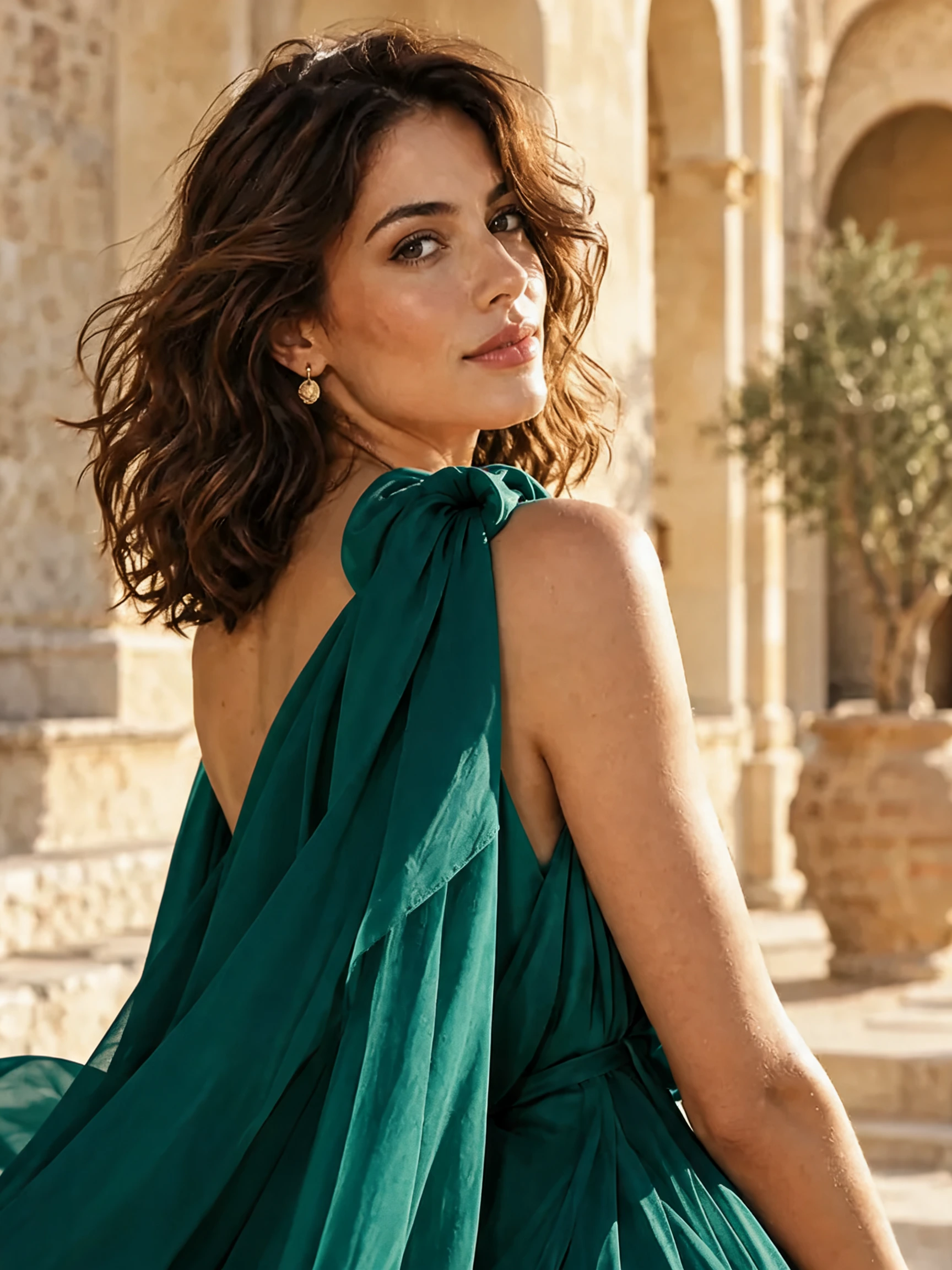
Try green silk in the same fashion photo. Look at the folds, highlights and skin tones when judging how the garment color sits in the scene.


Give the sofa a sage-green look. Compare the upholstery, surrounding objects and room lighting.
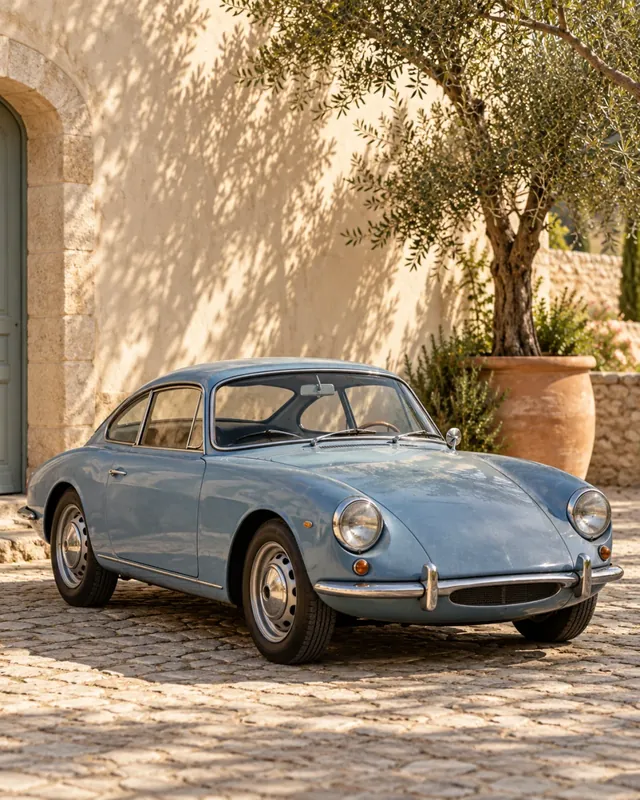
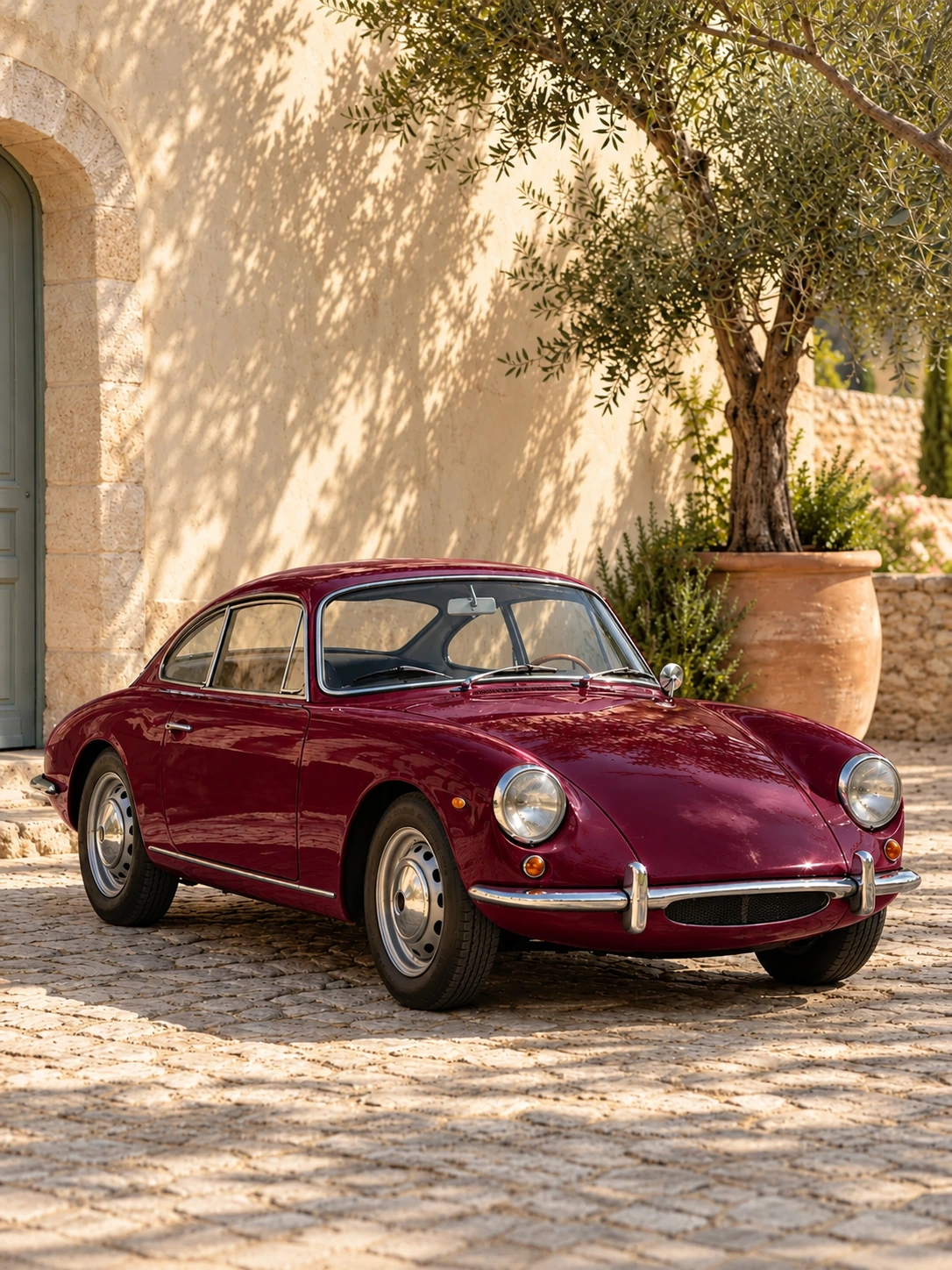
Try a burgundy paint concept on the car body. Check the lights, wheels and body lines against the original.
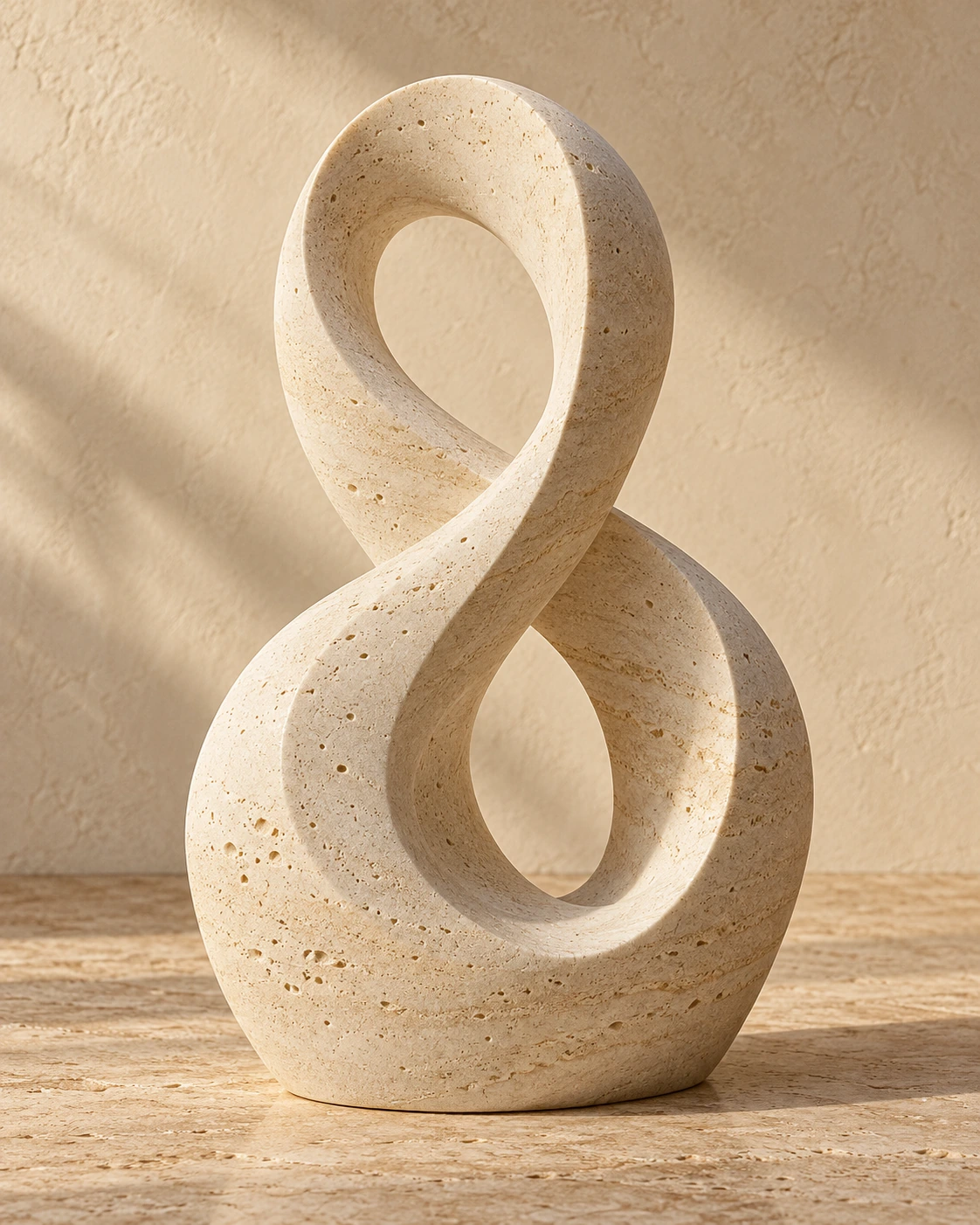
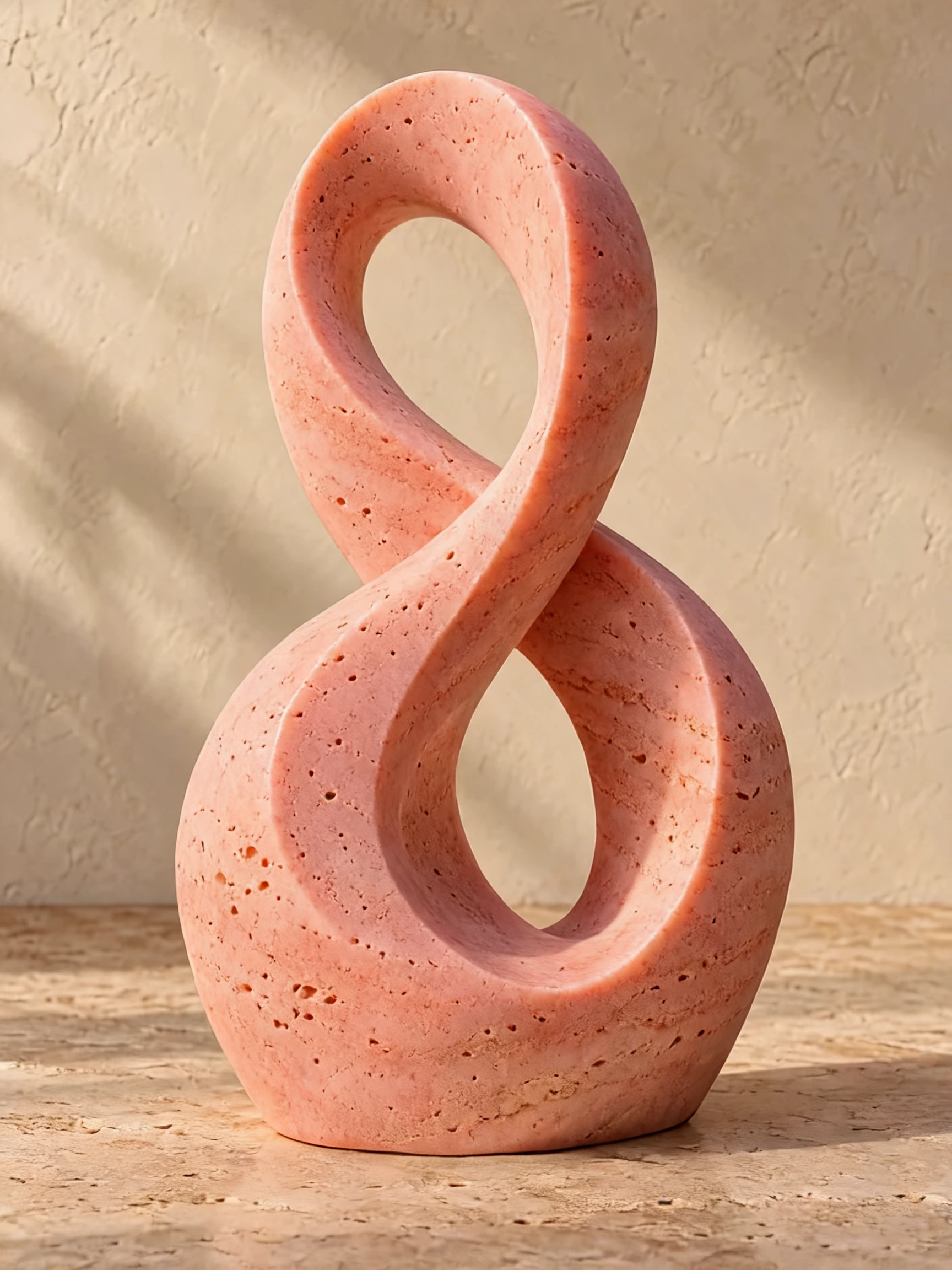
Explore a coral finish on a stone sculpture. The curved silhouette and porous surface make it easy to compare how the new shade follows the material.
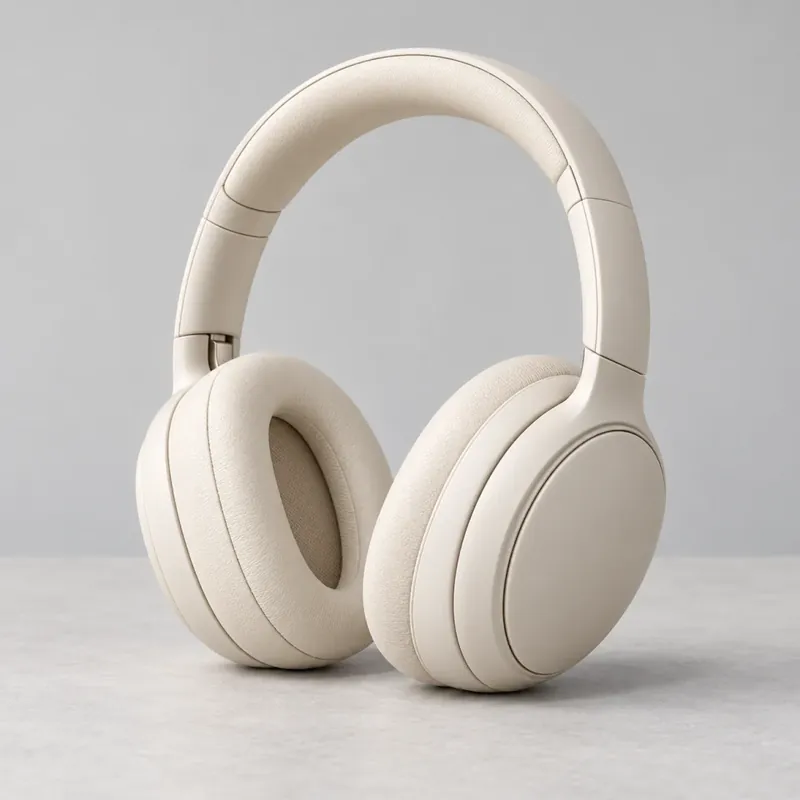
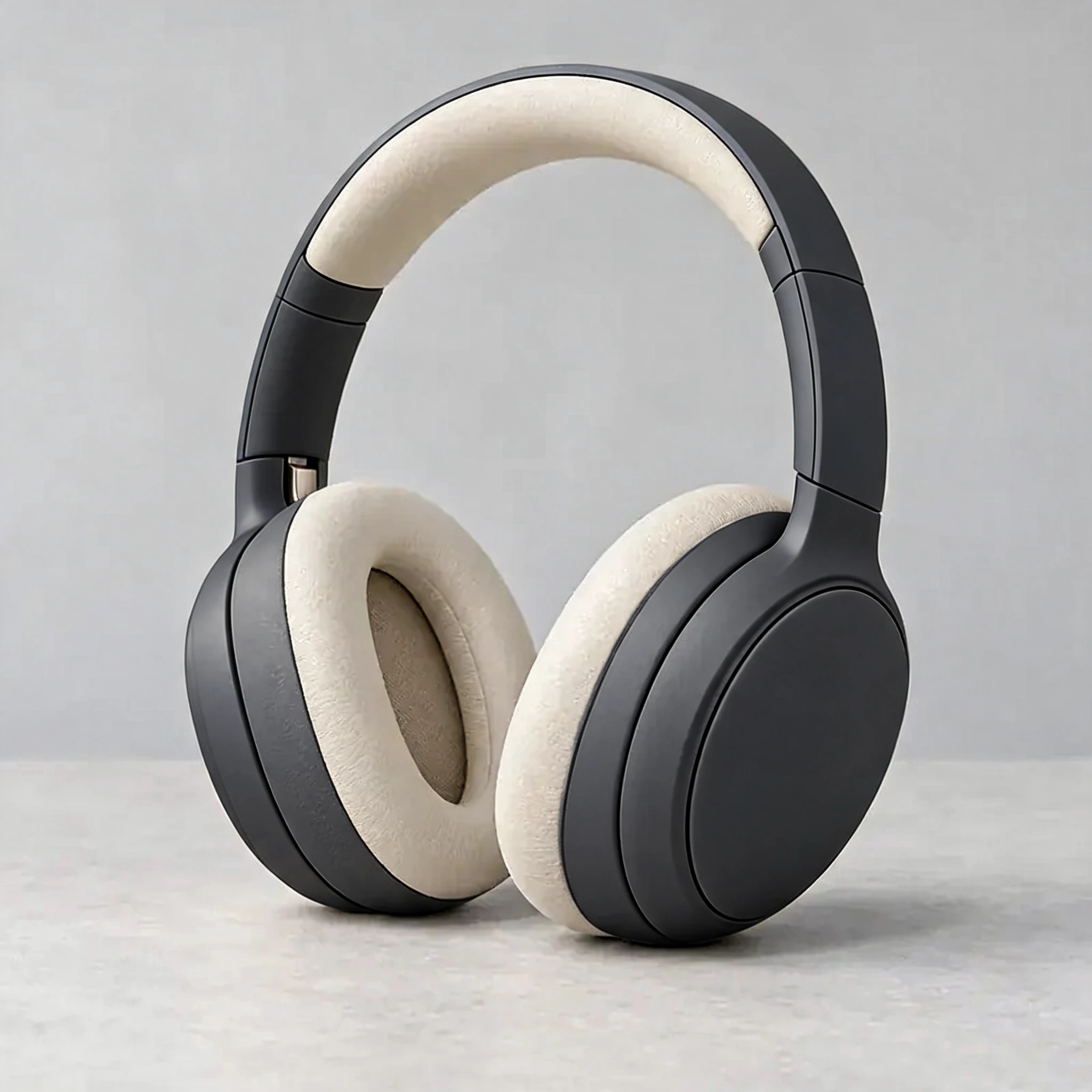
Give the headphone shell a charcoal direction. Compare the outer cups, inner padding and light reflections before choosing a product color idea.
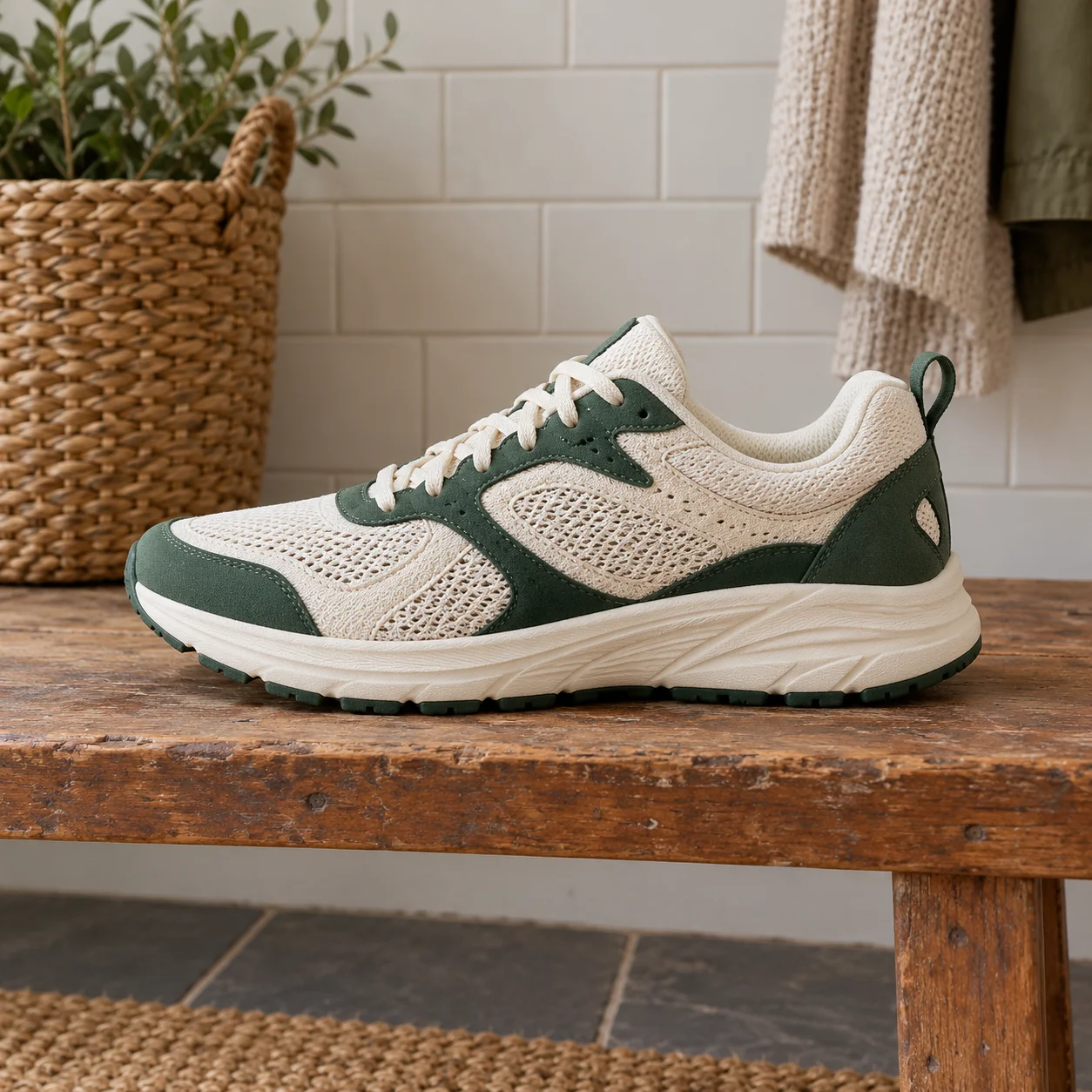
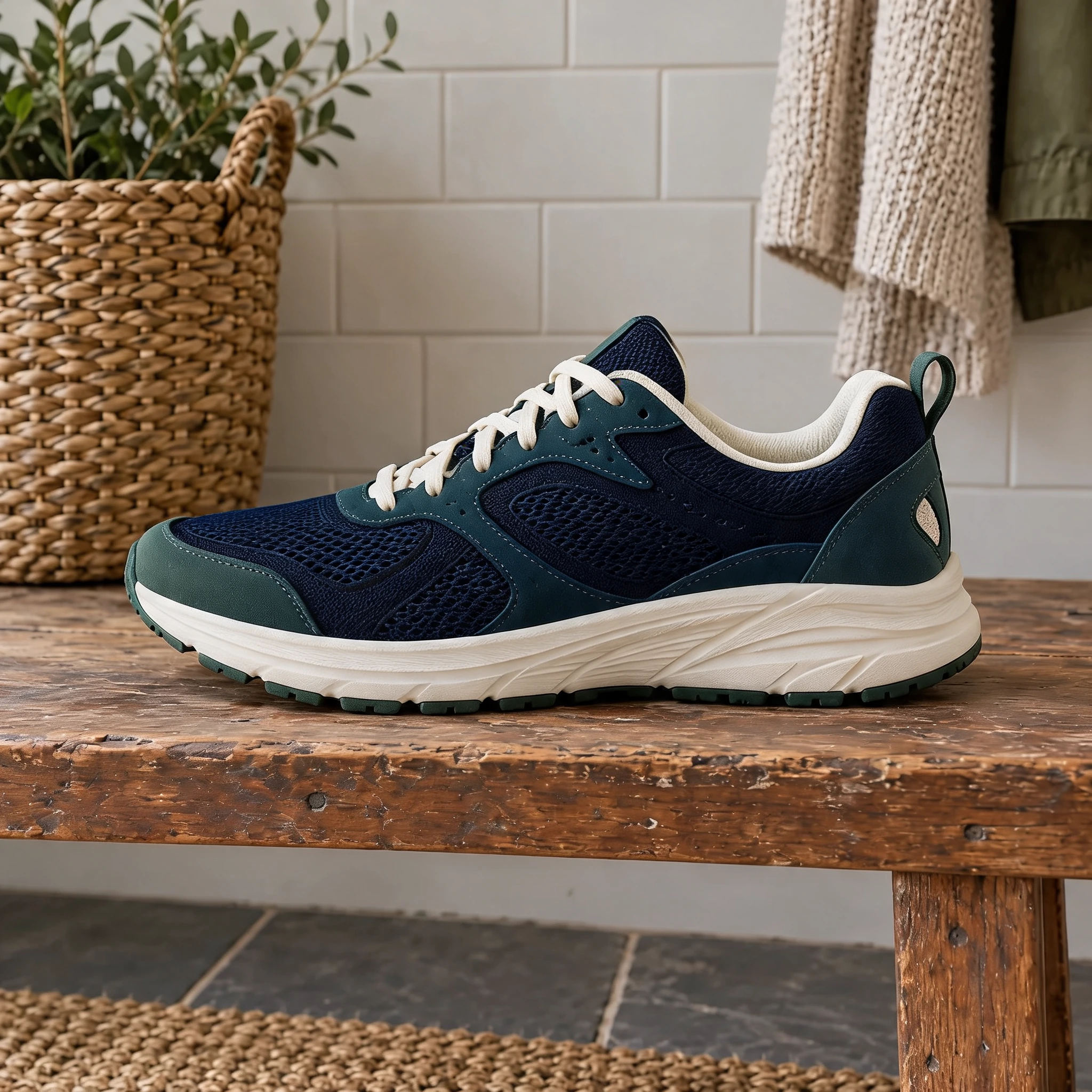
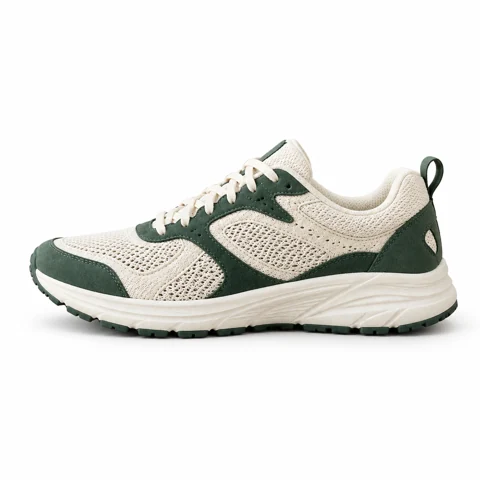
Test a navy shoe upper while asking to keep the laces and sole light. This is useful for exploring a local color change rather than redesigning the whole shoe.
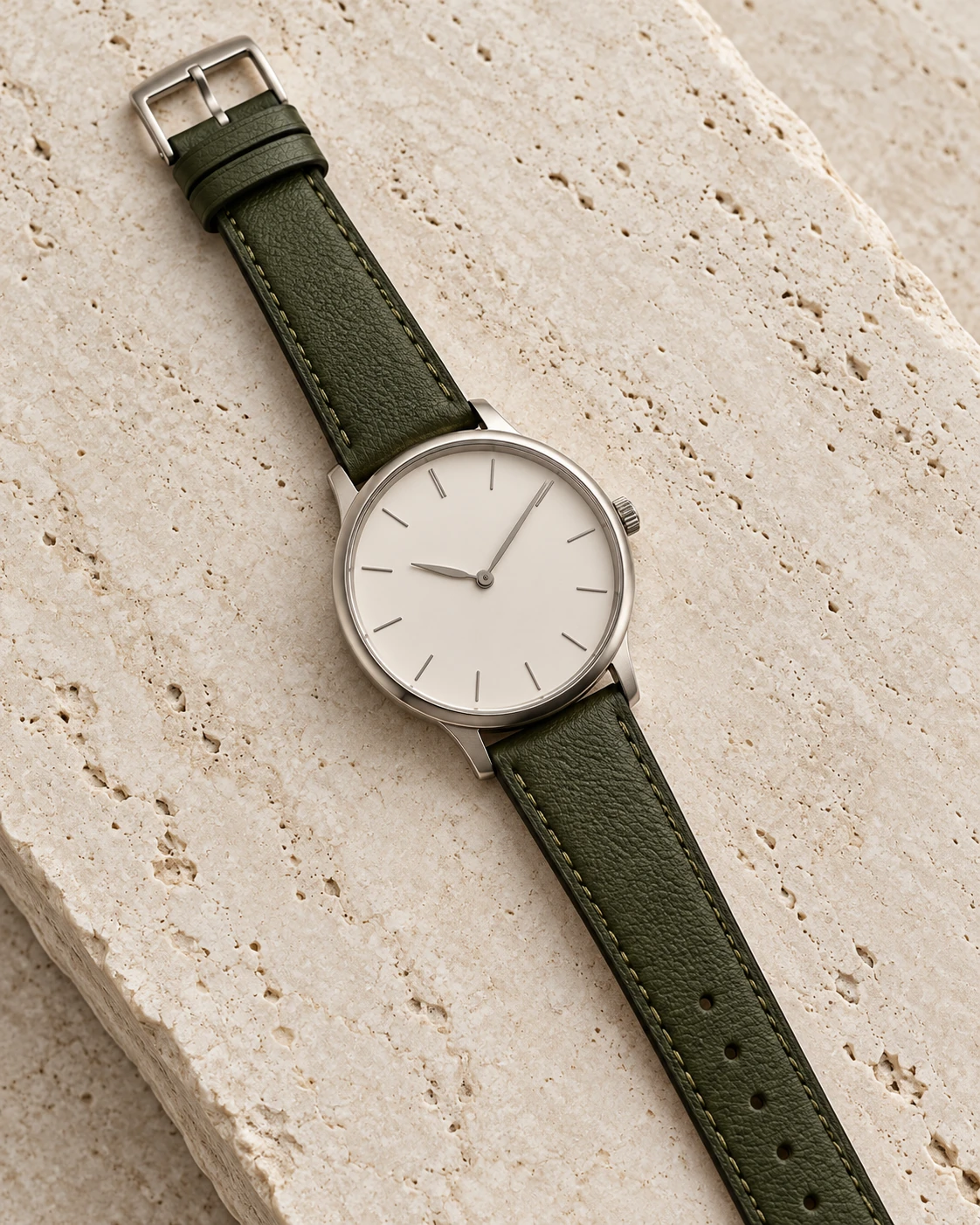
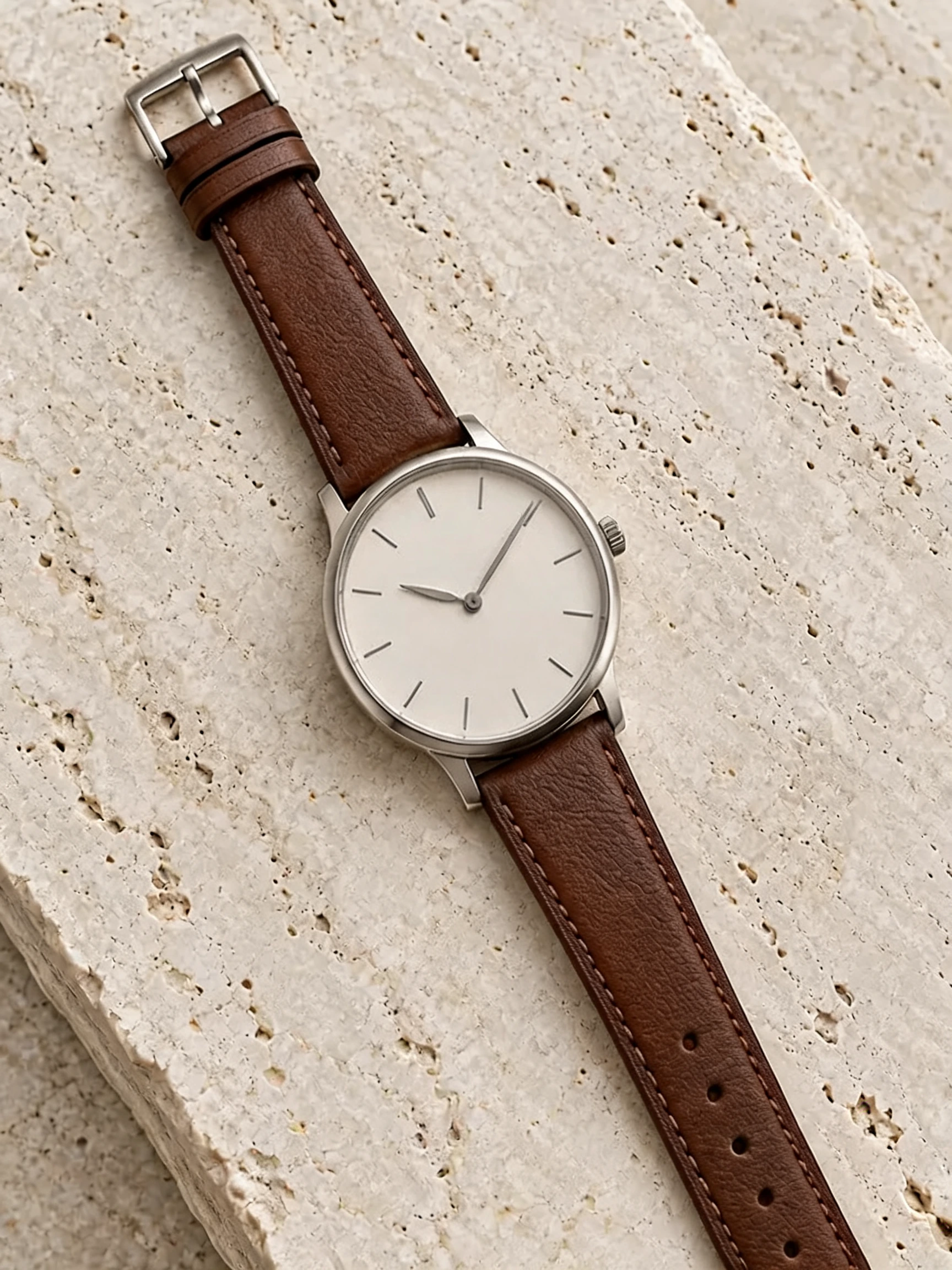
Explore a brown watch strap against the original green. Check the dial and metal case alongside the edited leather before using the concept.
Describe the object clearly, such as “the dress” or “the car body.” Pick a color preset or use the color picker. The request asks AI to keep the object’s shape, lighting and surrounding scene while changing its color.
Try color directions for clothing, shoes, headphones, cars or furniture before making a design decision. Compare the actual examples above, then check the edited texture and nearby details in your own result.
Choose a clear JPG, PNG or WebP image.
Change the color of an object in your photo. Choose a color and describe what to recolor.
Review the result, compare it with your photo, and download it.
This tool uses a written object description. It does not currently provide a brush or mask. Name the object and its location if the photo contains similar items.
You can choose a custom color, but AI interprets it under the photo’s lighting. Treat the result as a visual color concept, not an exact colorimetric replacement.
The examples use our AI-created source images and actual edits from the model named on each example. They are demonstrations, not customer photos. Results depend on the input.
Upload your photo, choose an option, then generate. You can add instructions under Advanced settings.
Check that only the intended object changed. AI color edits are approximate and may alter fine texture.
Verified accounts receive starter credits, subject to the daily allocation. Each generation uses the credits shown on the button.
AI edits may change fine details. Review faces, text, product details, and geometry before using the result.
Your files are private. When you generate, the reference is uploaded for processing. Reference files are kept for 7 days and generated files for 30 days. Download any results you want to keep. See the privacy policy for processing details.
Requests and images undergo safety checks. Credits used for a confirmed failed or undeliverable task are returned. Check My creations for its status.
Change the color of an object in your photo. Choose a color and describe what to recolor.