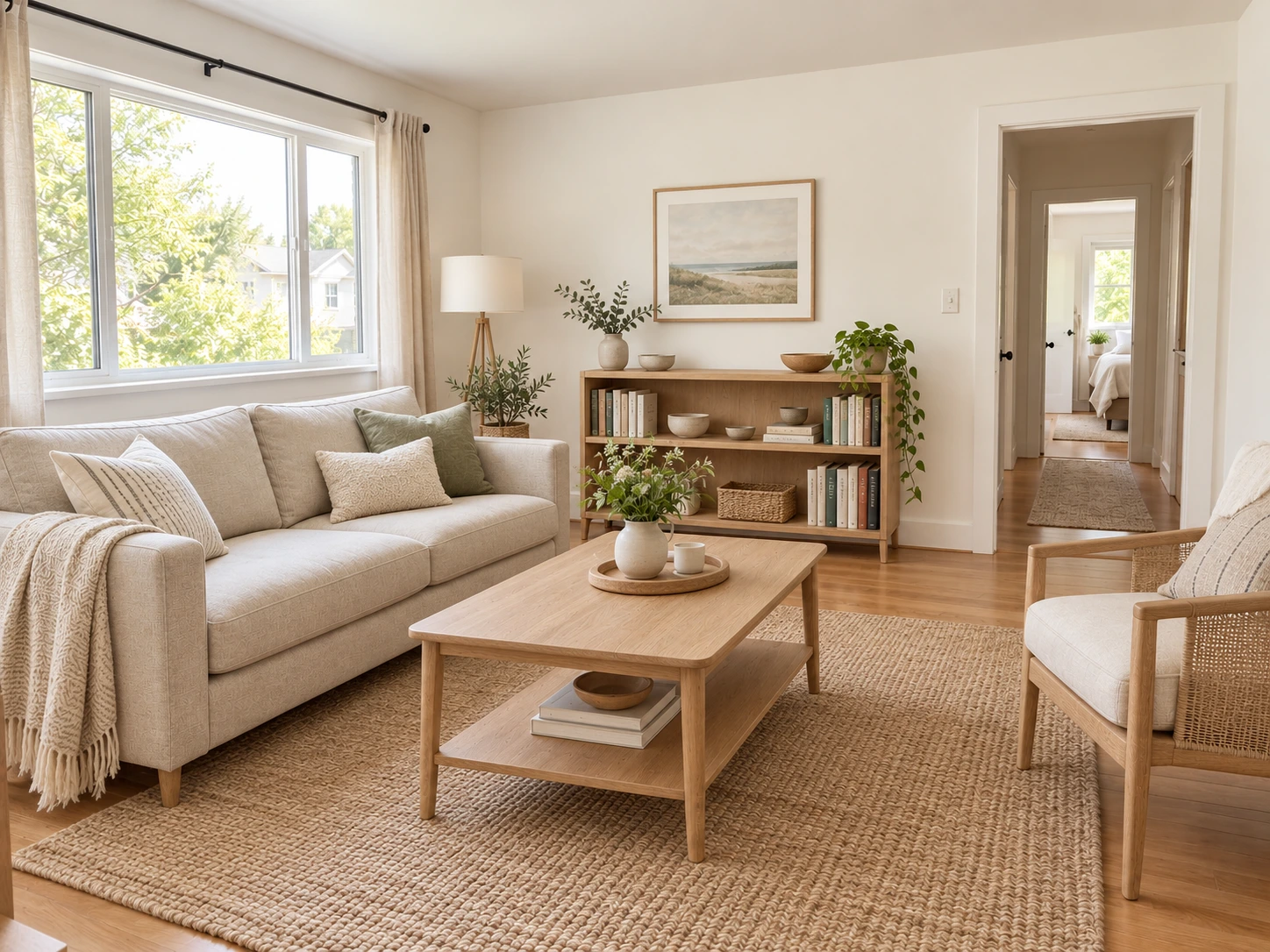
A lighter direction for a small living room
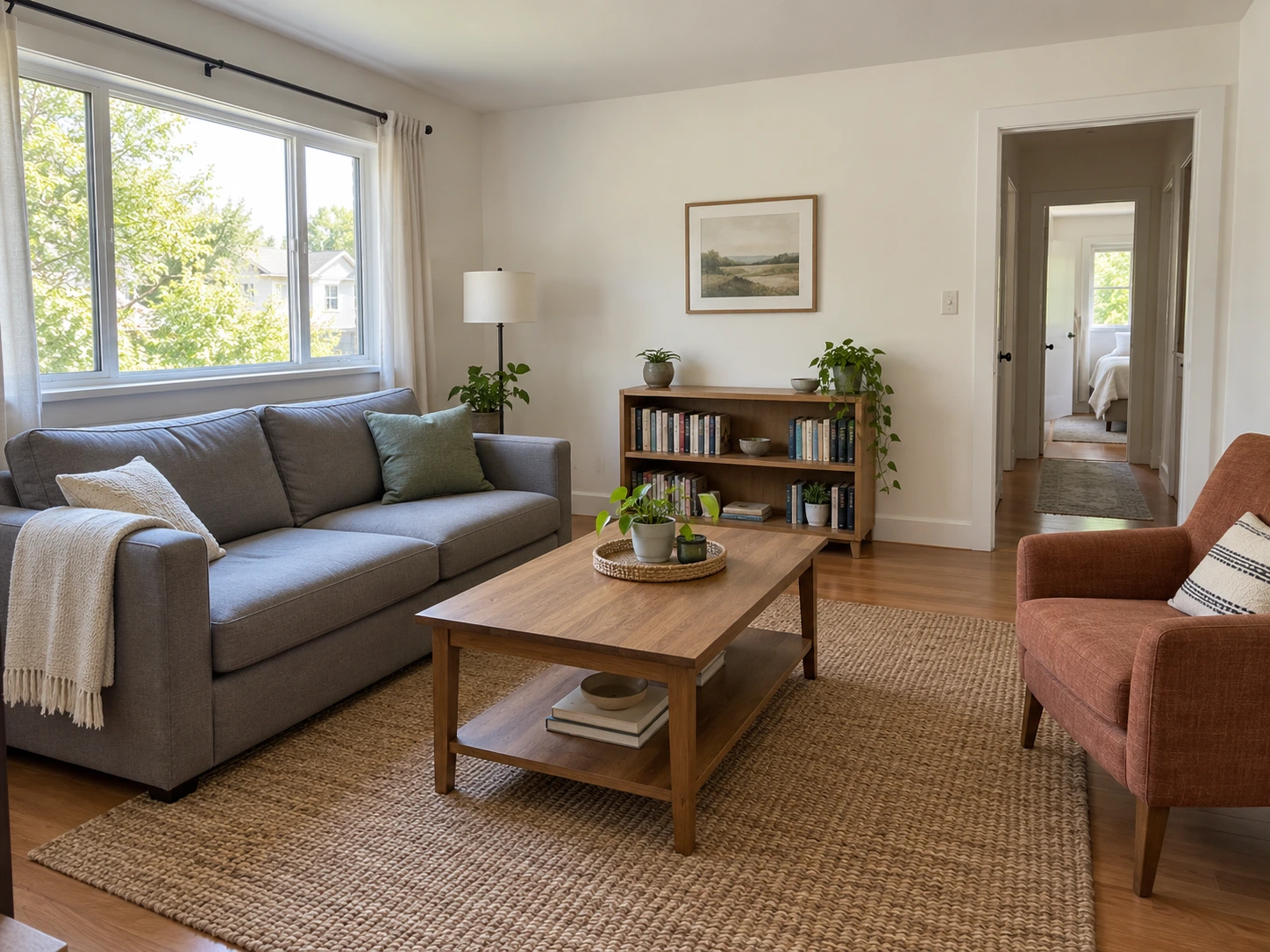
Give a compact living room a Scandinavian direction. Compare the lighter sofa, textiles and table with the original seating arrangement.
 PicUnfold
AI room redesign
Explore new furniture, finishes and atmosphere from one room photo. Compare a design direction before planning changes.
Compare original photos with actual model results. Try a sample or use its settings on your photo.
Photo editing toolsGive a compact living room a Scandinavian direction. Compare the lighter sofa, textiles and table with the original seating arrangement.
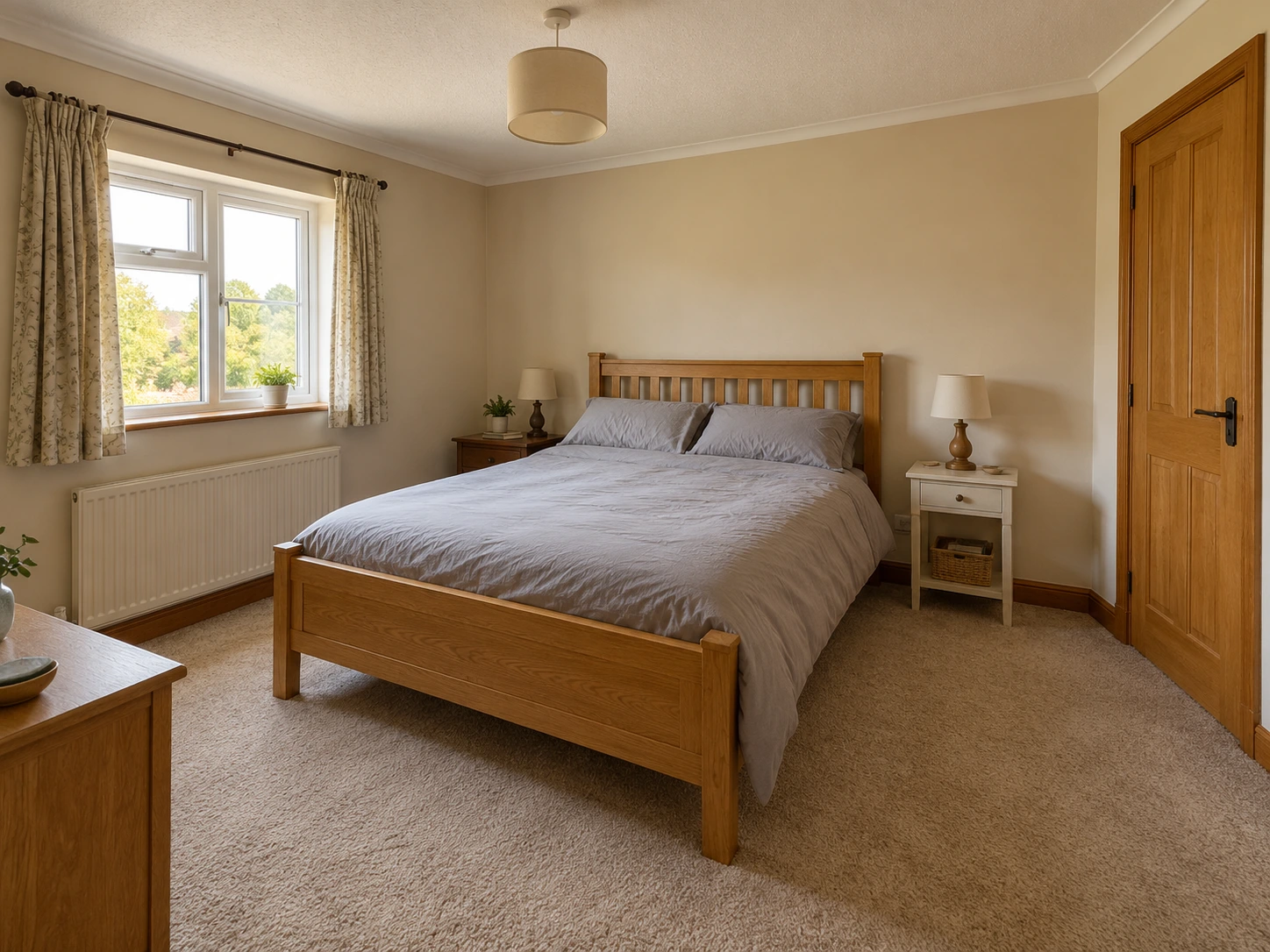
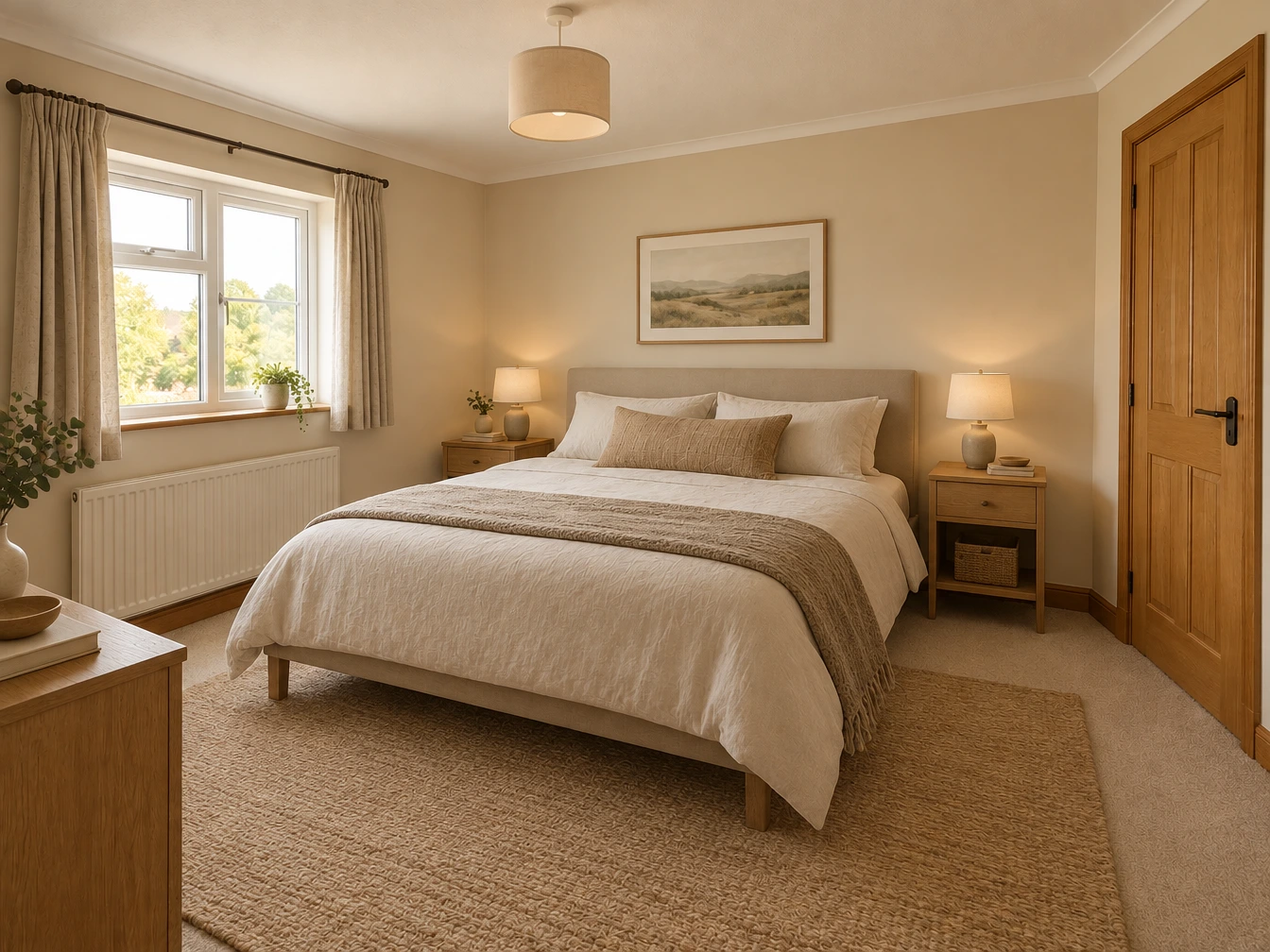
Try a warm minimalist direction. Compare the bed placement, window, doorway and palette.
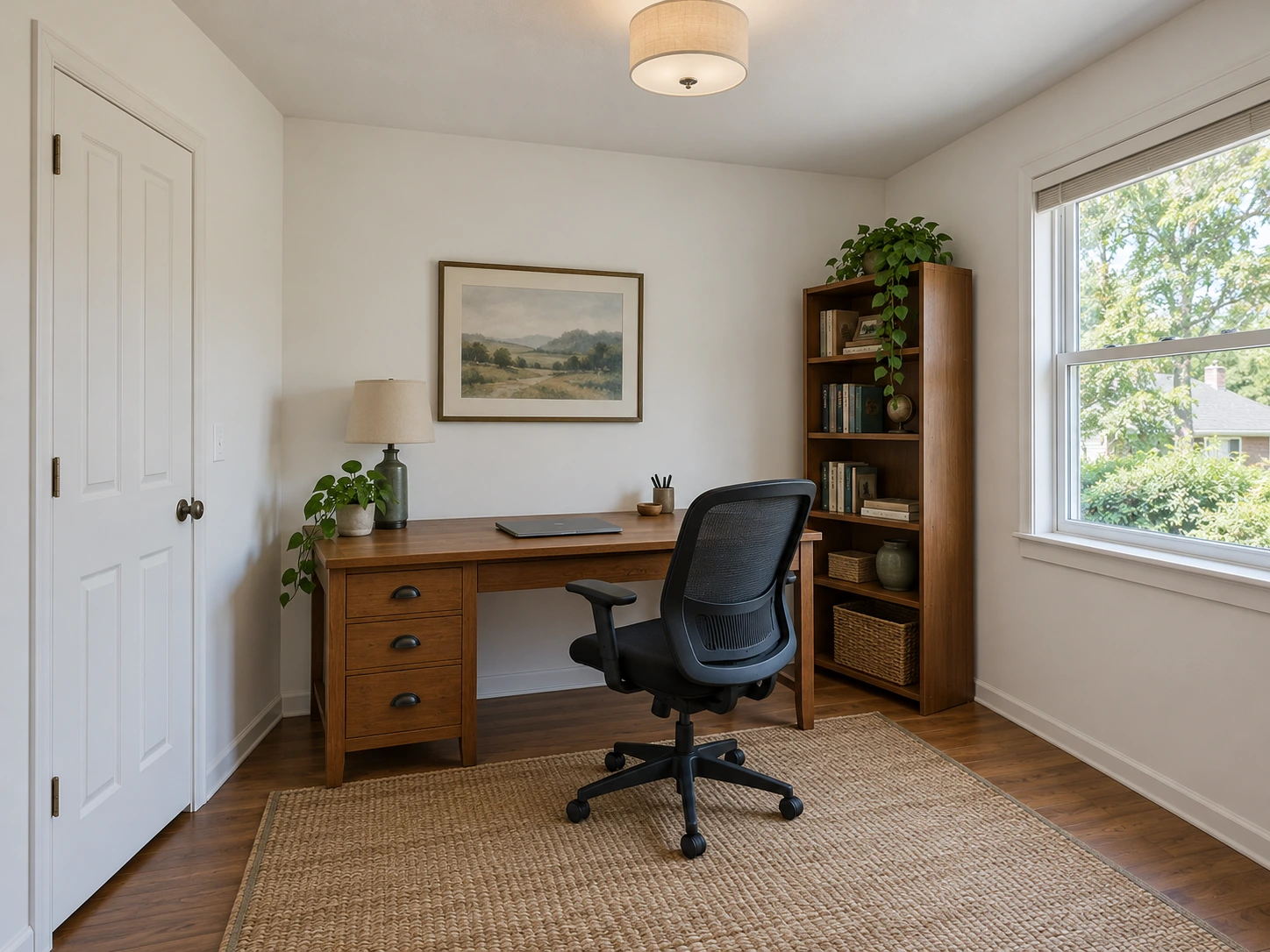
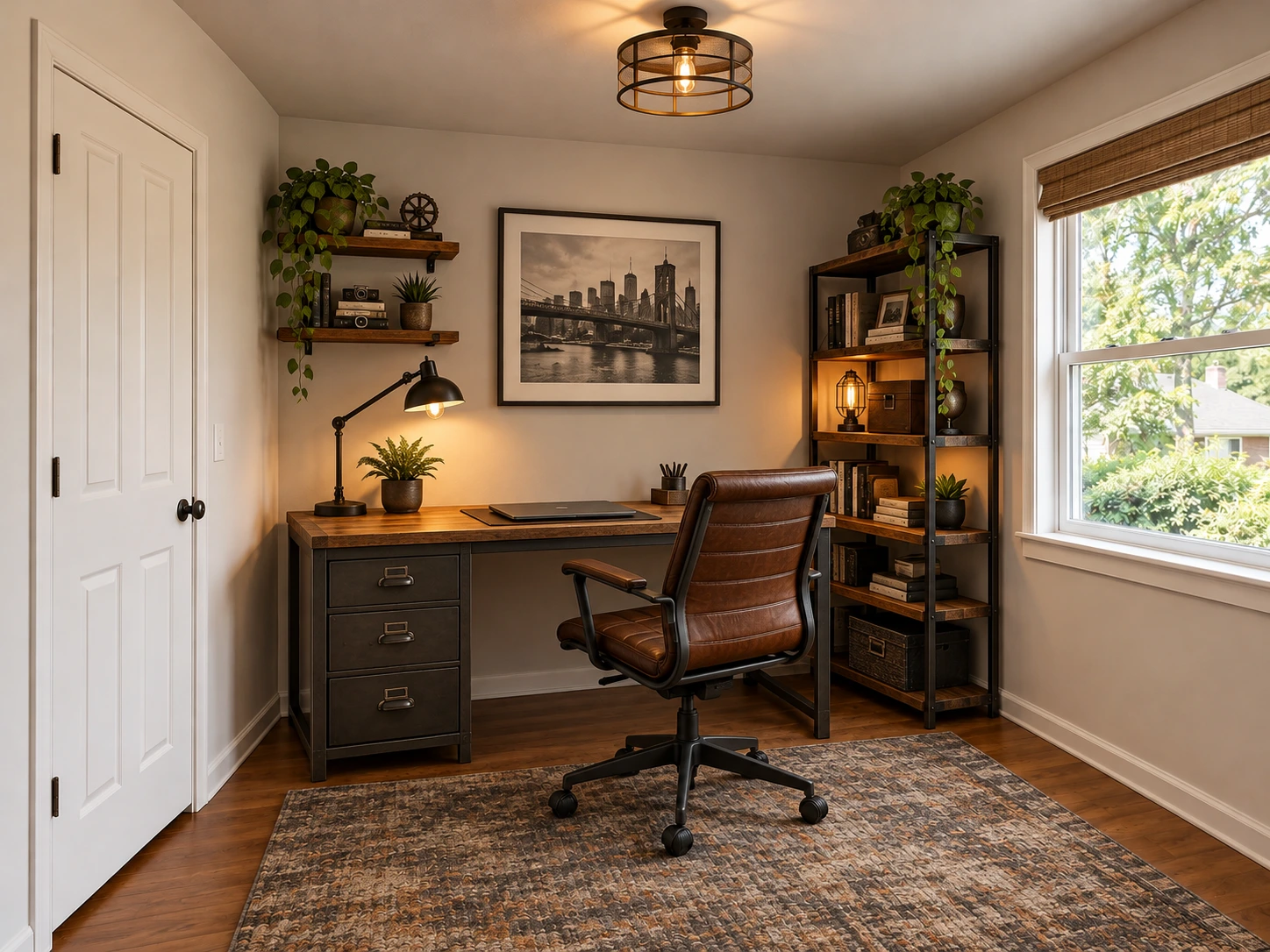
Explore an industrial direction for a home office. Compare the desk, shelving and lighting with the original work corner and window placement.
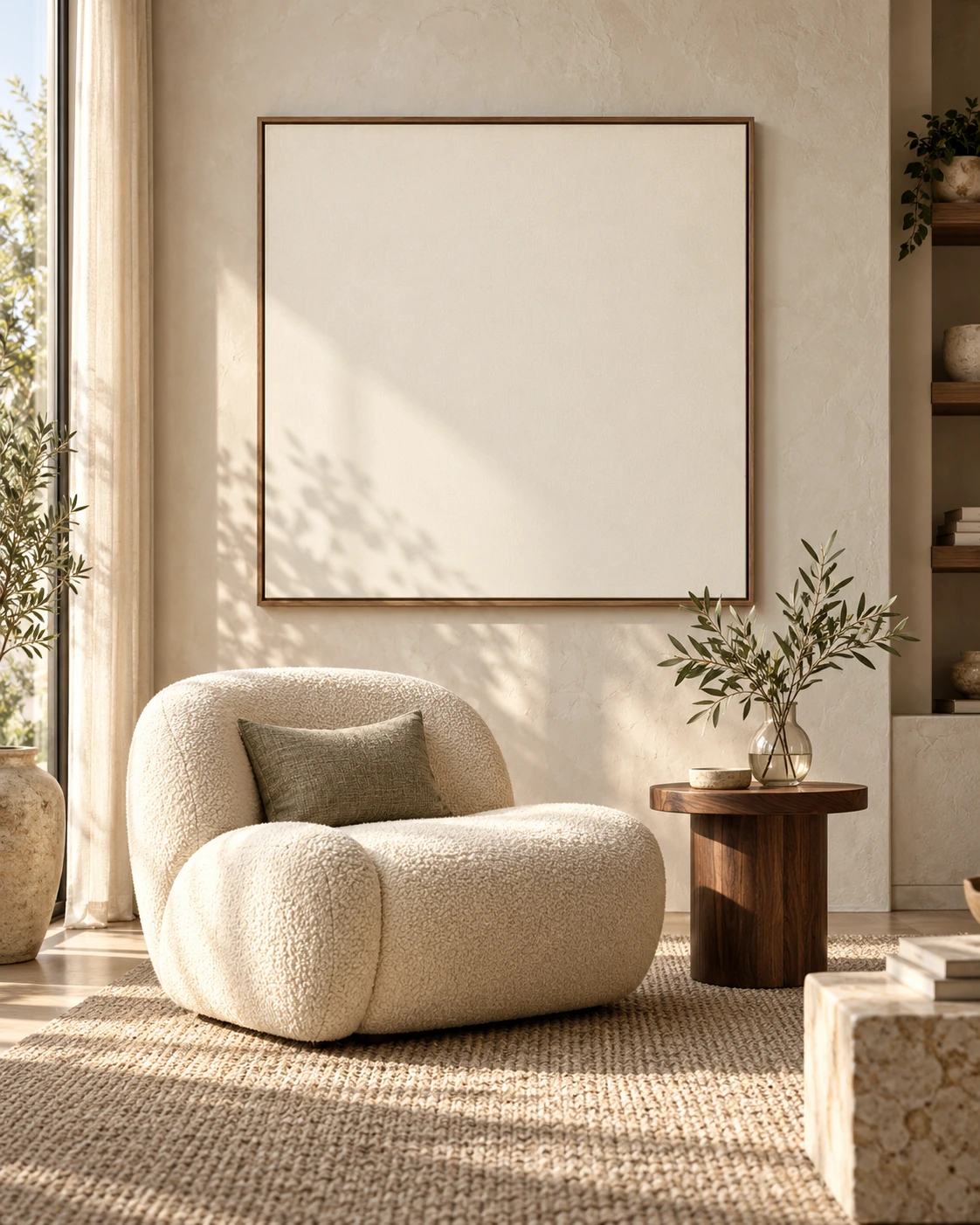
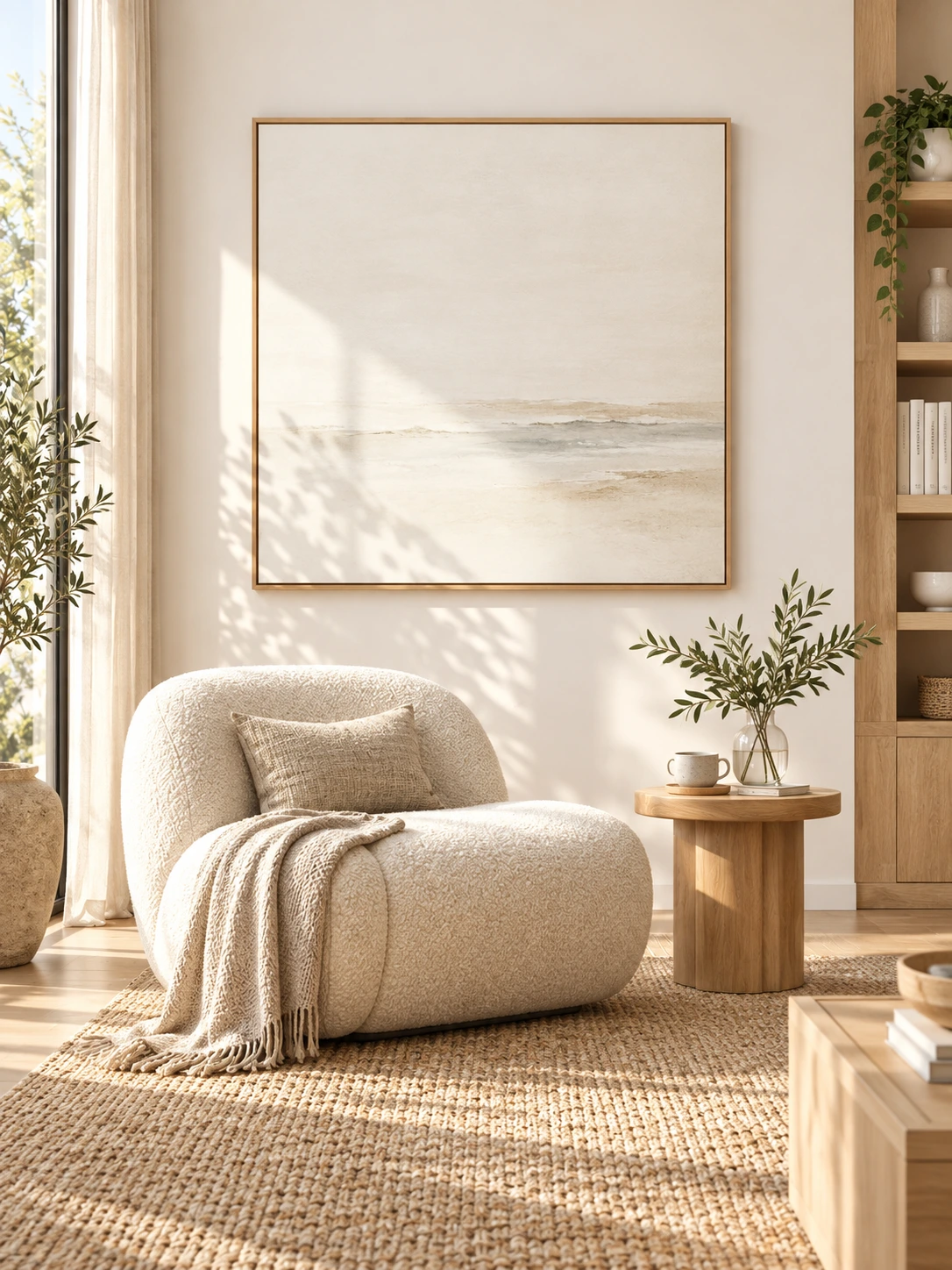
Explore light wood and natural textiles. Compare the original room layout and the redesigned furnishing.
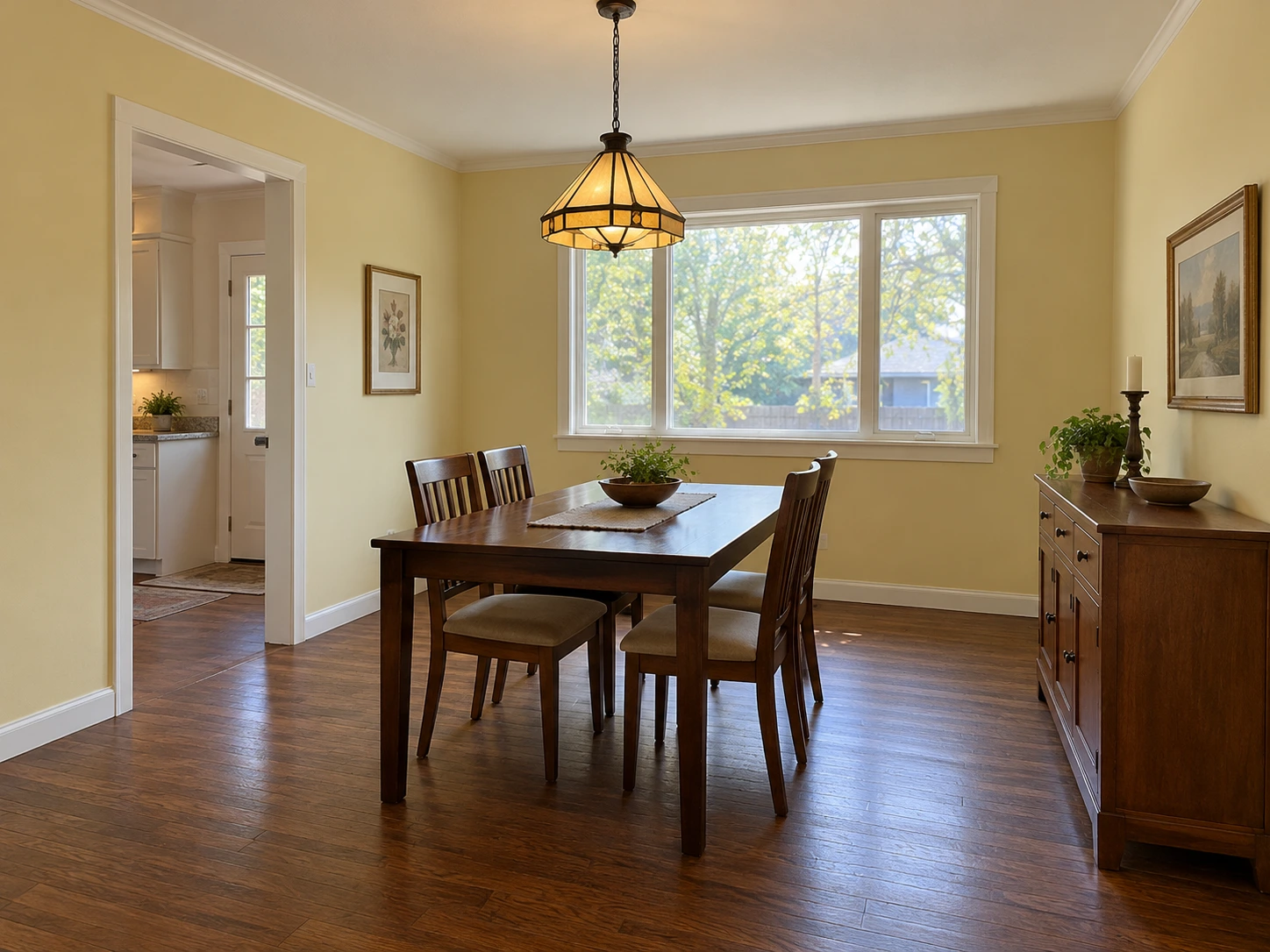
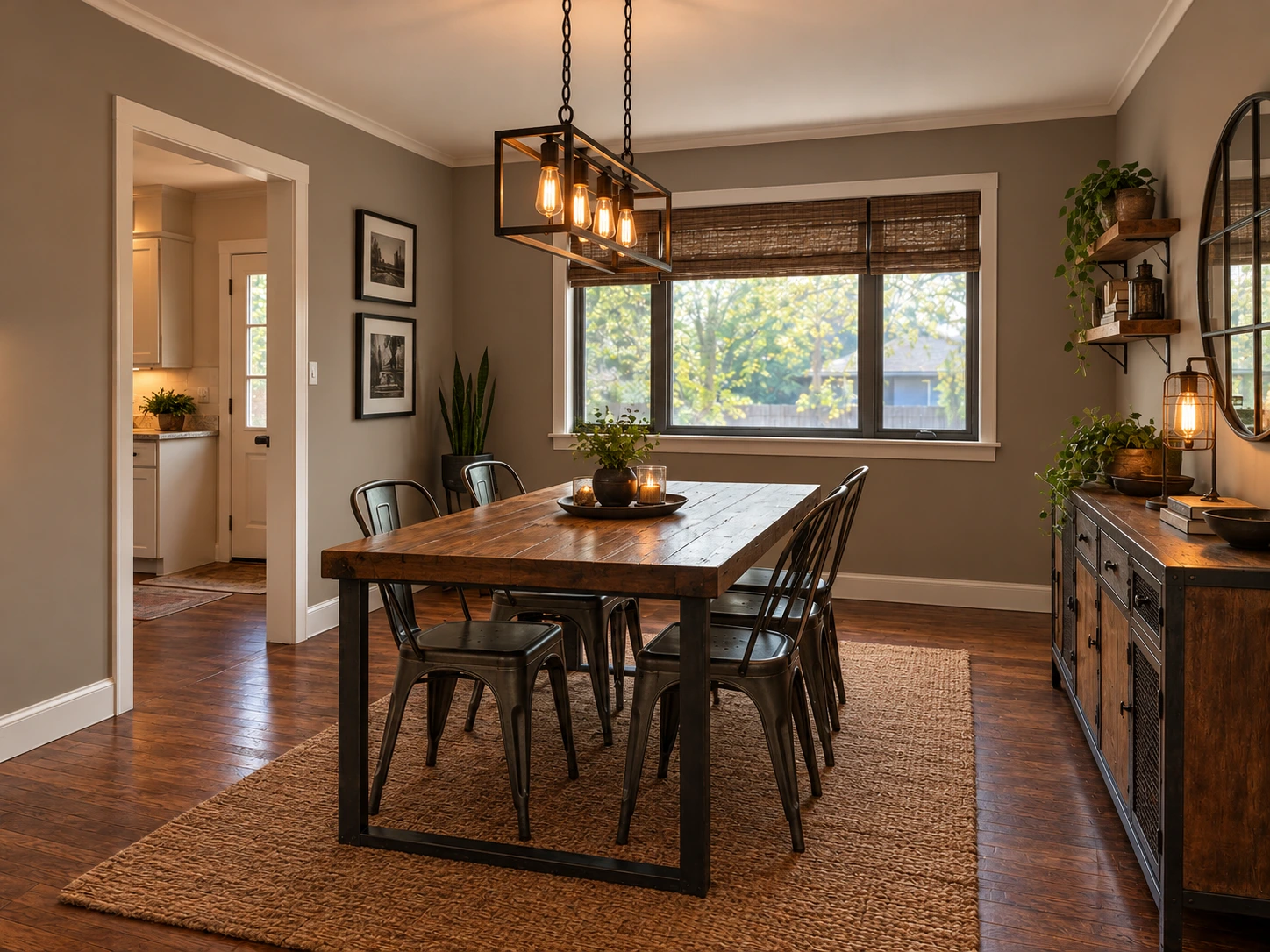
Explore metal accents and warm lighting in a dining room. Check the walls, window and doorway against the original.
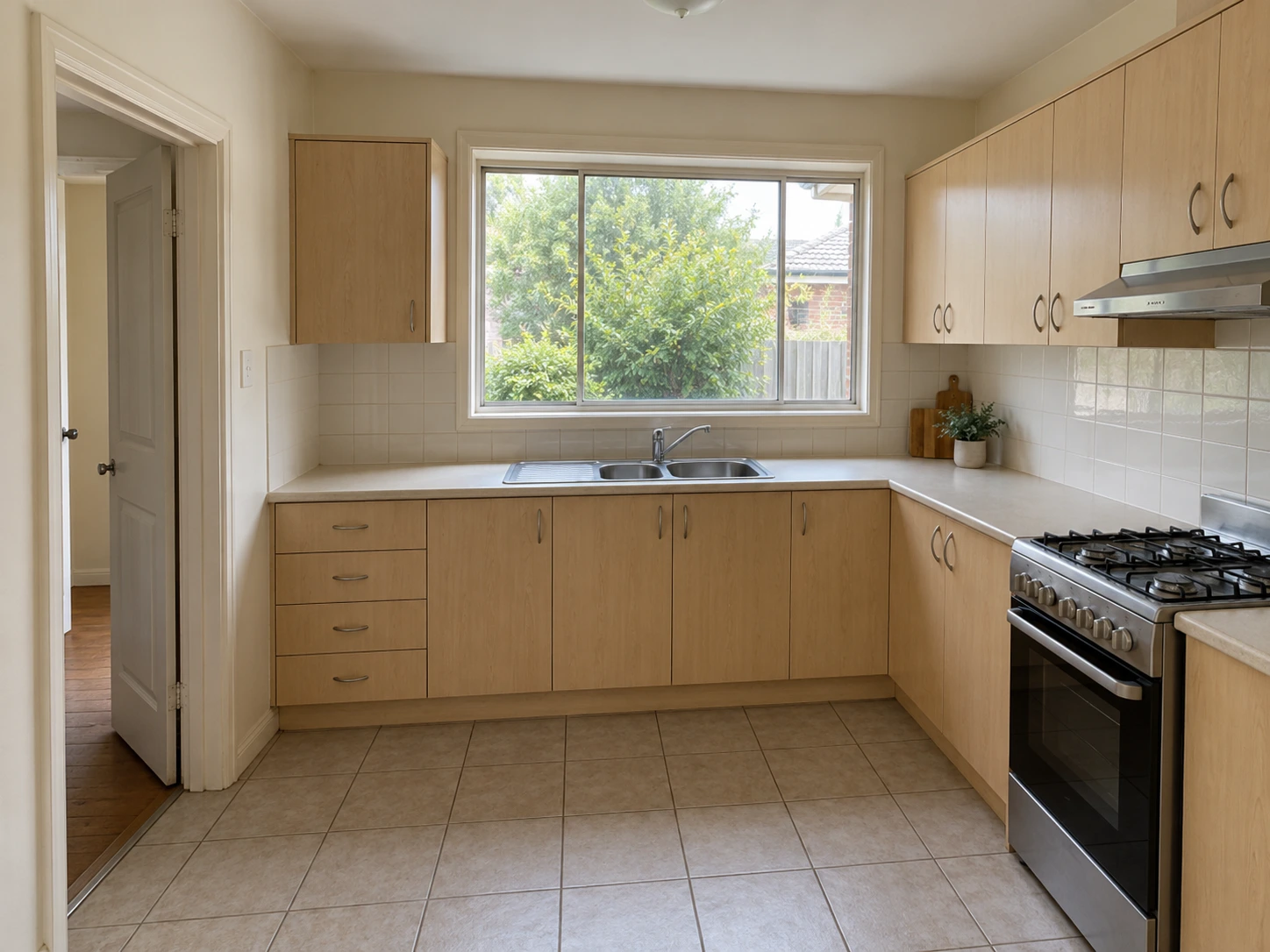
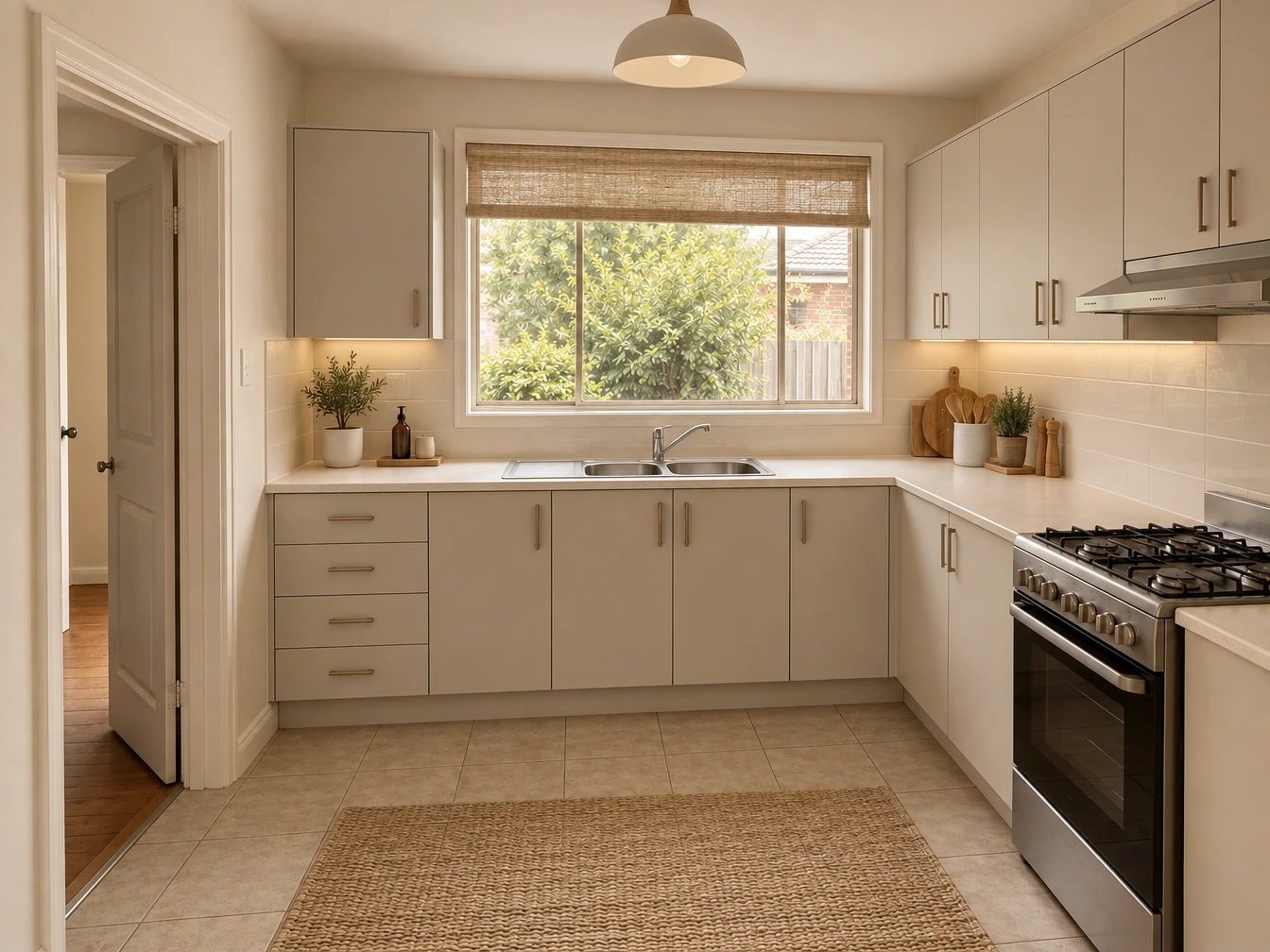
Try a warmer, lighter kitchen palette. Check the cabinets, sink, window and doorway as finishes and accessories change.
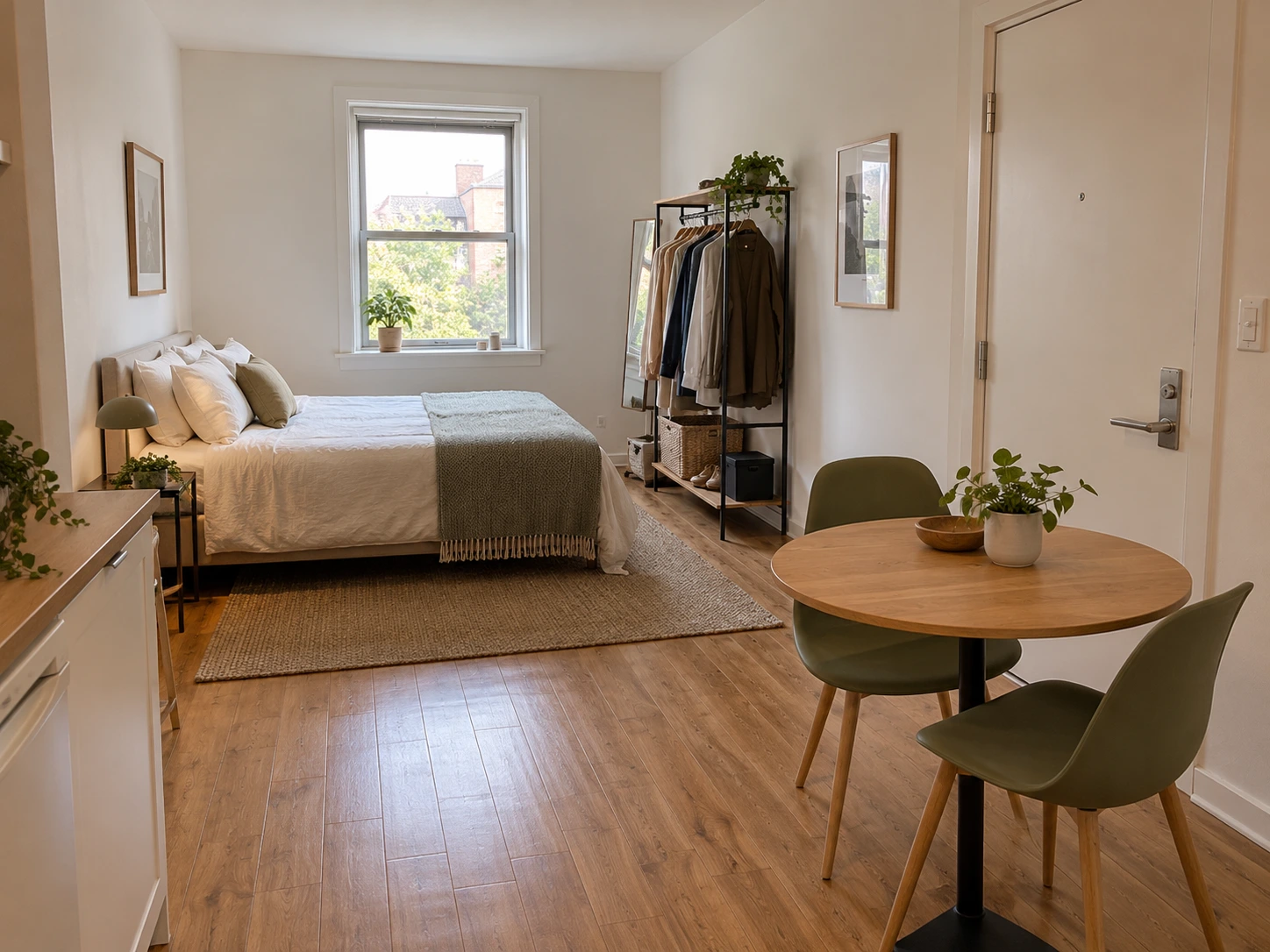
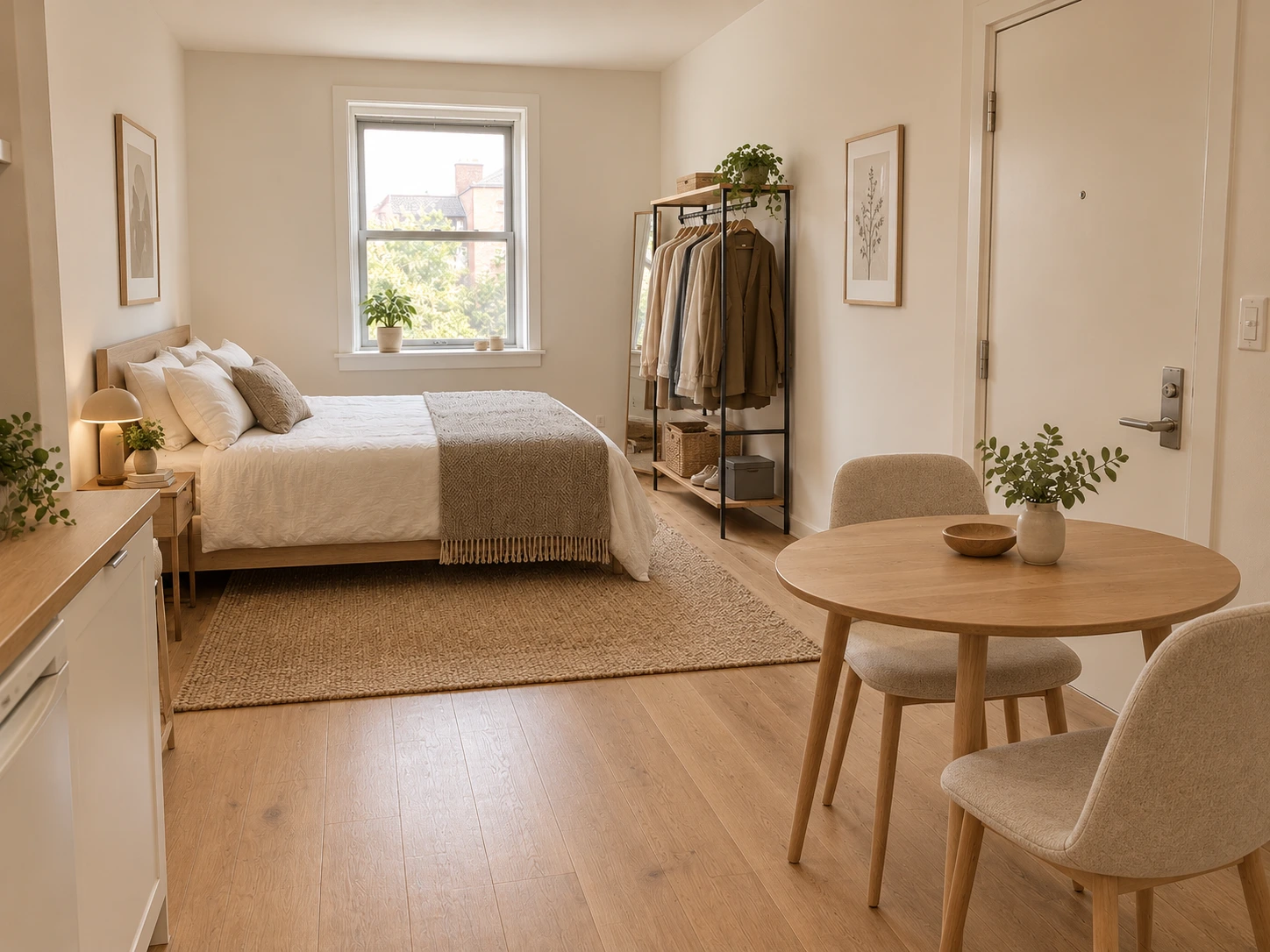
Explore a quieter layout and palette for a studio apartment. Compare the sleeping and dining areas in the same compact space.
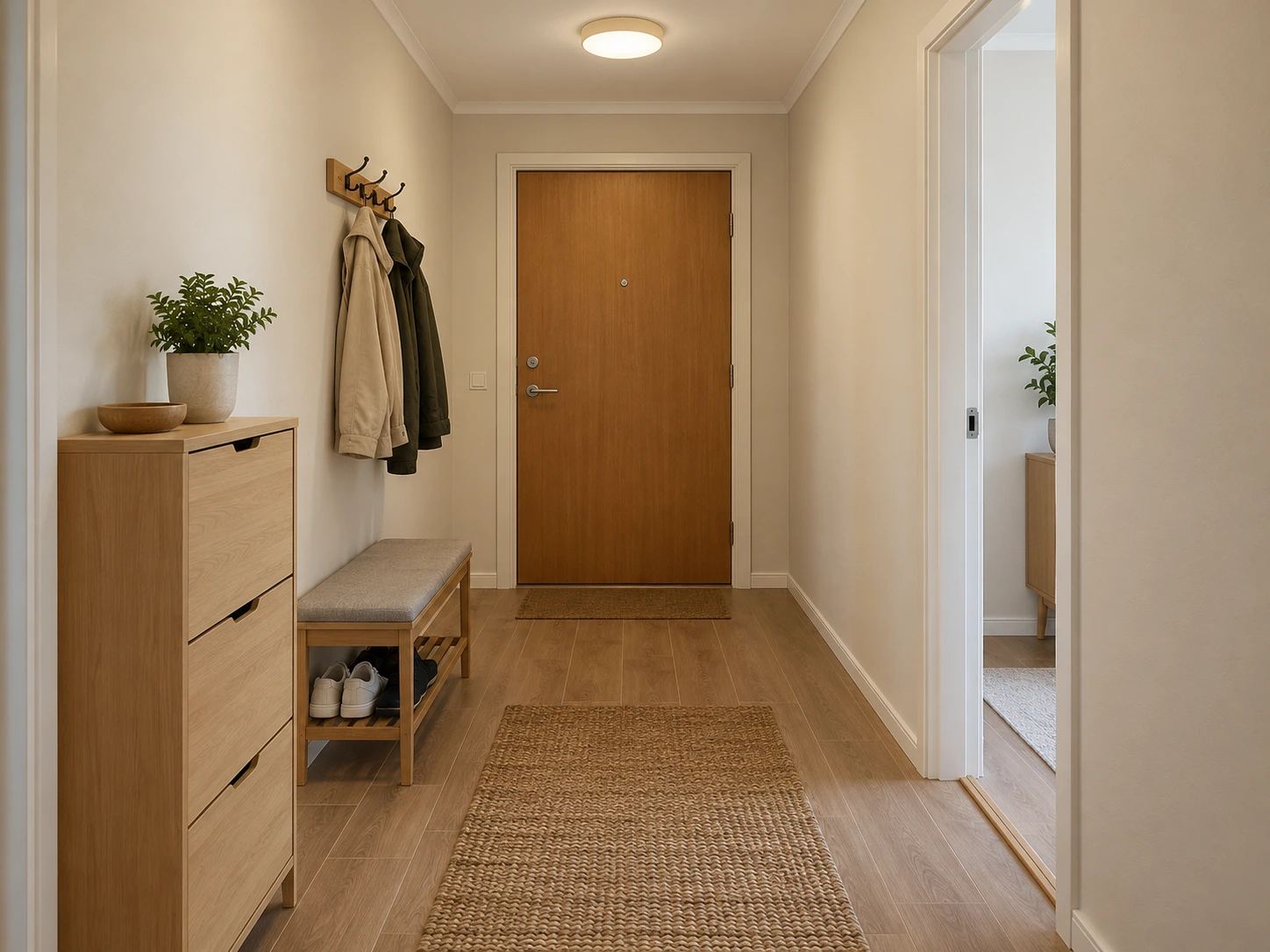
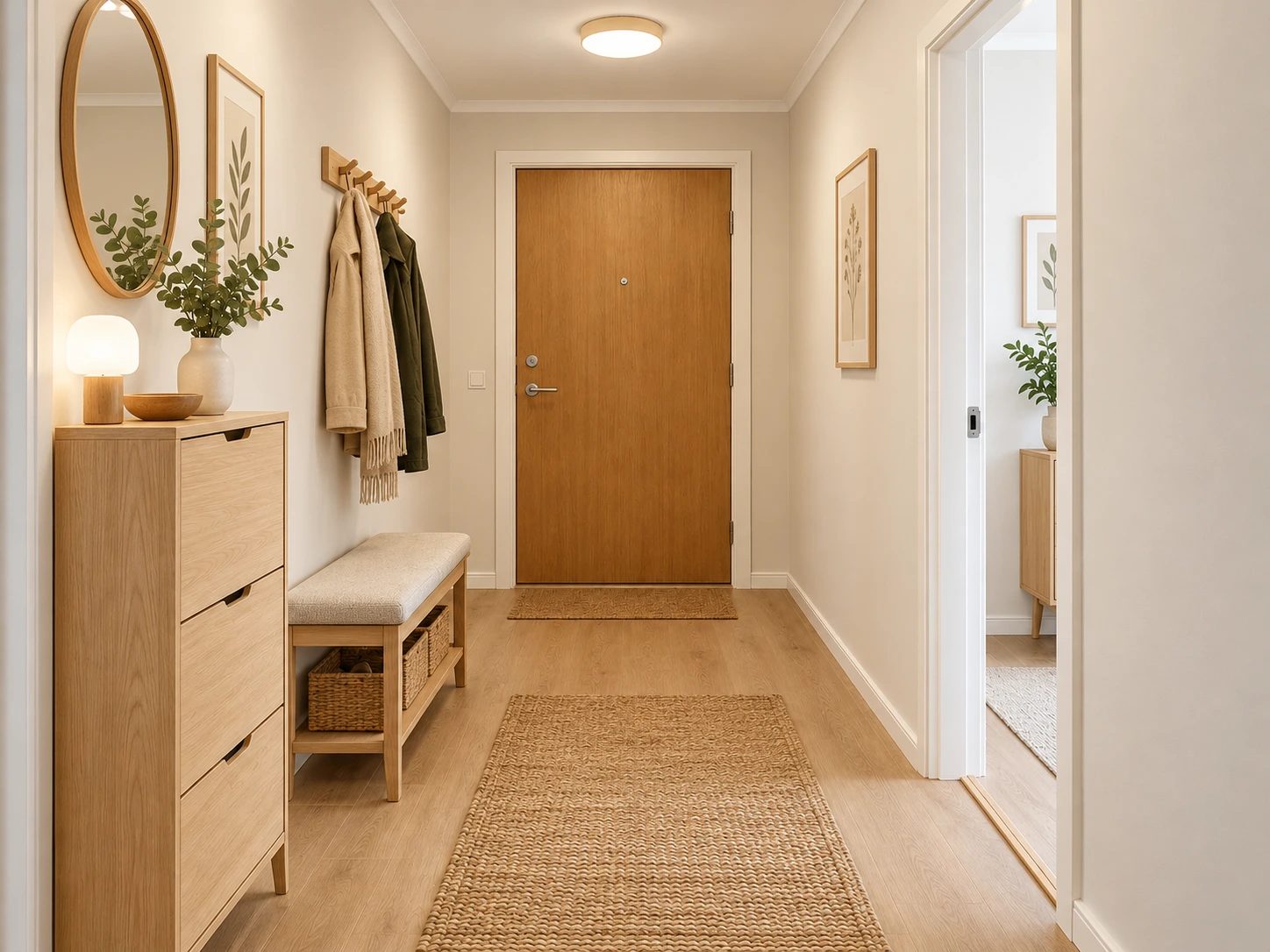
Try a lighter entrance with updated storage and a bench. Check the door, walking space and wall arrangement before planning a real change.
Upload a photo that shows the main furniture and architectural openings. The request asks AI to retain the room geometry, camera view, doors and windows while exploring another furnishing and decor style.
Use Scandinavian, warm minimalist or industrial presets to explore materials, lighting and furniture arrangements. The output is an interior concept: compare the original layout and verify dimensions before acting on it.
Choose a clear JPG, PNG or WebP image.
Explore a new look for your room from one photo and a style choice.
Review the result, compare it with your photo, and download it.
Use a well-lit corner view with the floor, main furniture, windows and doorways visible. Avoid severe lens distortion and heavily obstructed rooms.
No. This tool generates a visual redesign concept. It does not measure the room, calculate a renovation budget or identify exact products to buy.
The examples use our AI-created source images and actual edits from the model named on each example. They are demonstrations, not customer photos. Results depend on the input.
Upload your photo, choose an option, then generate. You can add instructions under Advanced settings.
Treat the result as a visual concept. Verify walls, windows, doors, and dimensions before planning changes.
Verified accounts receive starter credits, subject to the daily allocation. Each generation uses the credits shown on the button.
AI edits may change fine details. Review faces, text, product details, and geometry before using the result.
Your files are private. When you generate, the reference is uploaded for processing. Reference files are kept for 7 days and generated files for 30 days. Download any results you want to keep. See the privacy policy for processing details.
Requests and images undergo safety checks. Credits used for a confirmed failed or undeliverable task are returned. Check My creations for its status.
Explore a new look for your room from one photo and a style choice.