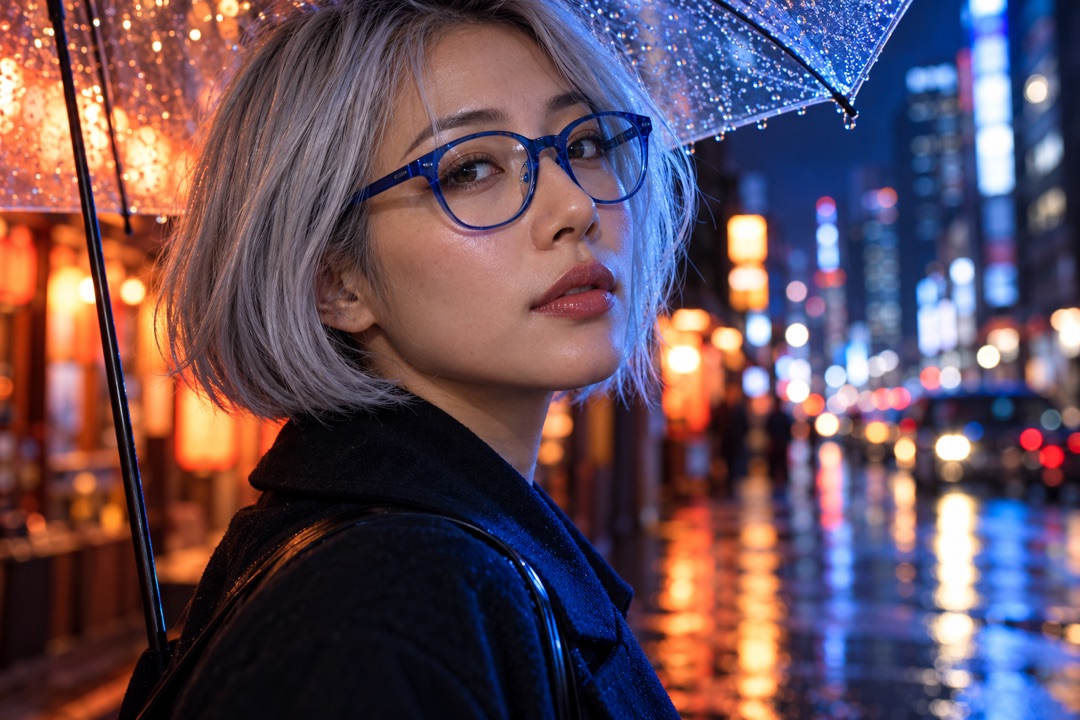
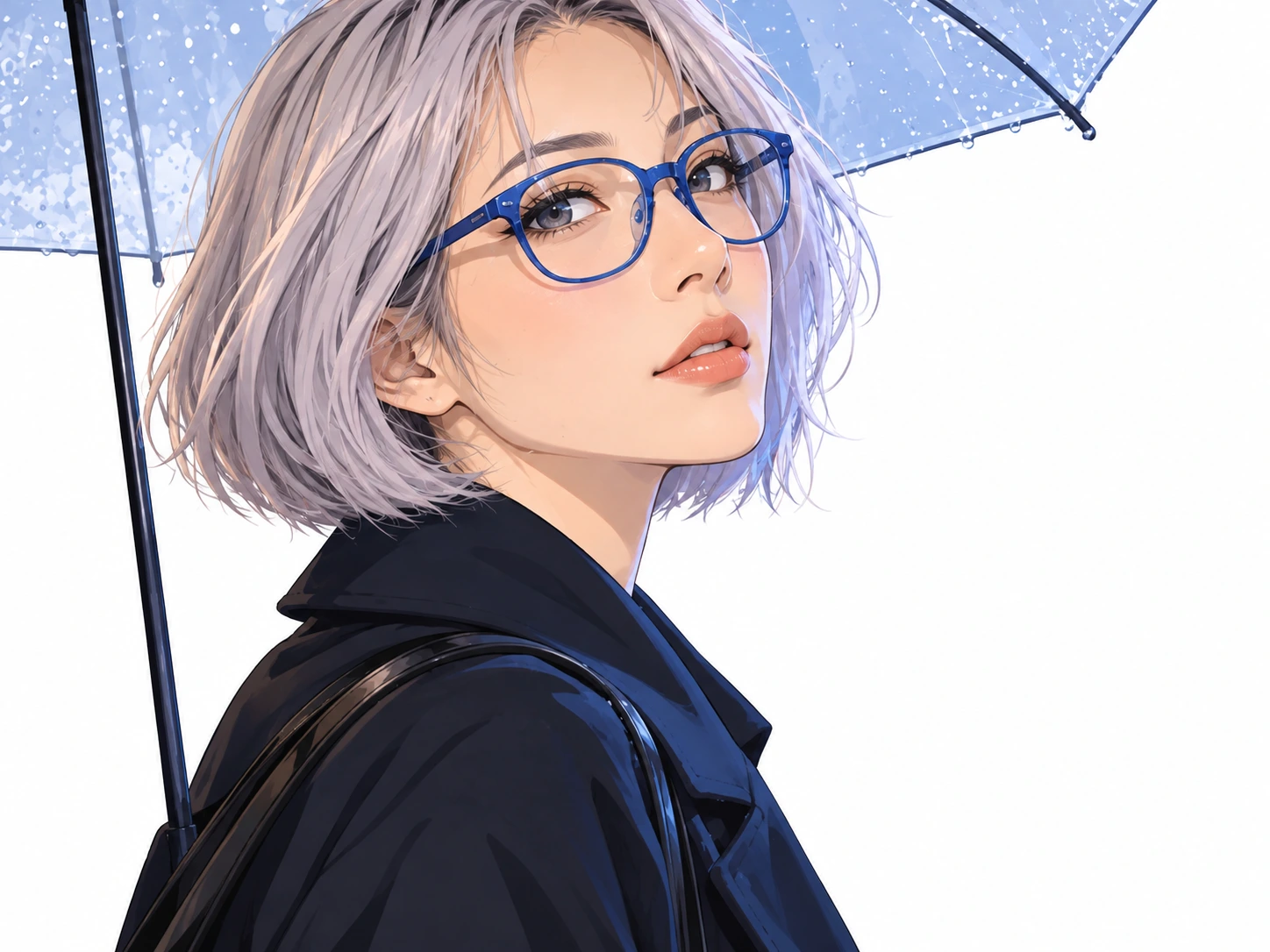
Turn a city portrait into anime
Soft anime linework and color reinterpret the portrait. Compare the glasses, hairstyle and expression.
 PicUnfold
Photo to anime
Give a portrait, pet or scene an illustrated look. Choose soft anime, manga line art or watercolor.
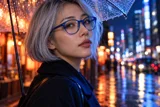
Compare original photos with actual model results. Try a sample or use its settings on your photo.
Photo editing toolsSoft anime linework and color reinterpret the portrait. Compare the glasses, hairstyle and expression.
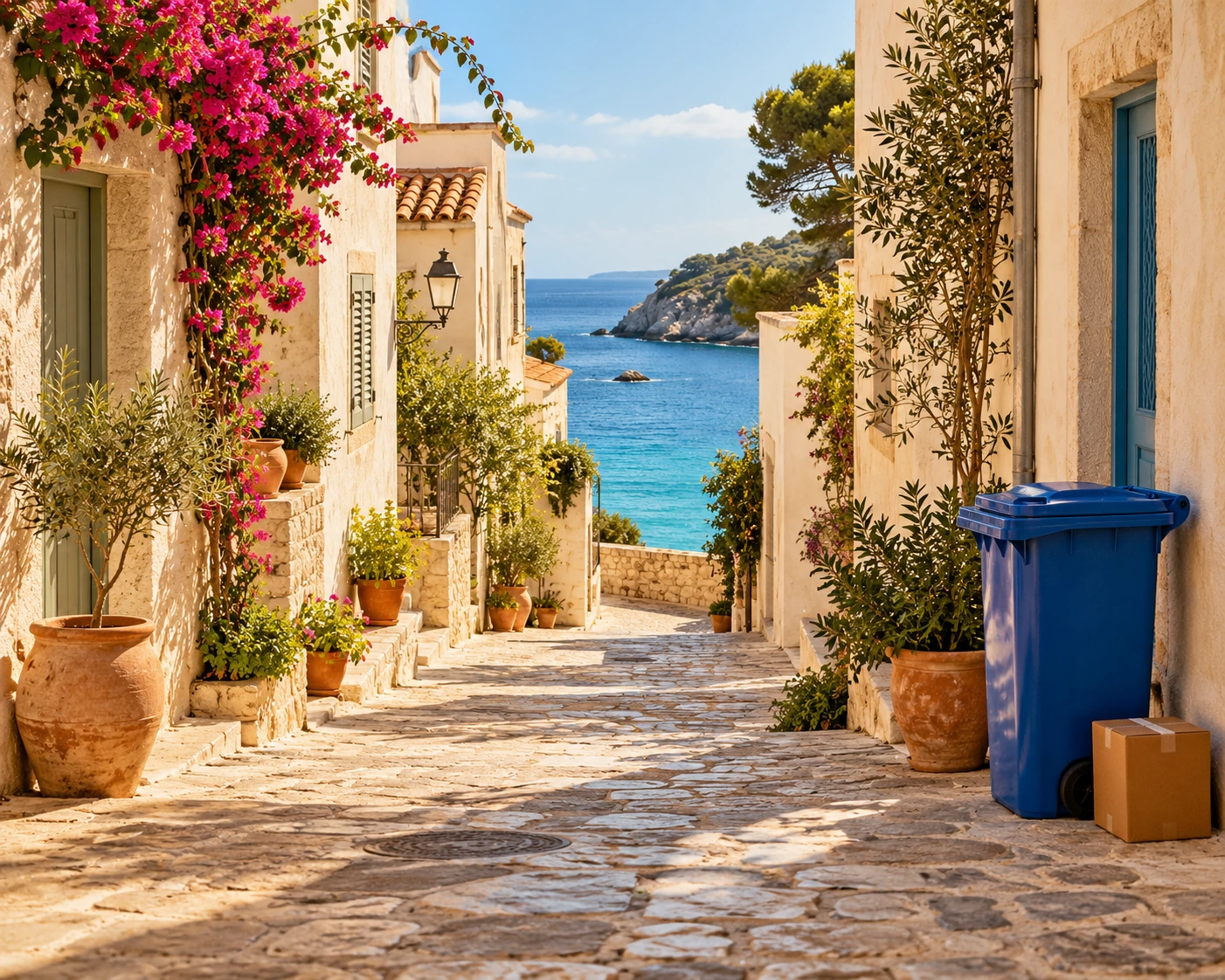
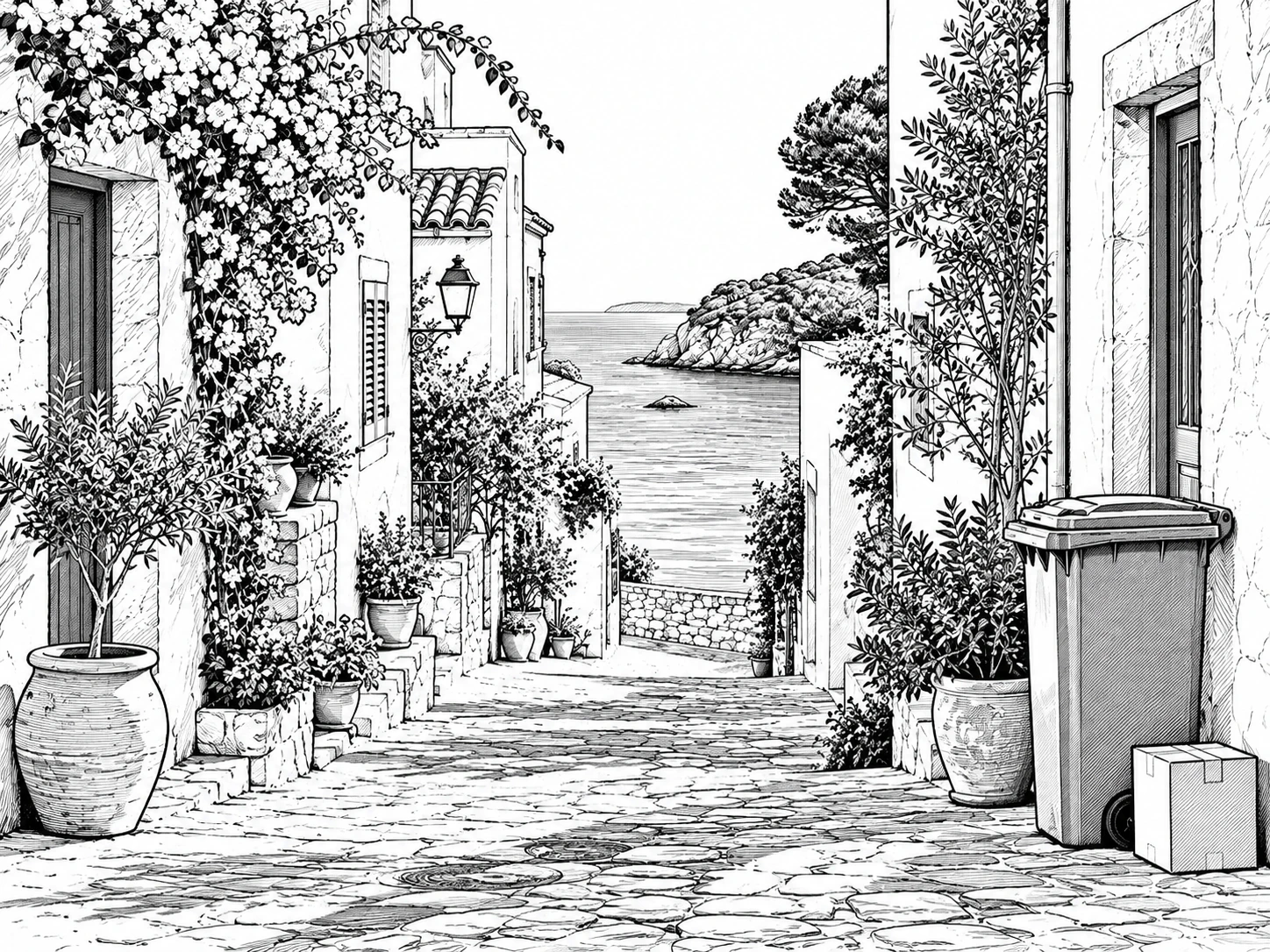
Explore a black-and-white manga version of a coastal street, keeping the scene as the starting point.
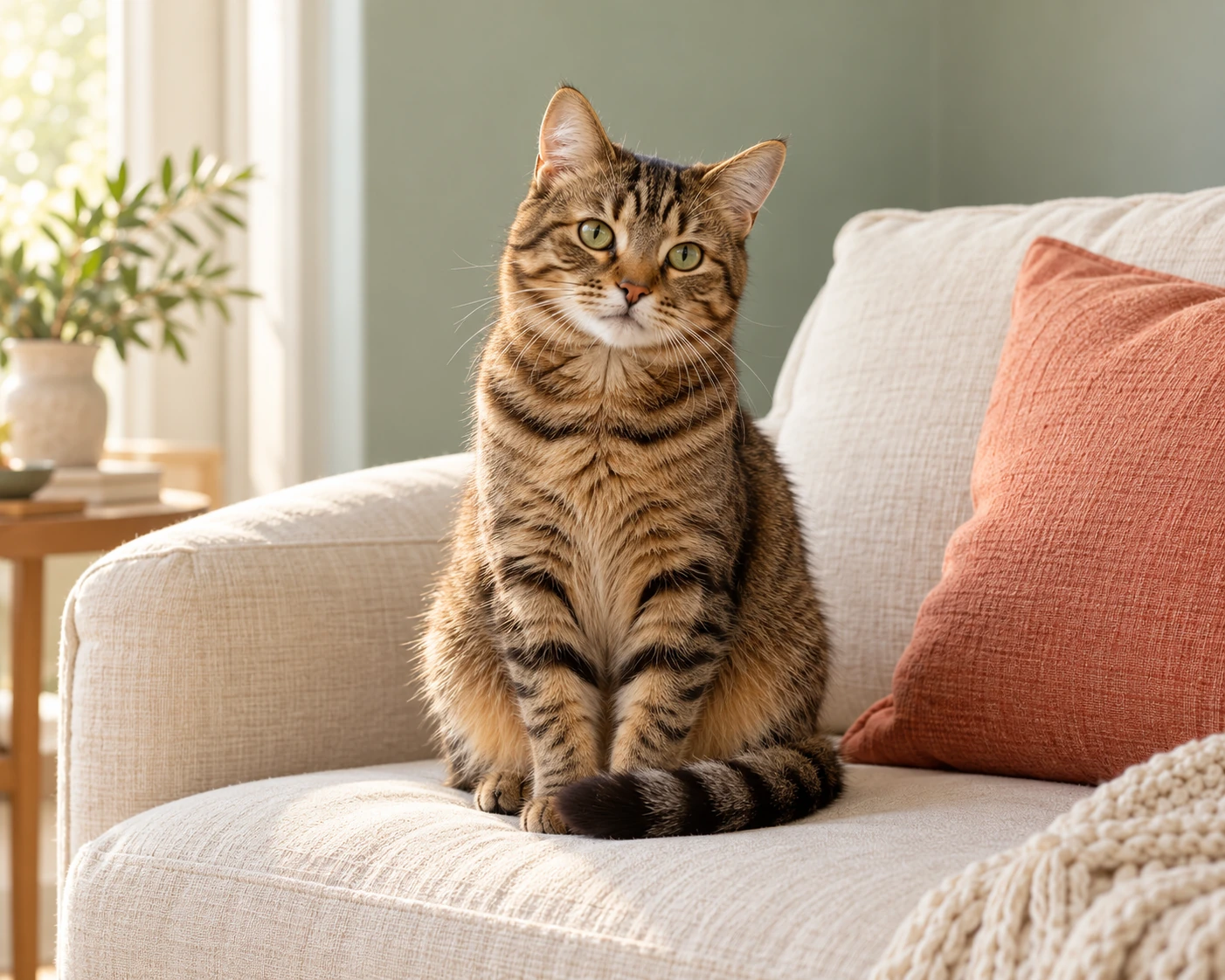
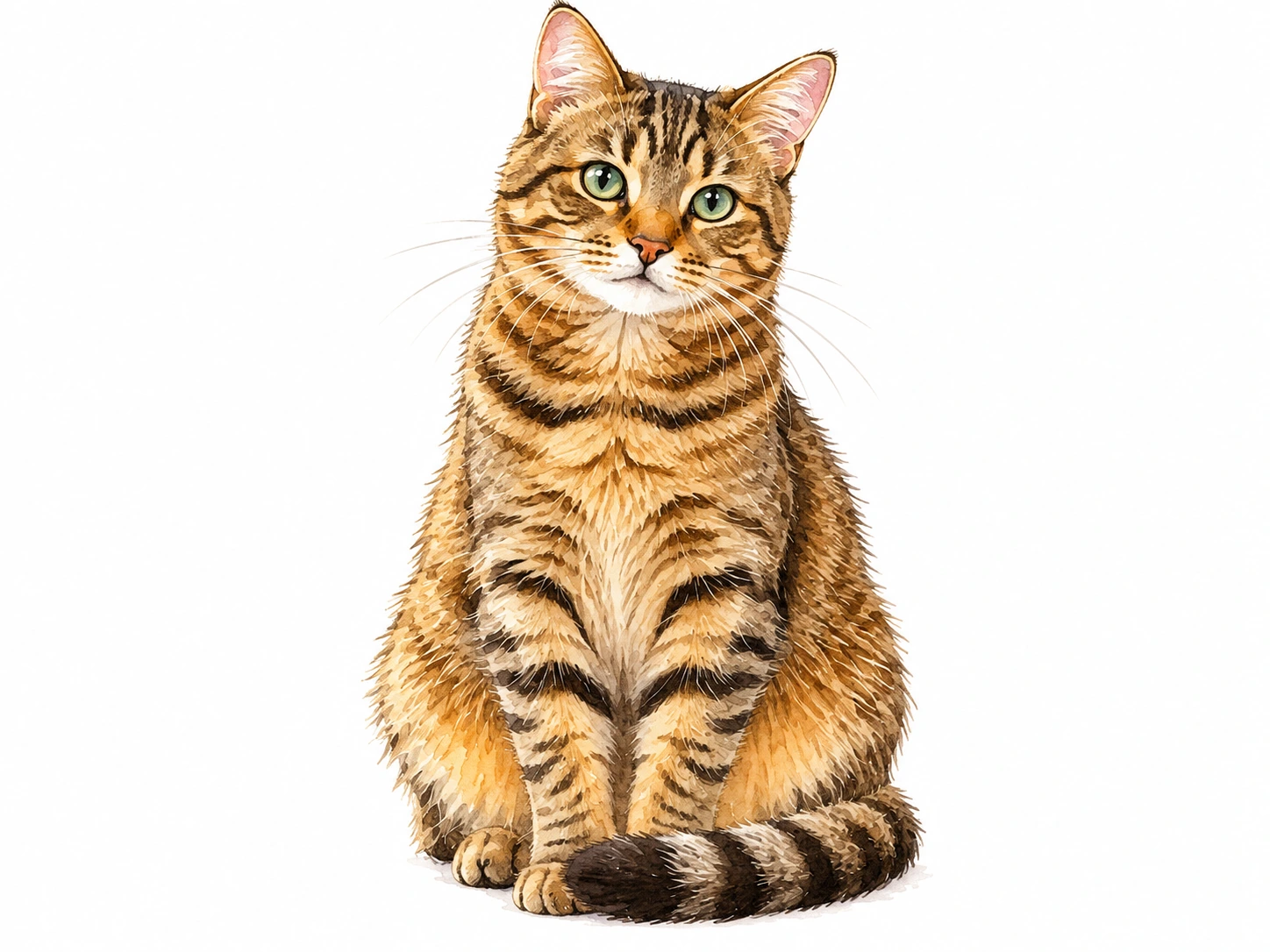
Try a gentler illustration of the cat. Compare its pose, fur pattern and painted texture.
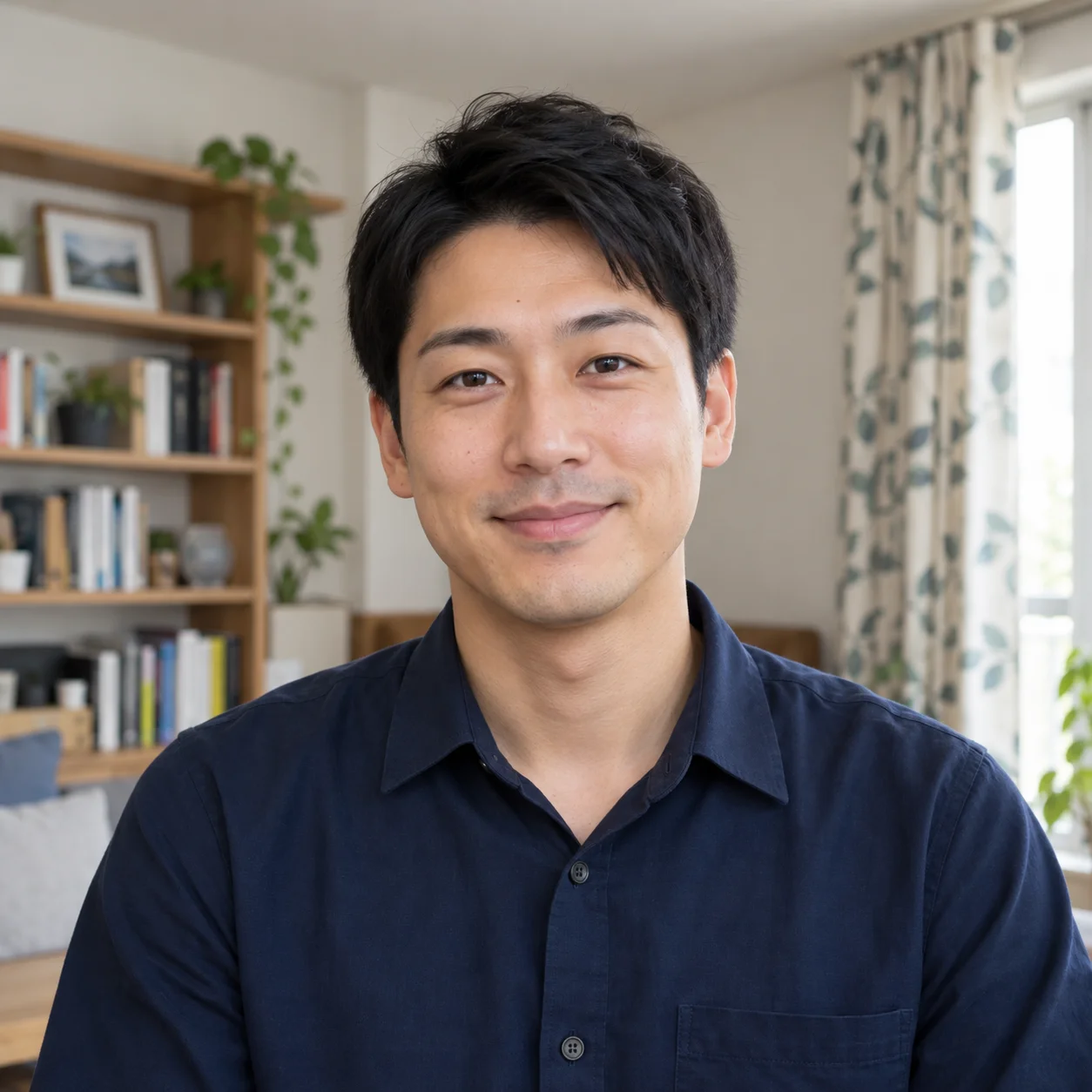
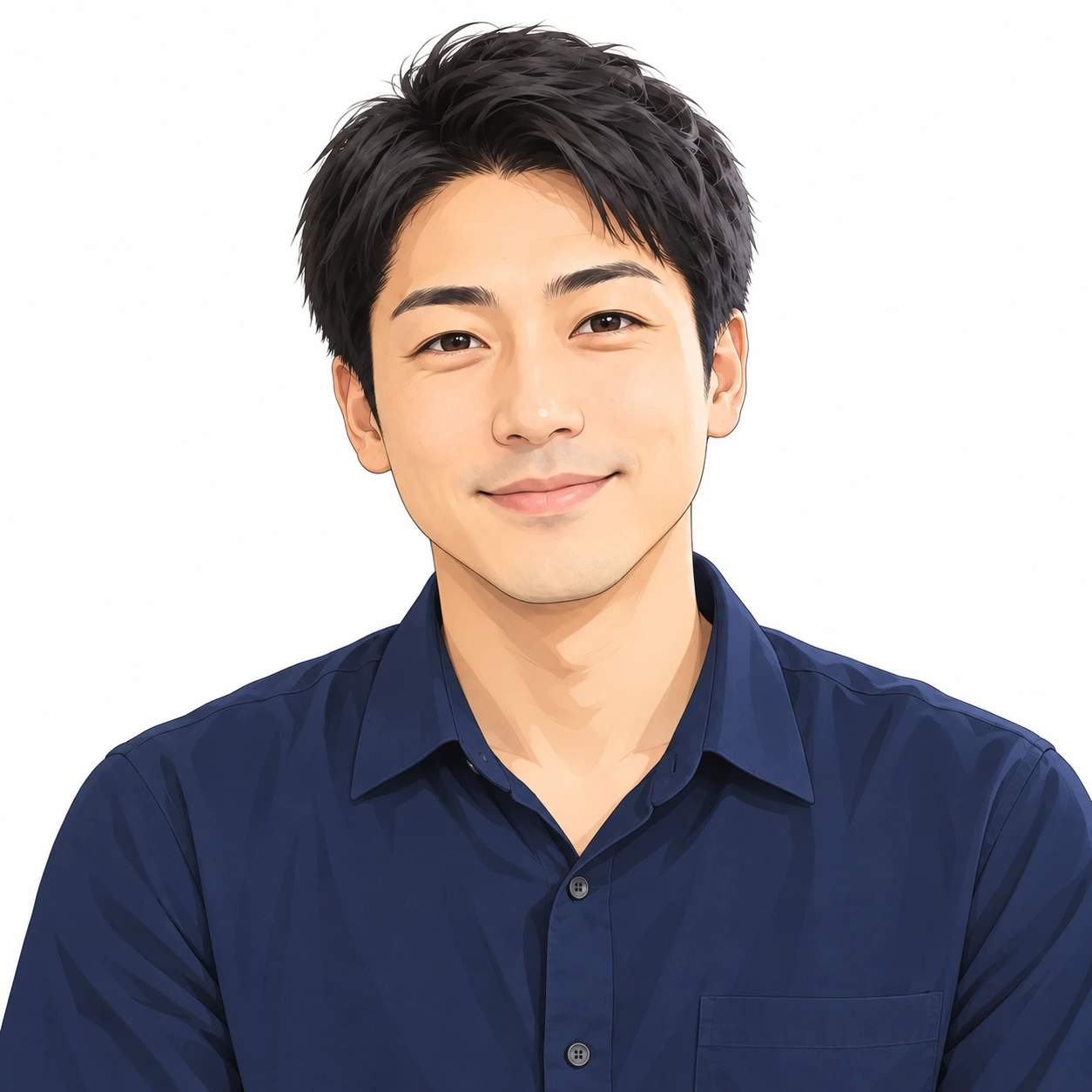
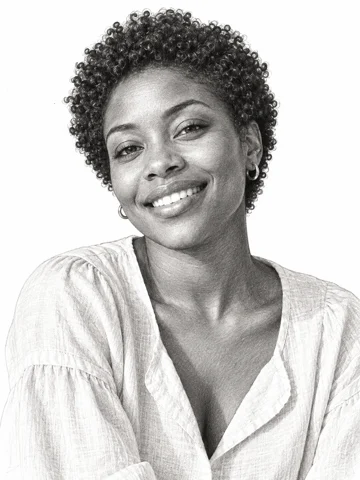
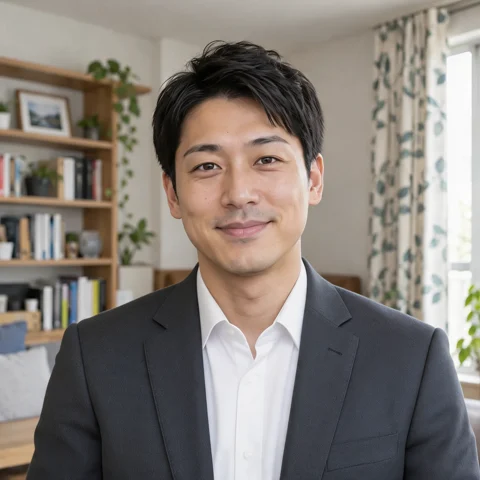
Try a soft anime treatment on a male portrait. Compare the hairstyle, face angle and shirt as realistic shading becomes a drawn character.
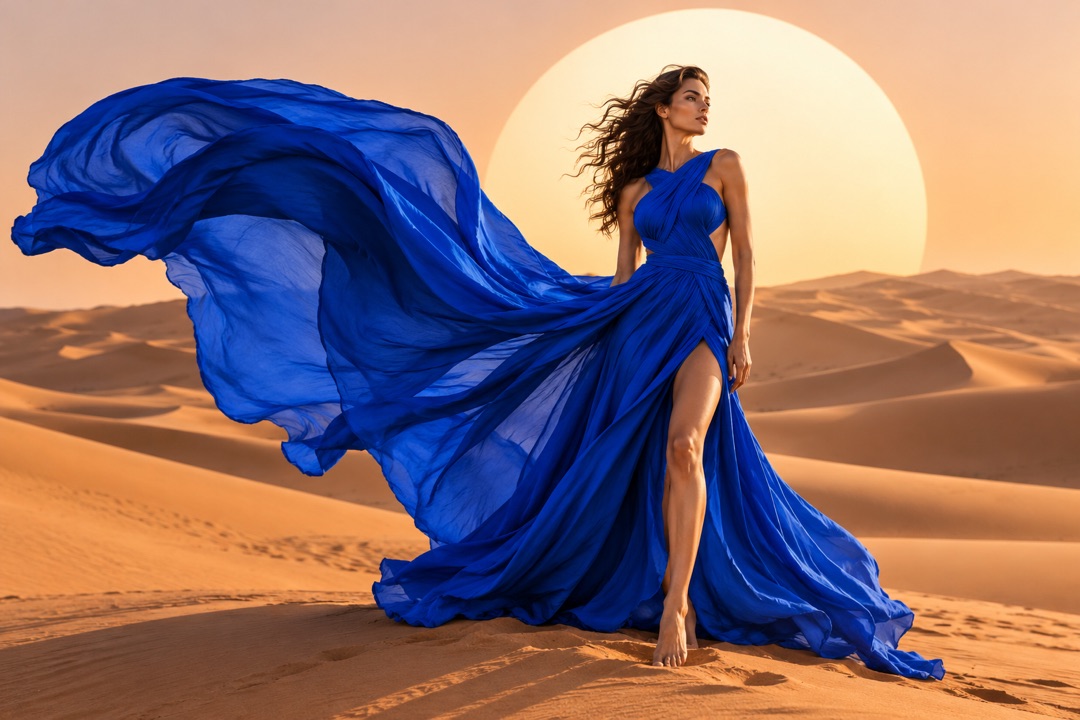
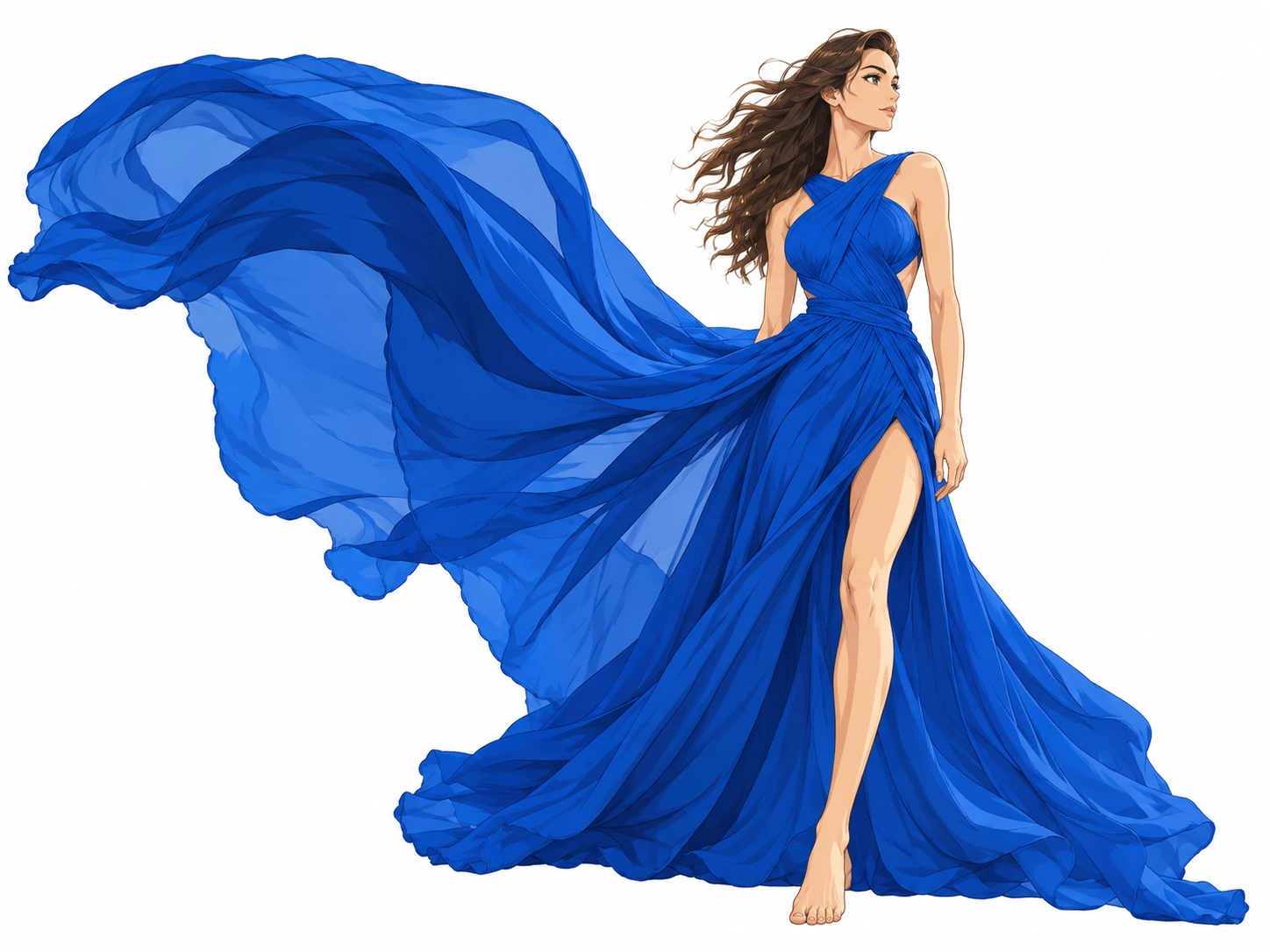
Explore a fashion illustration with a flowing blue outfit. The result emphasizes the character and garment silhouette while simplifying the photographic setting.
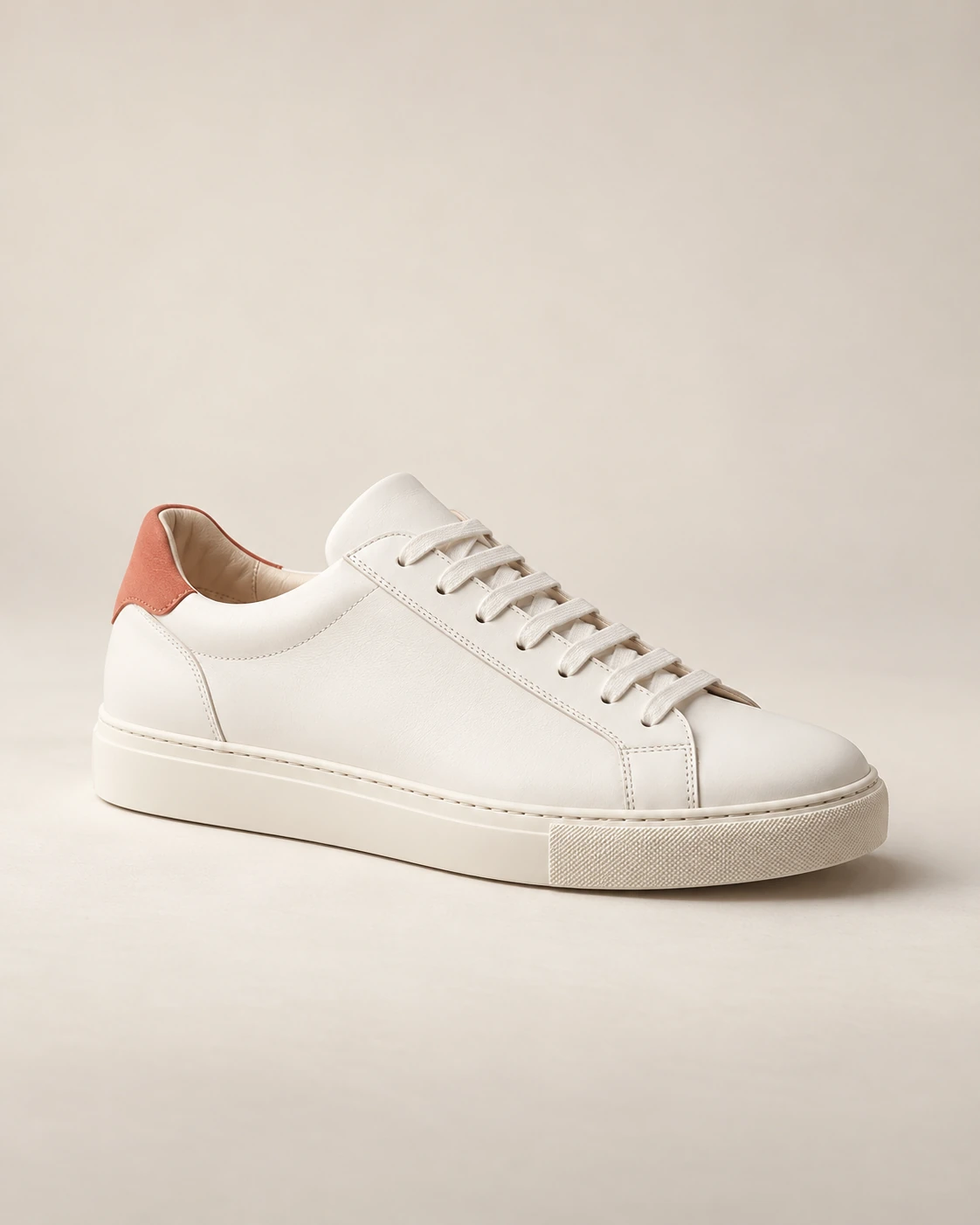
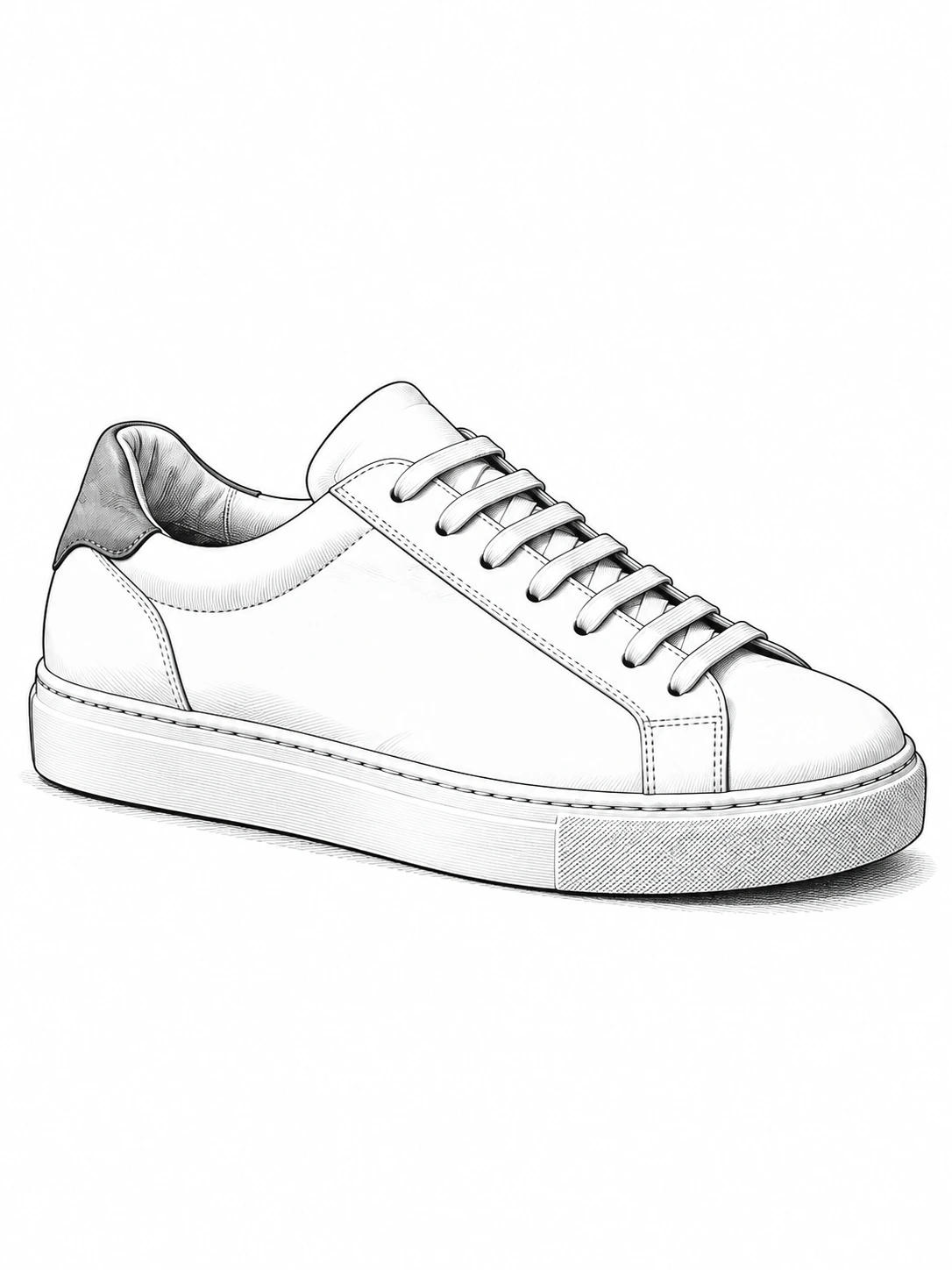
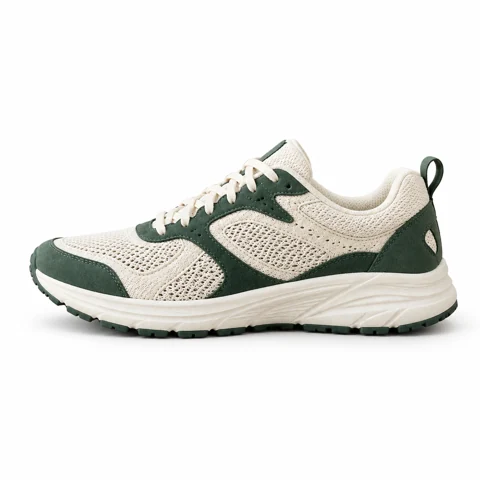
Turn a sneaker into a black-and-white illustrated object. Clean contours make this a different direction from a shaded product photograph.
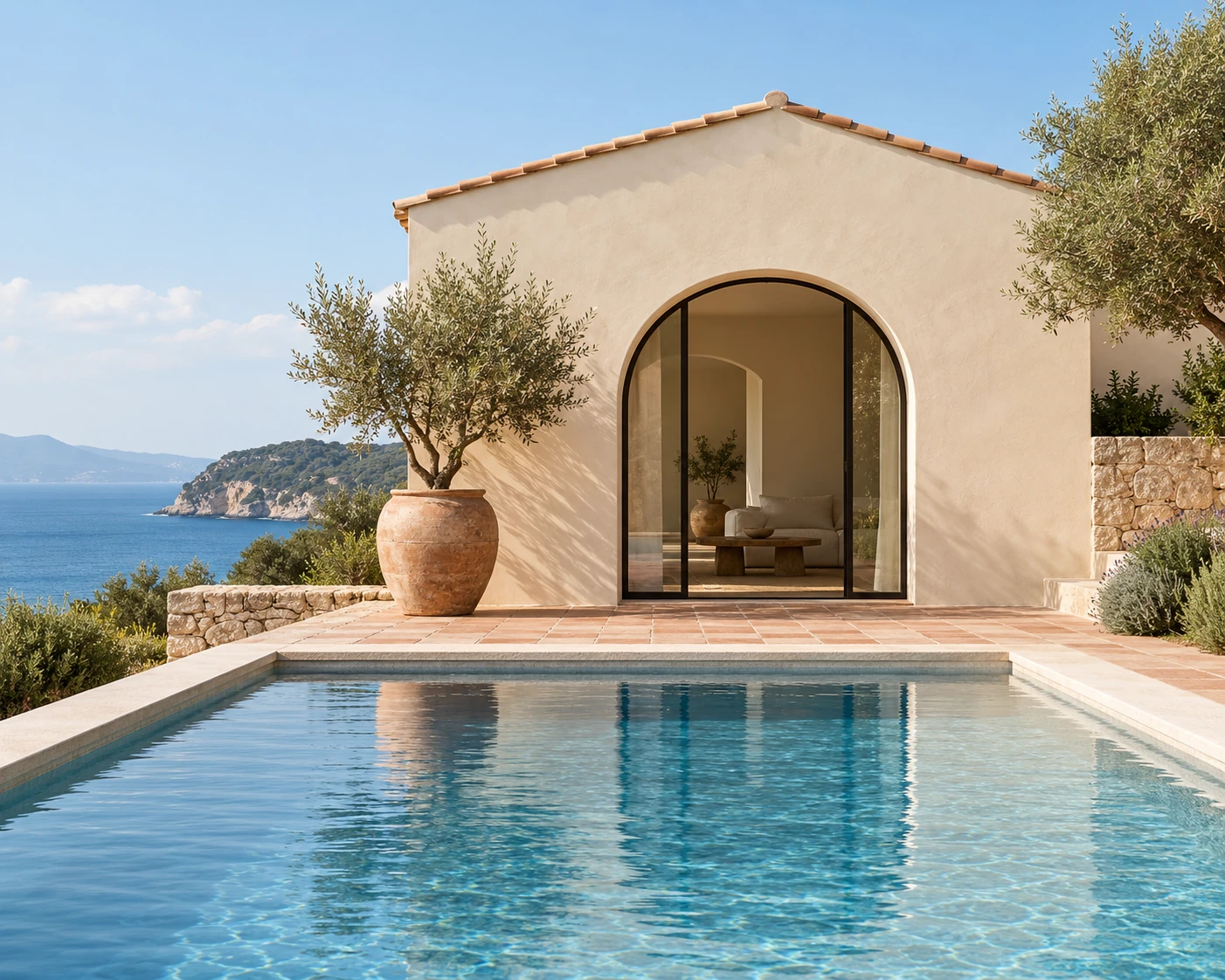
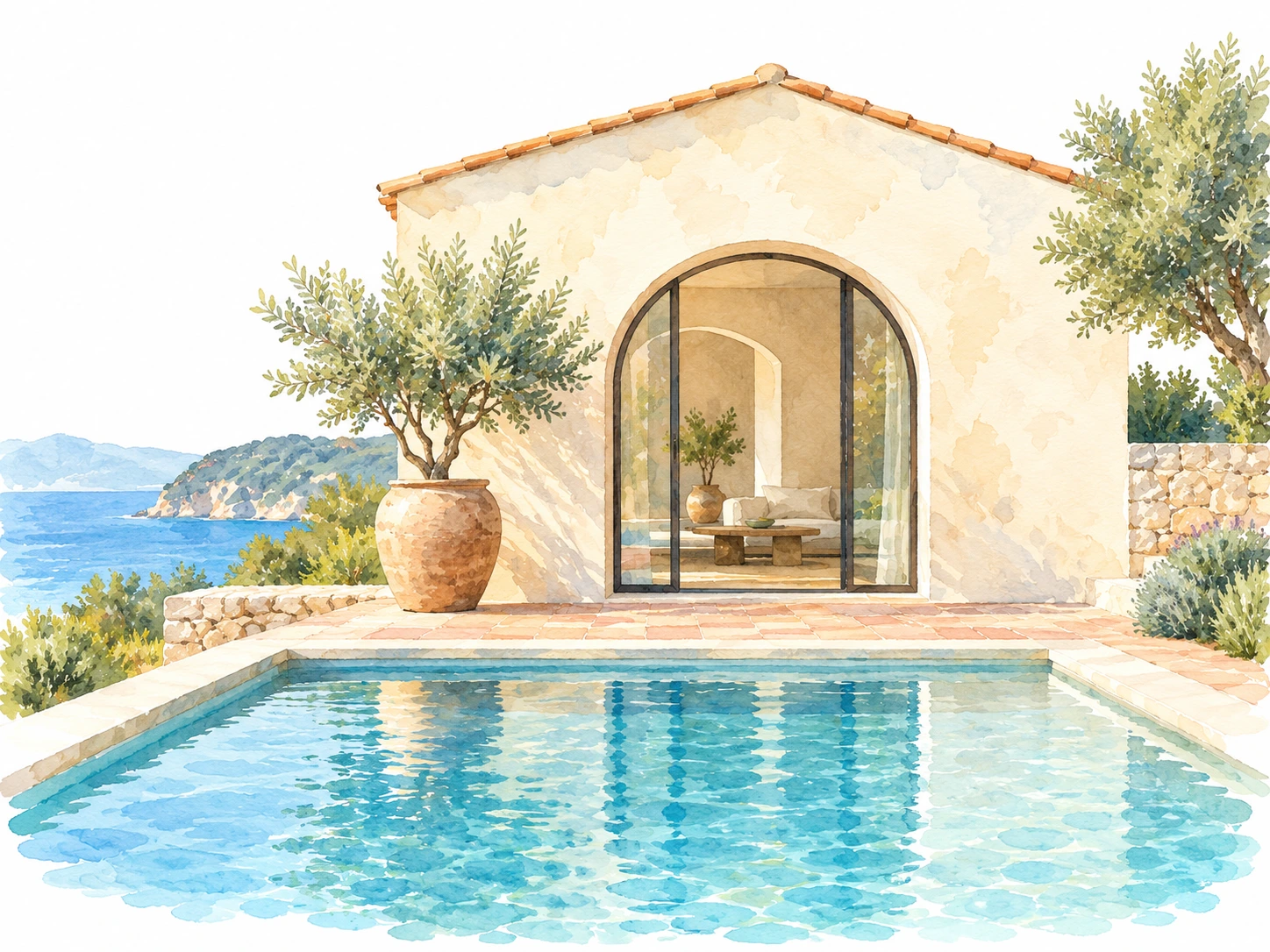
Reinterpret a pool house in a watercolor-anime style. Architecture, water and foliage become a lighter painted scene for a mood board.
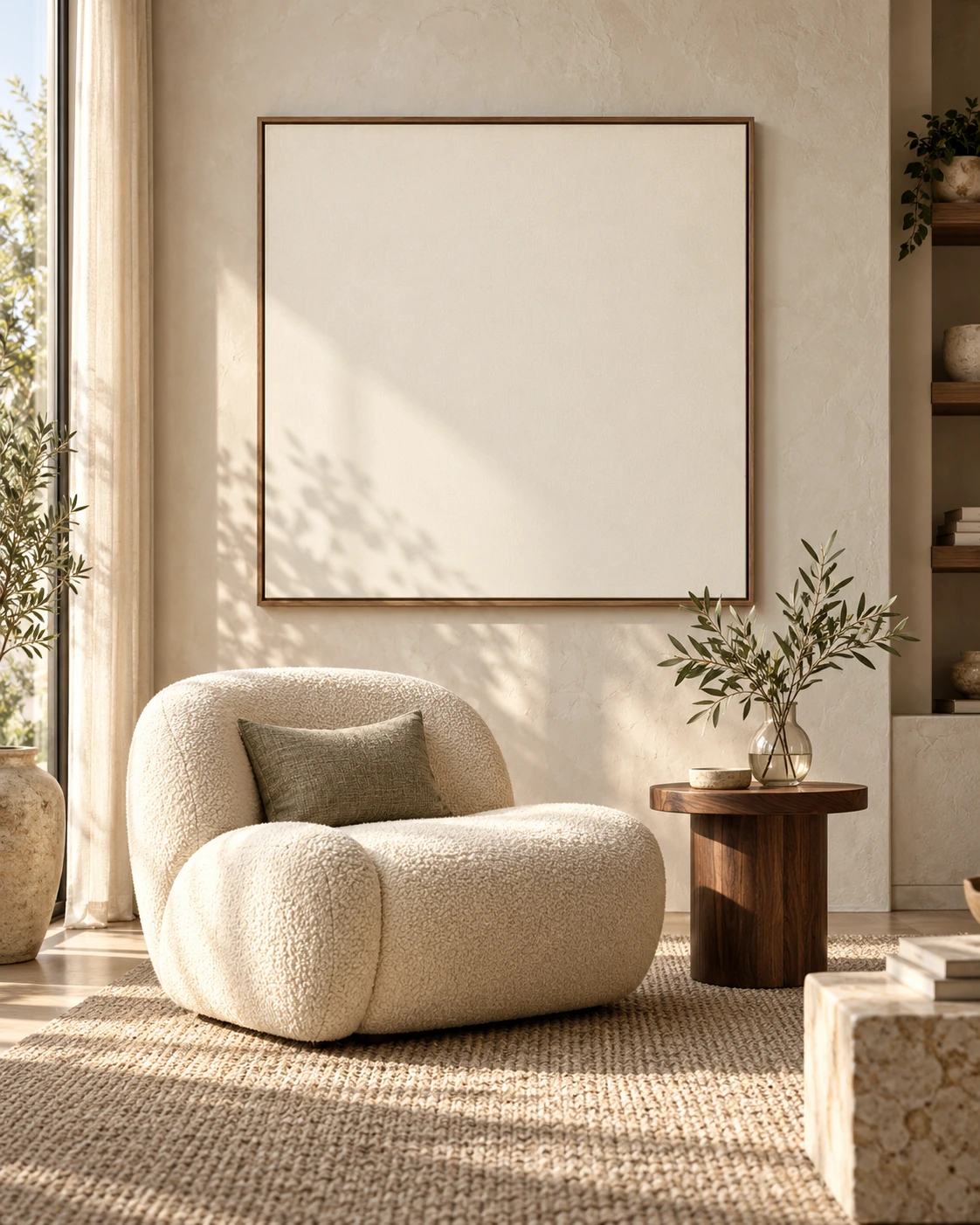
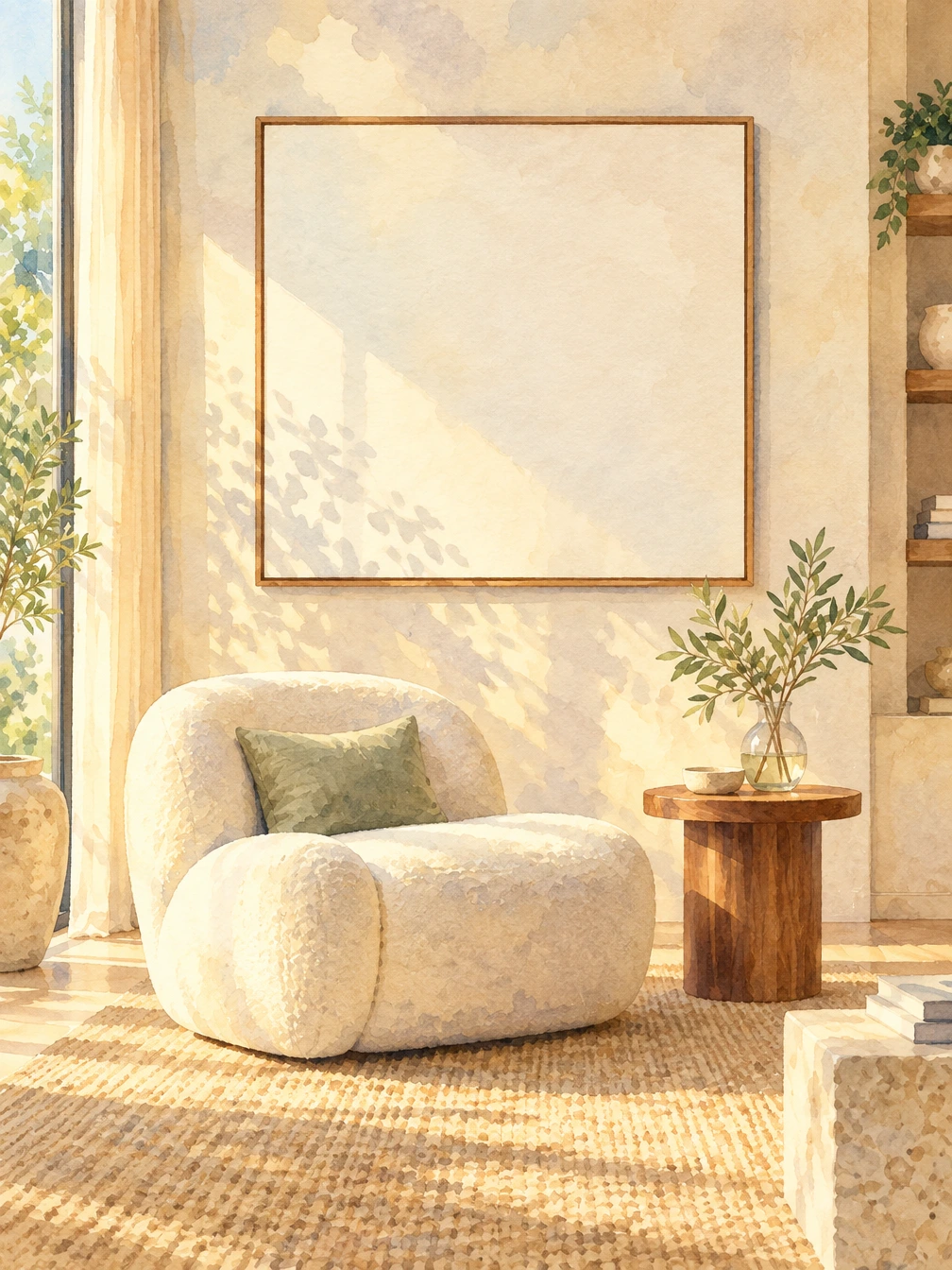
Give an interior corner a watercolor illustration treatment. Compare how the chair, plants and sunlight are represented as painted texture.
Soft anime uses clean lines and gentle colors; manga creates black-and-white line art; watercolor anime explores a softer painted finish. Use the examples to choose a direction rather than expecting every photo to produce the same look.
Start with a clear subject and a readable pose. Compare facial features, hair, glasses and clothing after generation. Backgrounds may be simplified as the photo is reinterpreted as an illustration.
Choose a clear JPG, PNG or WebP image.
Create an anime-style portrait or illustration from your photo.
Review the result, compare it with your photo, and download it.
It aims for a recognizable subject, but stylization can change proportions and small features. Review the likeness rather than treating it as an exact identity-preserving conversion.
Yes. You can try landscapes, interiors, products and pets as well as portraits. The result is an interpretation in the selected illustration style.
The examples use our AI-created source images and actual edits from the model named on each example. They are demonstrations, not customer photos. Results depend on the input.
Upload your photo, choose an option, then generate. You can add instructions under Advanced settings.
Stylization can change facial features and small details. Review the result for likeness.
Verified accounts receive starter credits, subject to the daily allocation. Each generation uses the credits shown on the button.
AI edits may change fine details. Review faces, text, product details, and geometry before using the result.
Your files are private. When you generate, the reference is uploaded for processing. Reference files are kept for 7 days and generated files for 30 days. Download any results you want to keep. See the privacy policy for processing details.
Requests and images undergo safety checks. Credits used for a confirmed failed or undeliverable task are returned. Check My creations for its status.
Create an anime-style portrait or illustration from your photo.