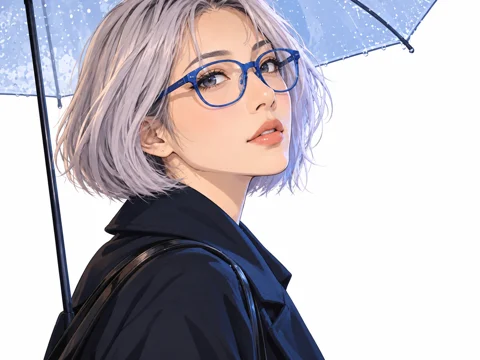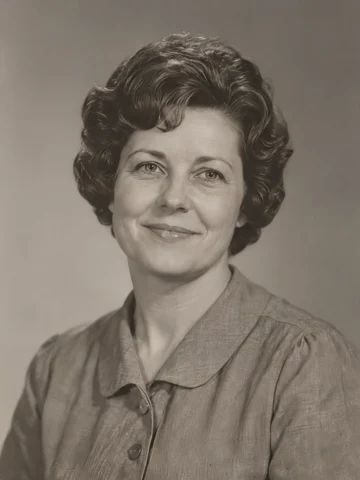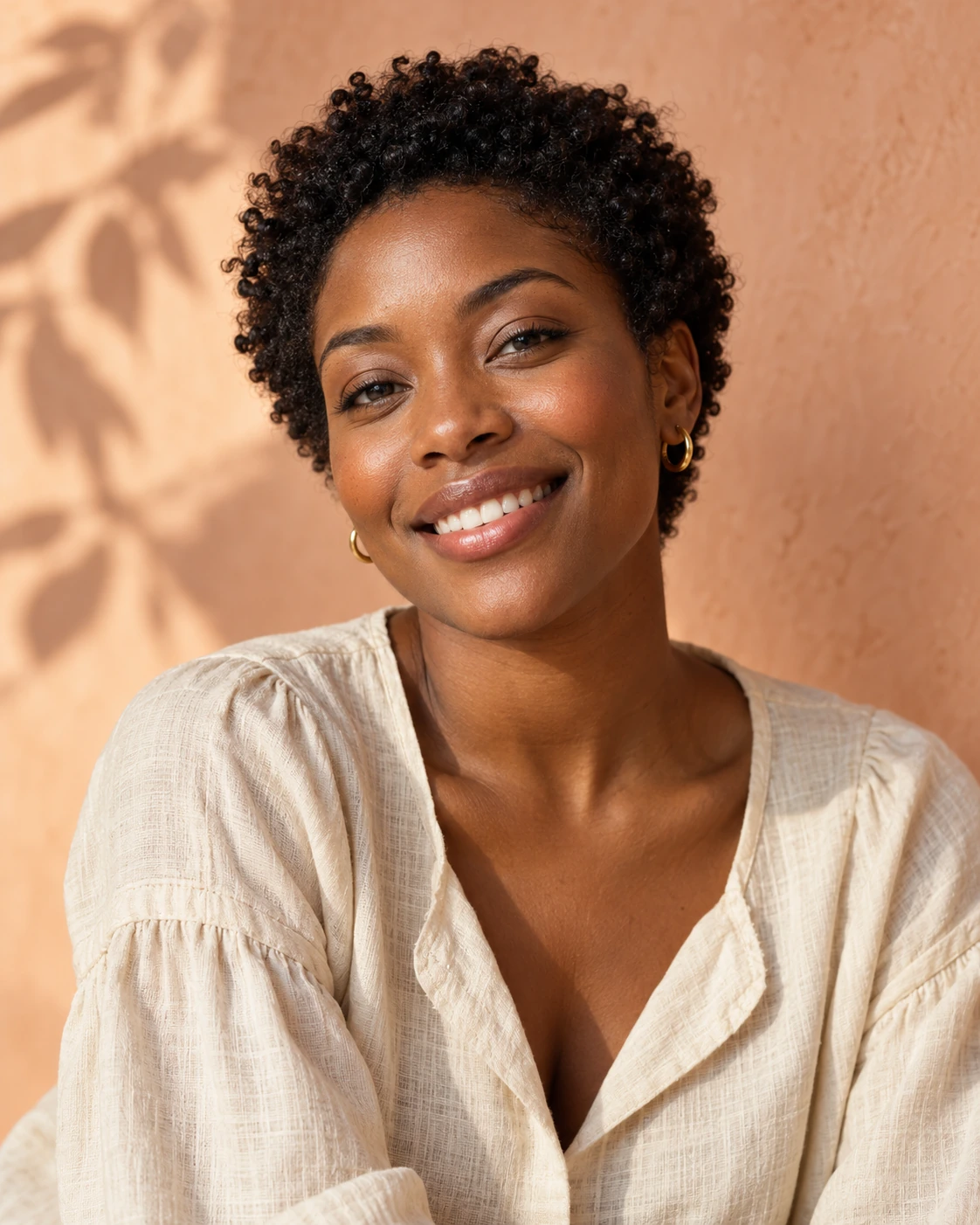
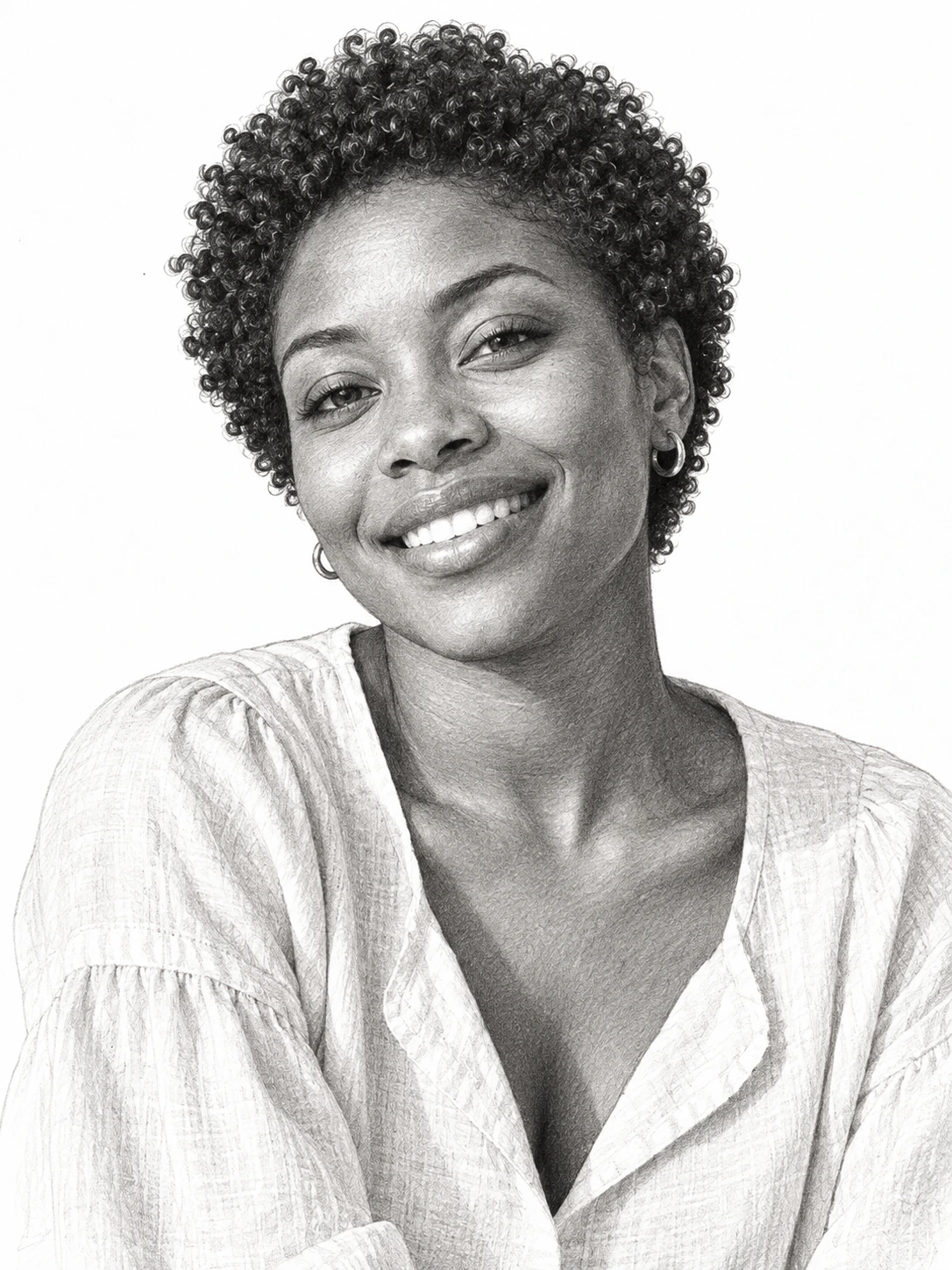
A familiar face, drawn in pencil
Turn a portrait into a graphite study. Compare the smile, facial outline and shaded curls.
 PicUnfold
Photo to sketch
Portraits, pets and everyday objects, reinterpreted in pencil, charcoal or colored pencil. Start with your own photo.

Compare original photos with actual model results. Try a sample or use its settings on your photo.
Photo editing toolsTurn a portrait into a graphite study. Compare the smile, facial outline and shaded curls.
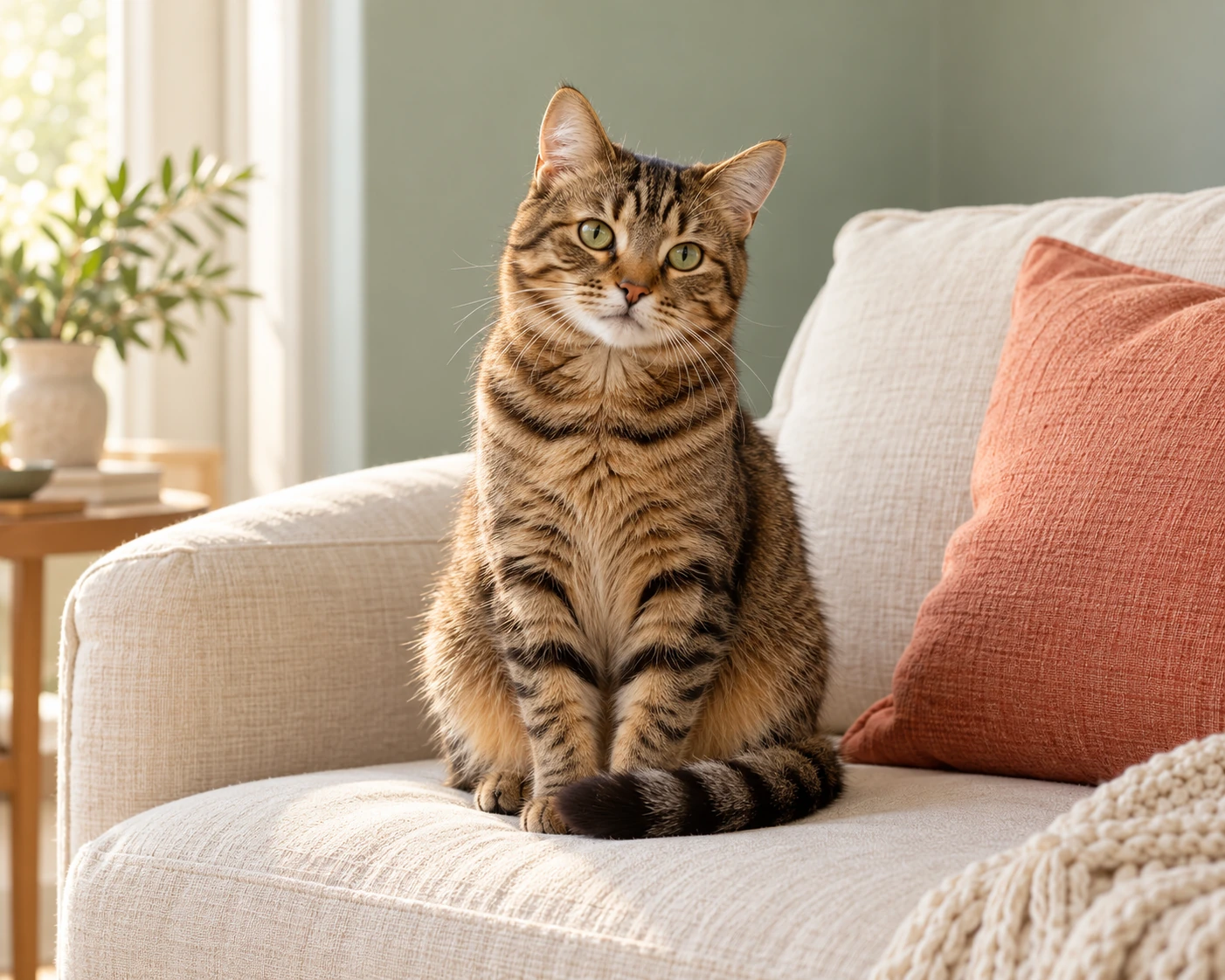
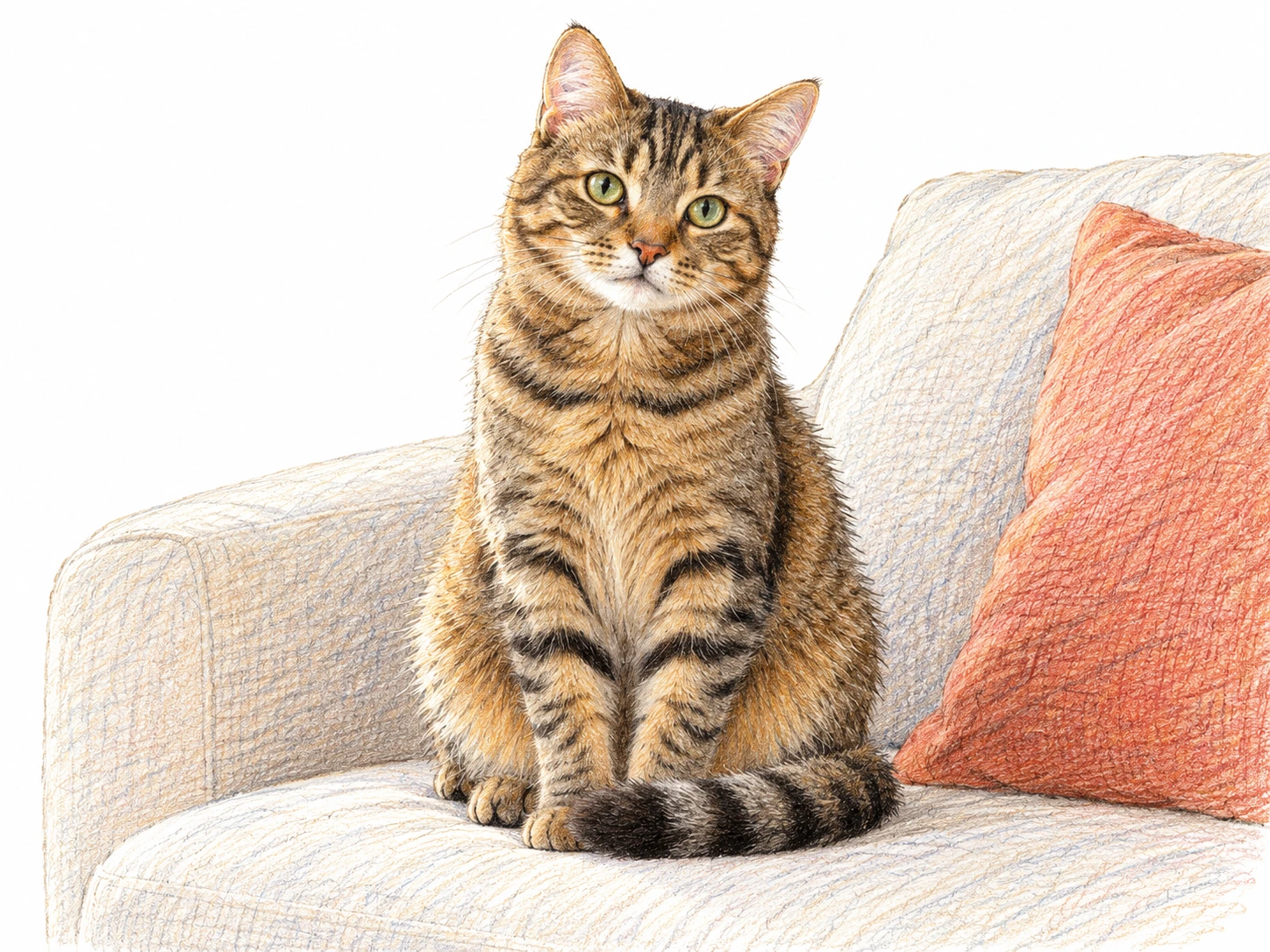
Turn a cat photo into a colored-pencil drawing. Compare the pose, eyes and striped fur.
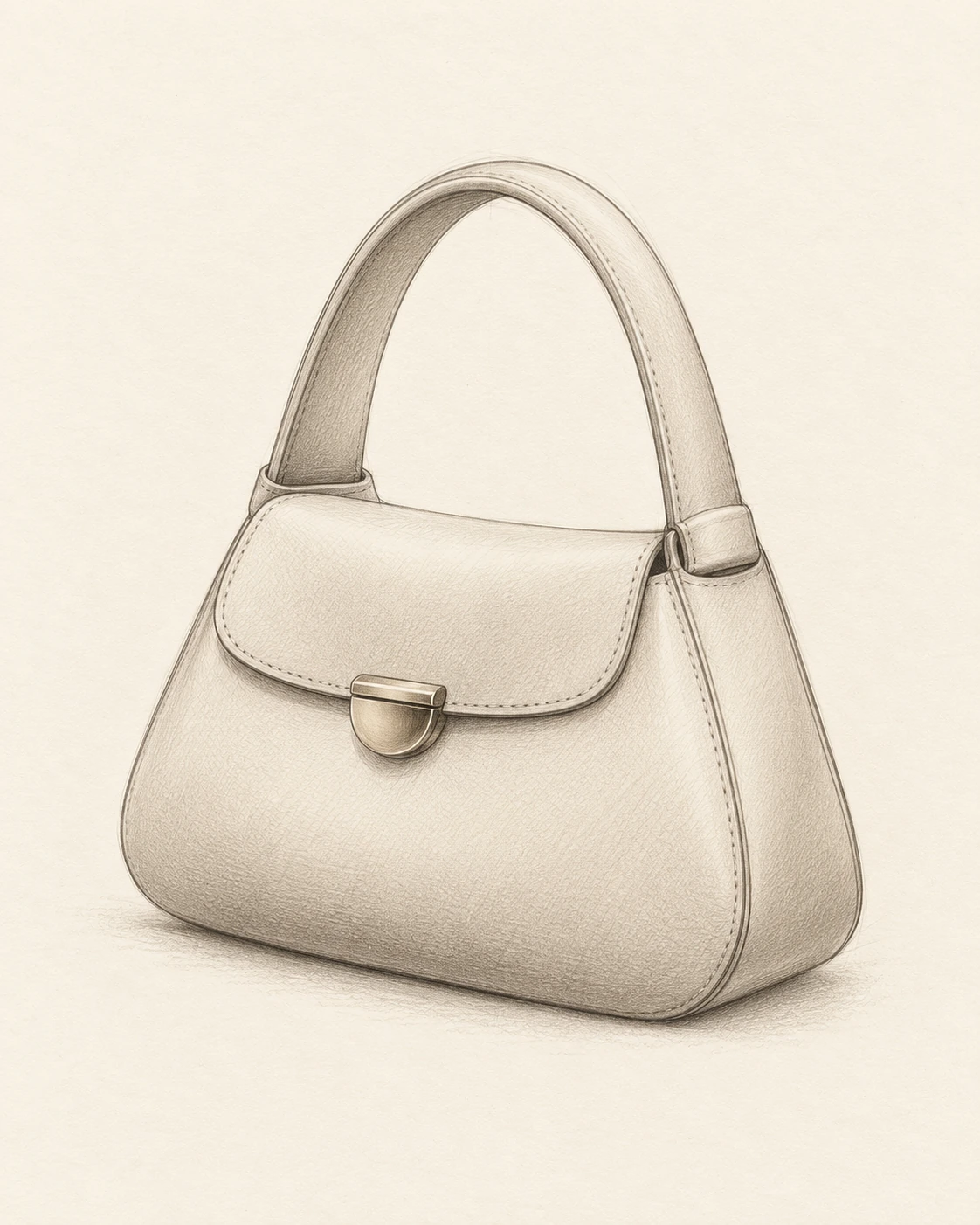
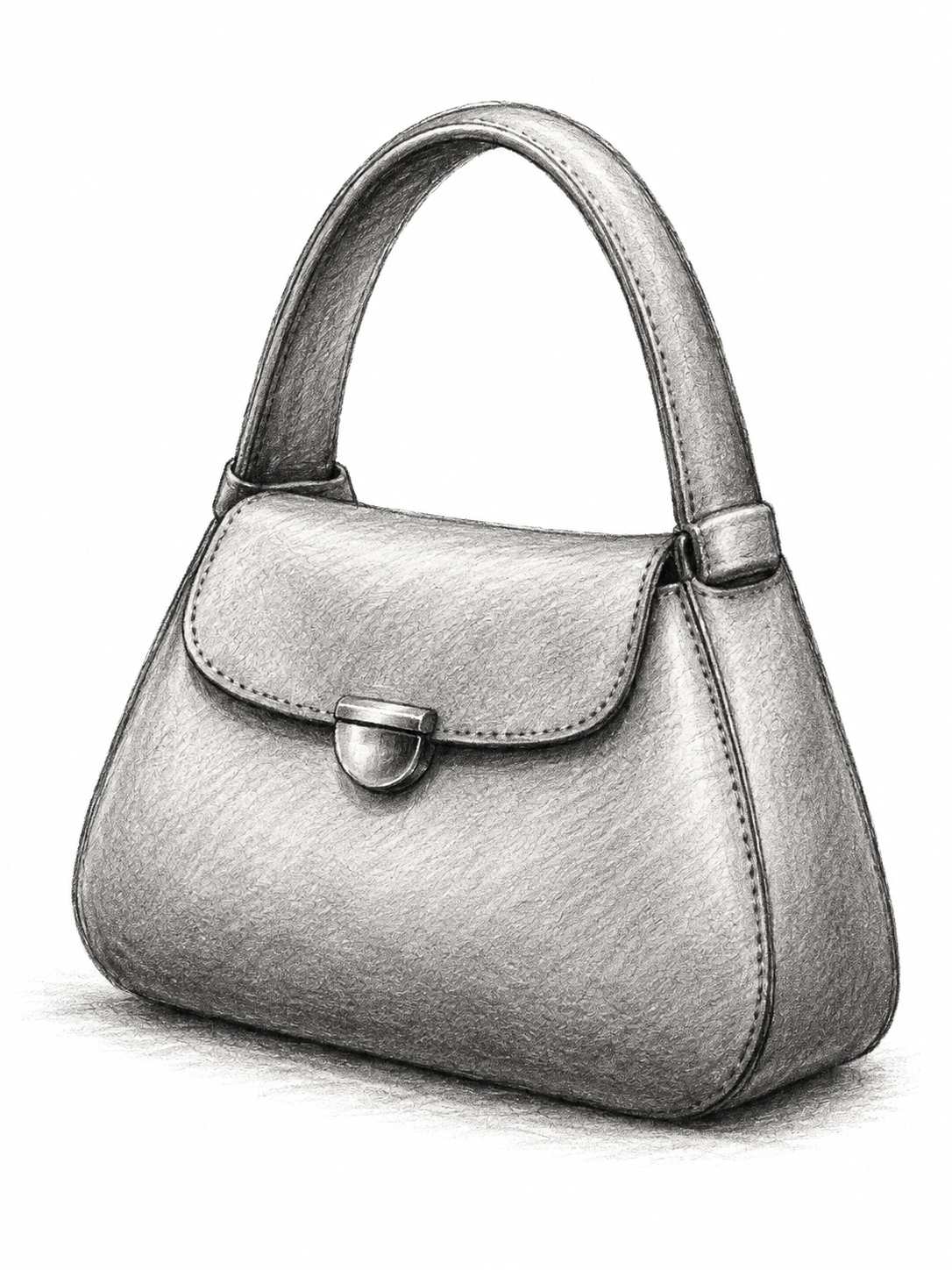
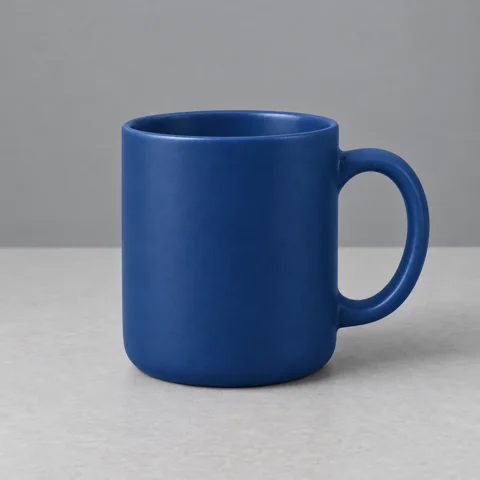
Use charcoal linework and shading to reinterpret a product photo. Compare the handle, clasp and silhouette.

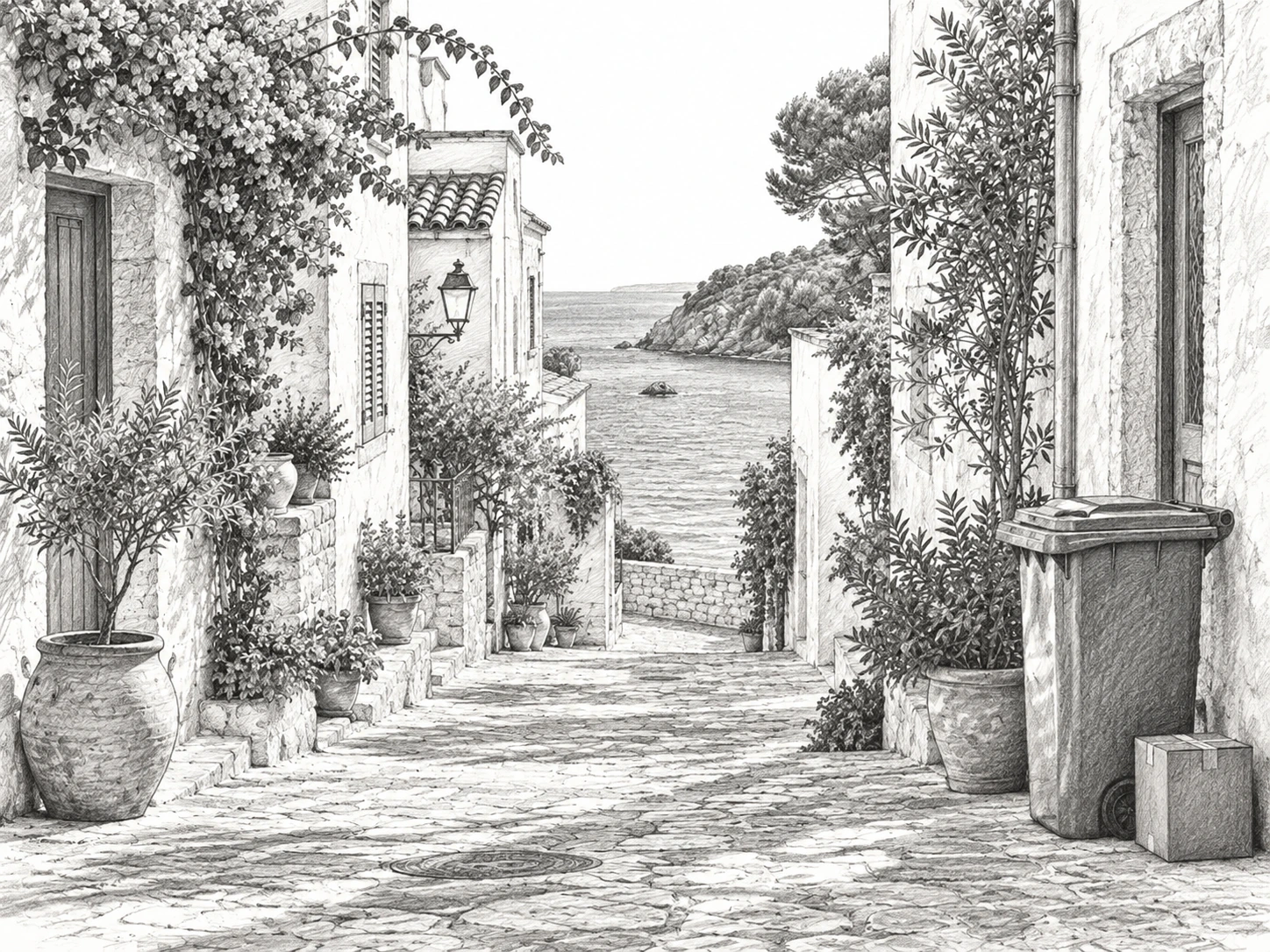
Turn a coastal street into a travel sketch. Compare the buildings, paving and distant sea as the photographic light becomes pencil shading.

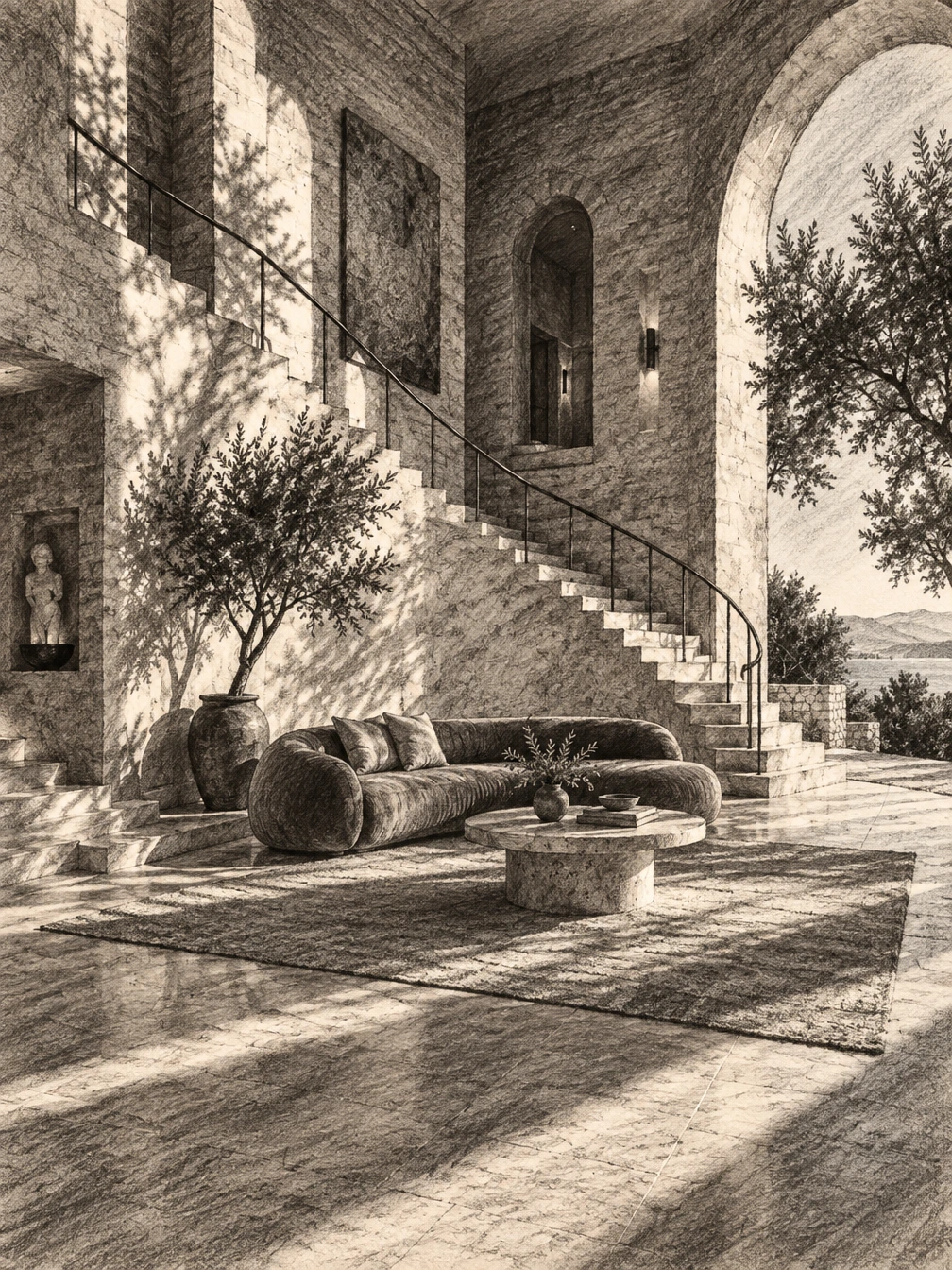
Explore charcoal texture in an architectural interior. The arches, stairs and long shadows give the drawing a clear sense of structure.
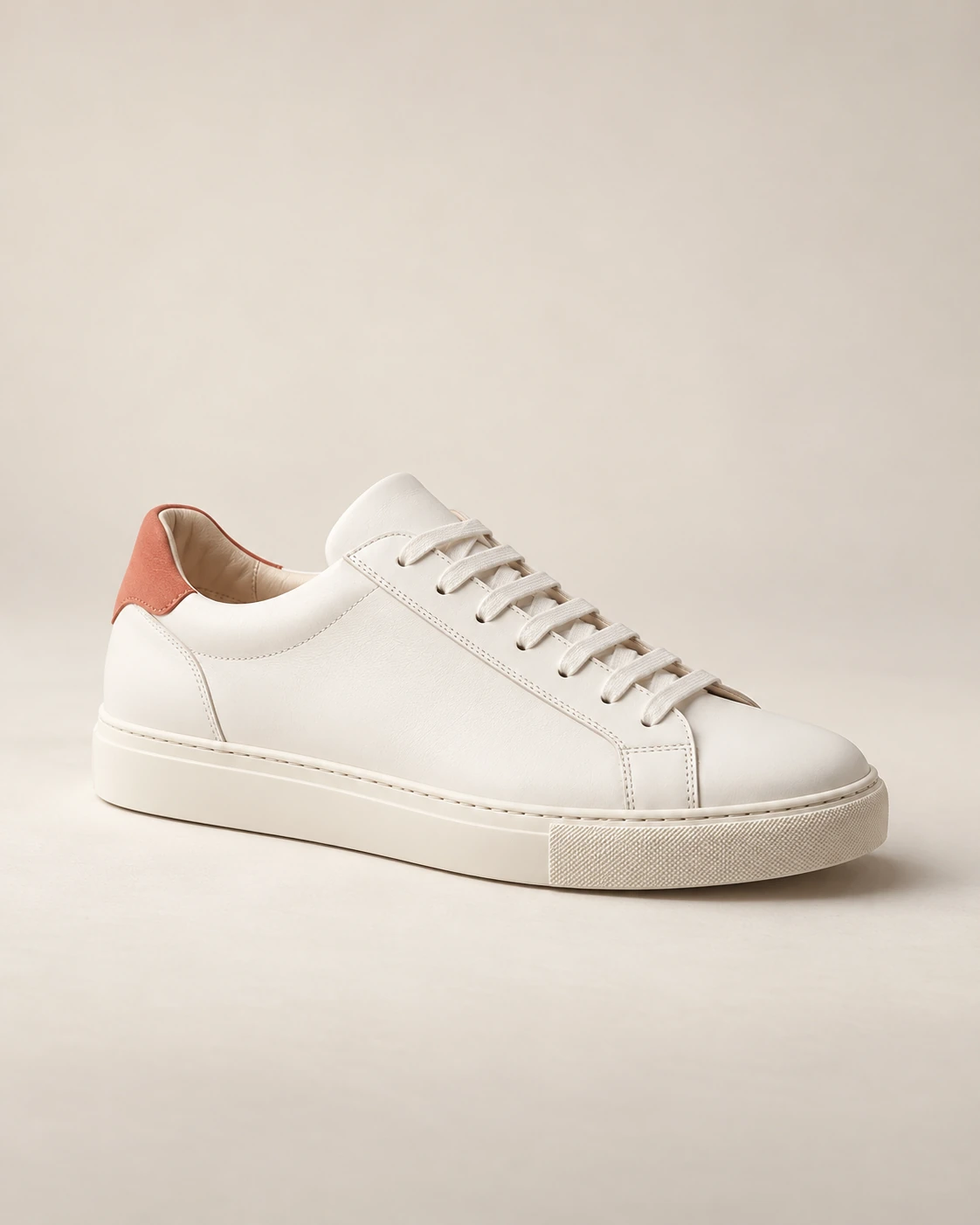
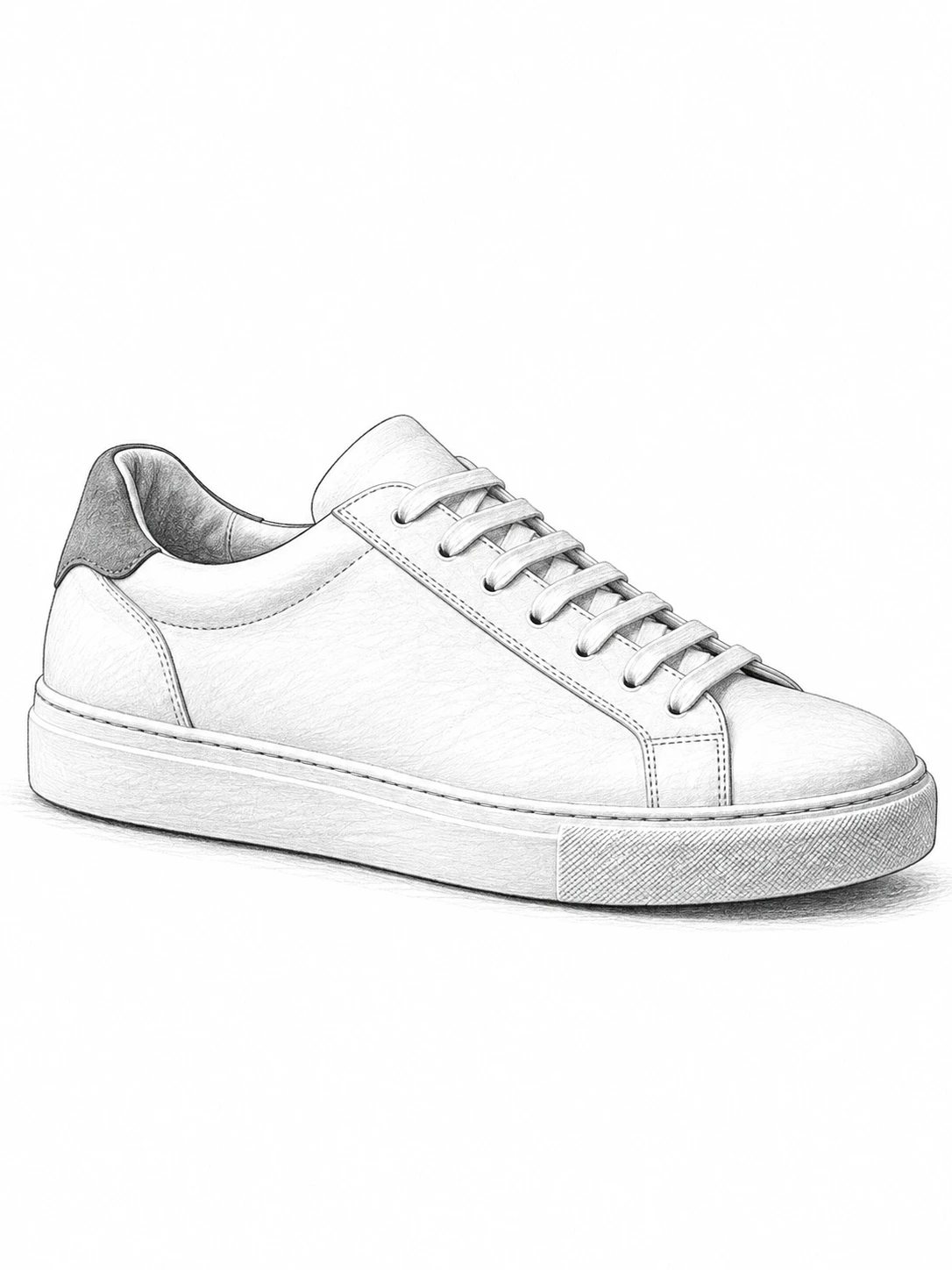
Use a sneaker photo as a pencil-drawing reference. Compare the laces, panels and sole rather than treating the drawing as an exact manufacturing diagram.
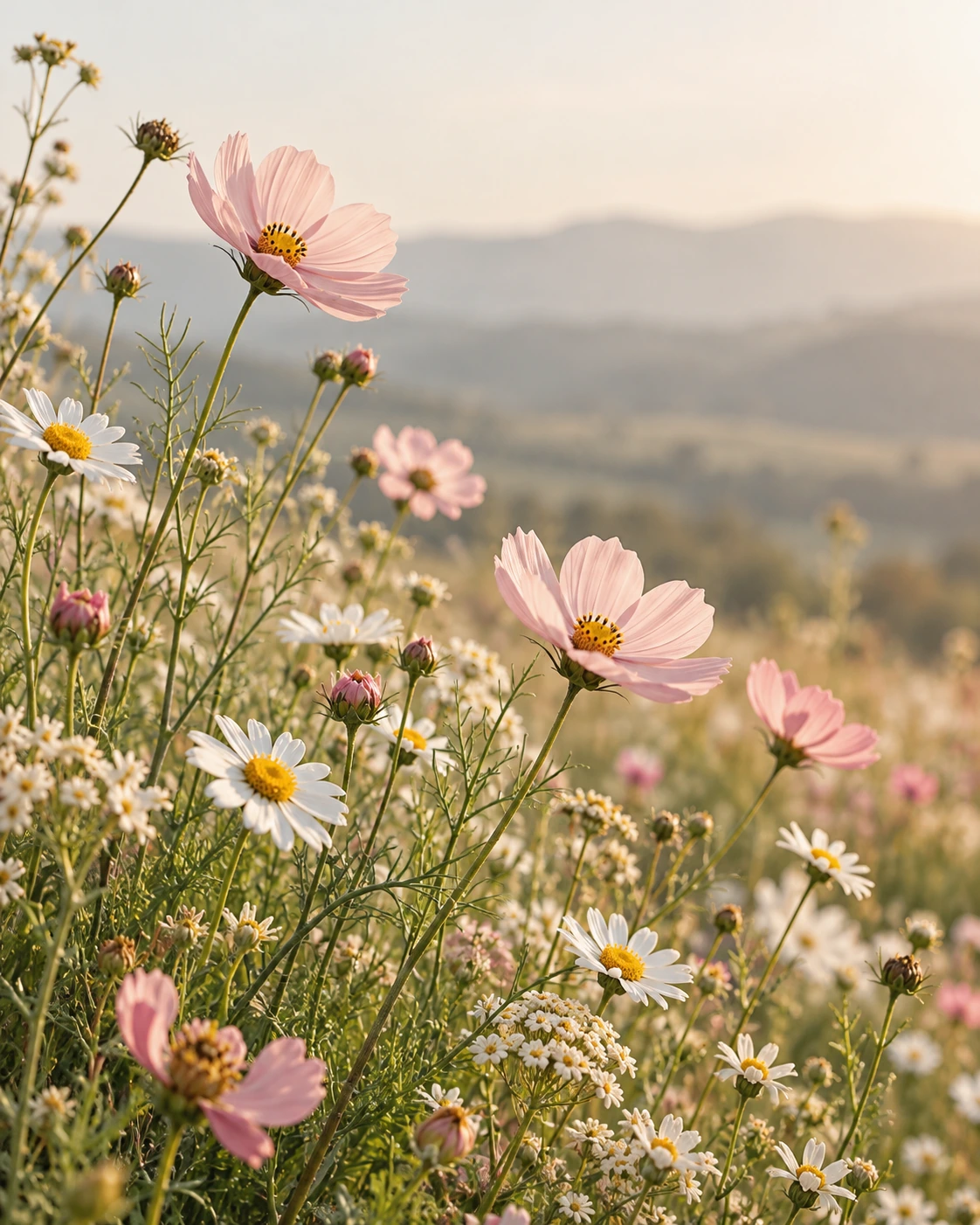
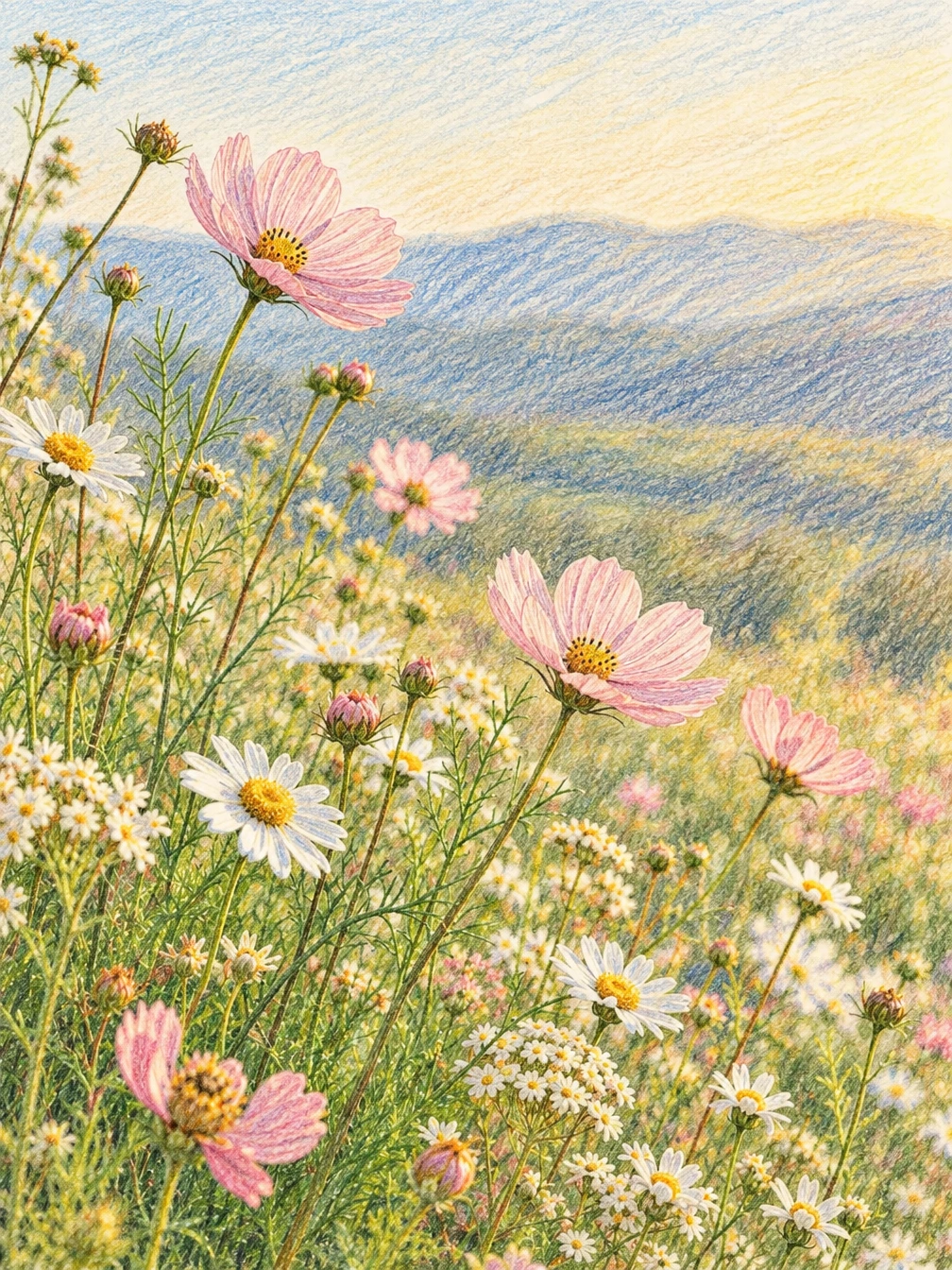
Translate a flower meadow into colored-pencil strokes. Look for the difference between crisp foreground flowers and the softer landscape behind them.
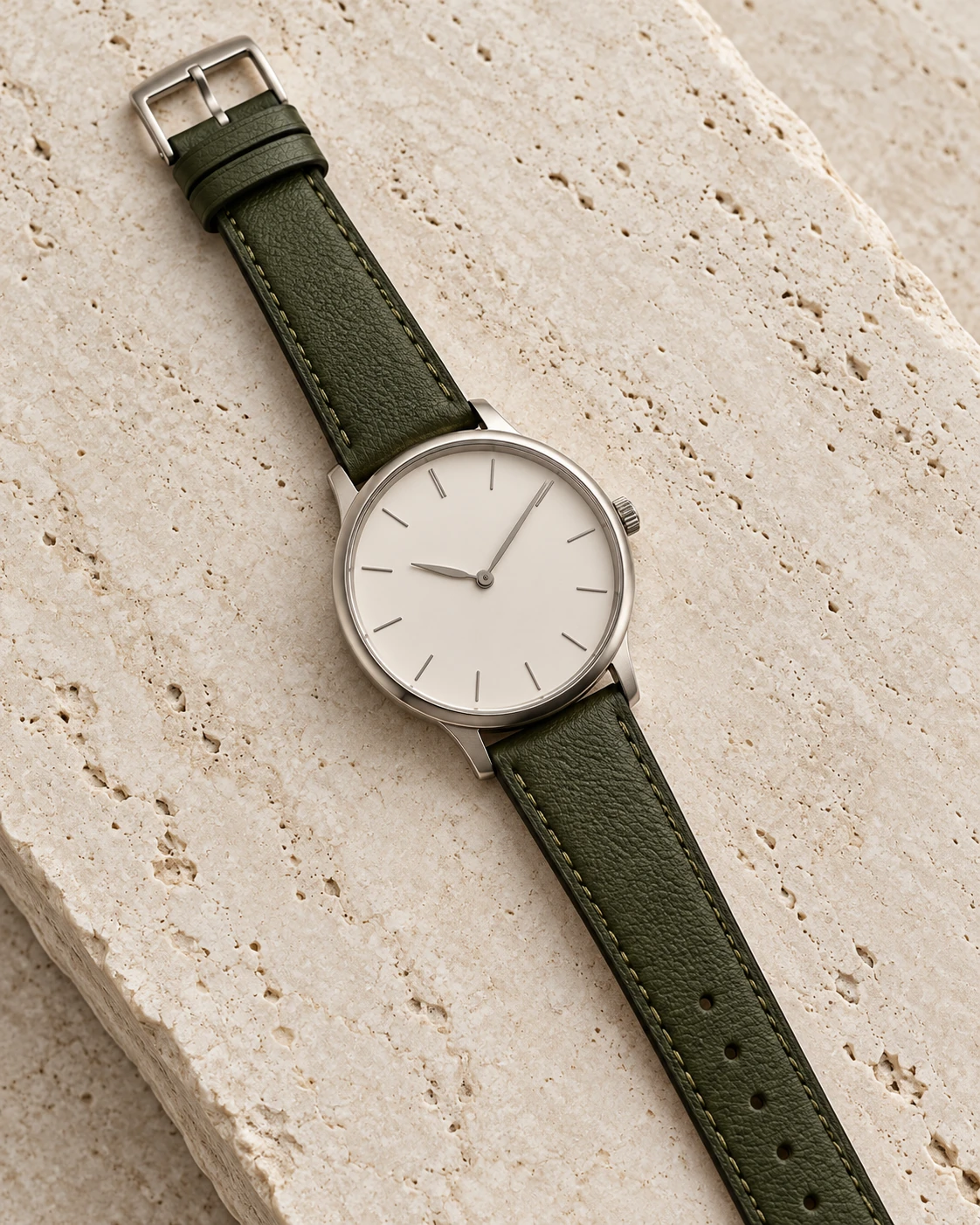
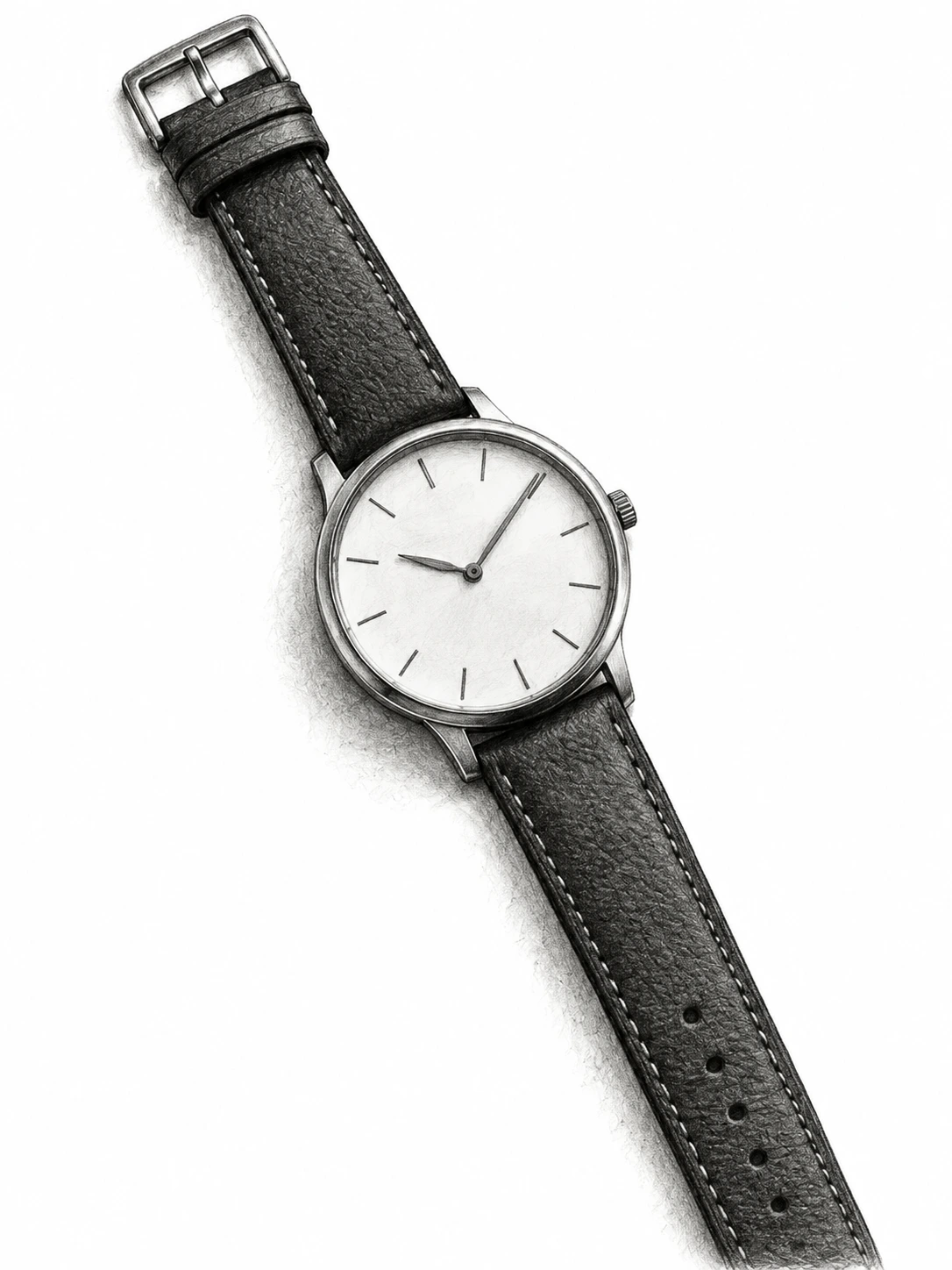
Make a monochrome watch study from a product photo. The strap, hands and circular dial provide small details to inspect in the drawing.
Graphite emphasizes linework and soft gray shading; charcoal gives stronger tonal contrast; colored pencil adds a drawn color texture. Choose the medium that suits the portrait, product, pet or scene you want to reinterpret.
A visible face, a complete object and uncluttered lighting give you a useful starting point. After generation, compare the outline and expression with the original before using the drawing as an avatar, gift or design reference.
Choose a clear JPG, PNG or WebP image.
Turn a photo into a pencil, charcoal, or colored-pencil drawing.
Review the result, compare it with your photo, and download it.
The tool asks an image model to redraw the photo in the selected medium. Shapes and textures can change; it is not a deterministic grayscale filter.
Yes. The examples include portraits, pets, products and scenery. Keep the main subject clearly visible and review fine details in the generated drawing.
The examples use our AI-created source images and actual edits from the model named on each example. They are demonstrations, not customer photos. Results depend on the input.
Upload your photo, choose an option, then generate. You can add instructions under Advanced settings.
Check facial features and outlines. Sketch styles reinterpret texture rather than preserve every pixel.
Verified accounts receive starter credits, subject to the daily allocation. Each generation uses the credits shown on the button.
AI edits may change fine details. Review faces, text, product details, and geometry before using the result.
Your files are private. When you generate, the reference is uploaded for processing. Reference files are kept for 7 days and generated files for 30 days. Download any results you want to keep. See the privacy policy for processing details.
Requests and images undergo safety checks. Credits used for a confirmed failed or undeliverable task are returned. Check My creations for its status.
Turn a photo into a pencil, charcoal, or colored-pencil drawing.