Repair a faded portrait
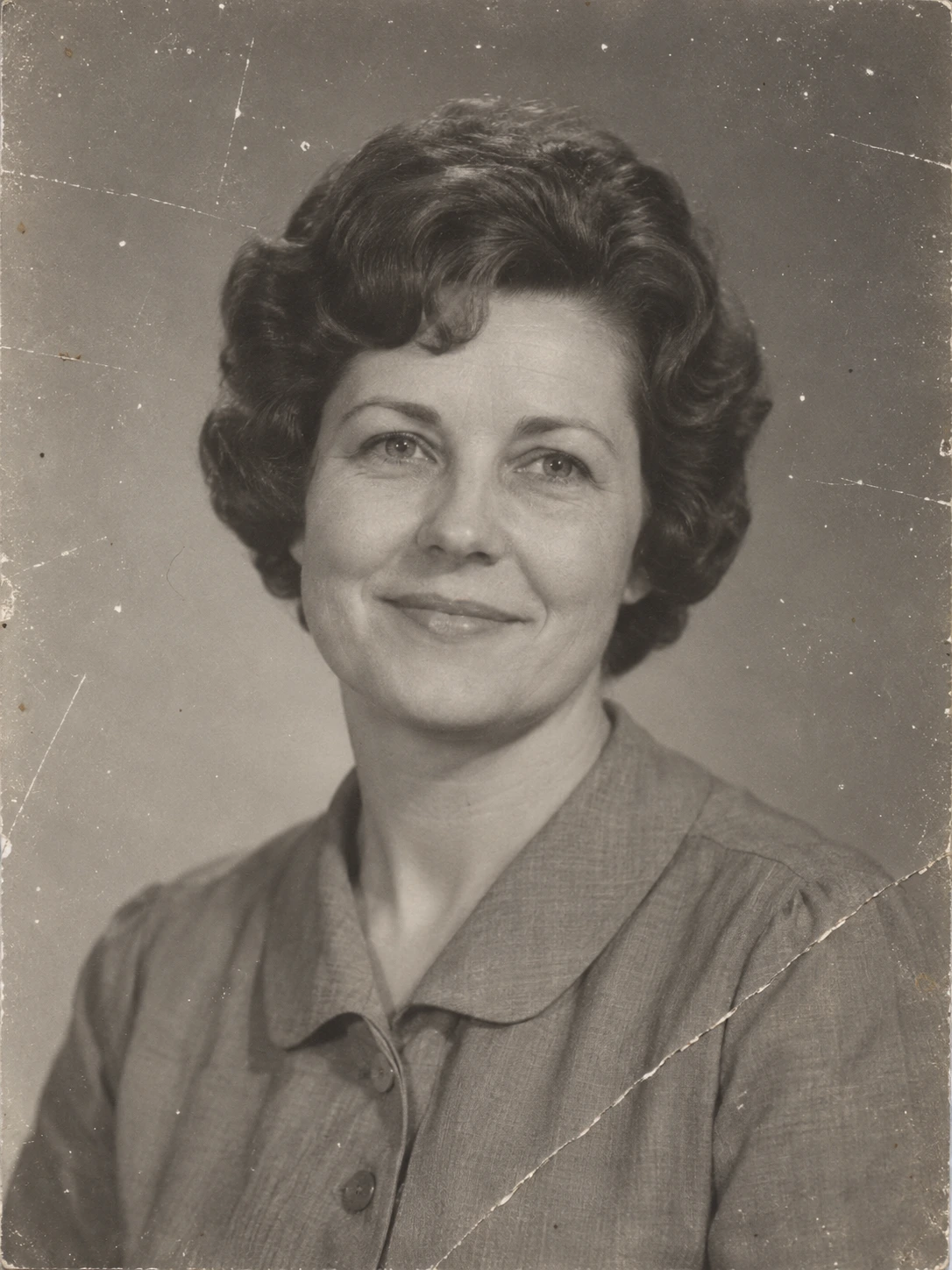
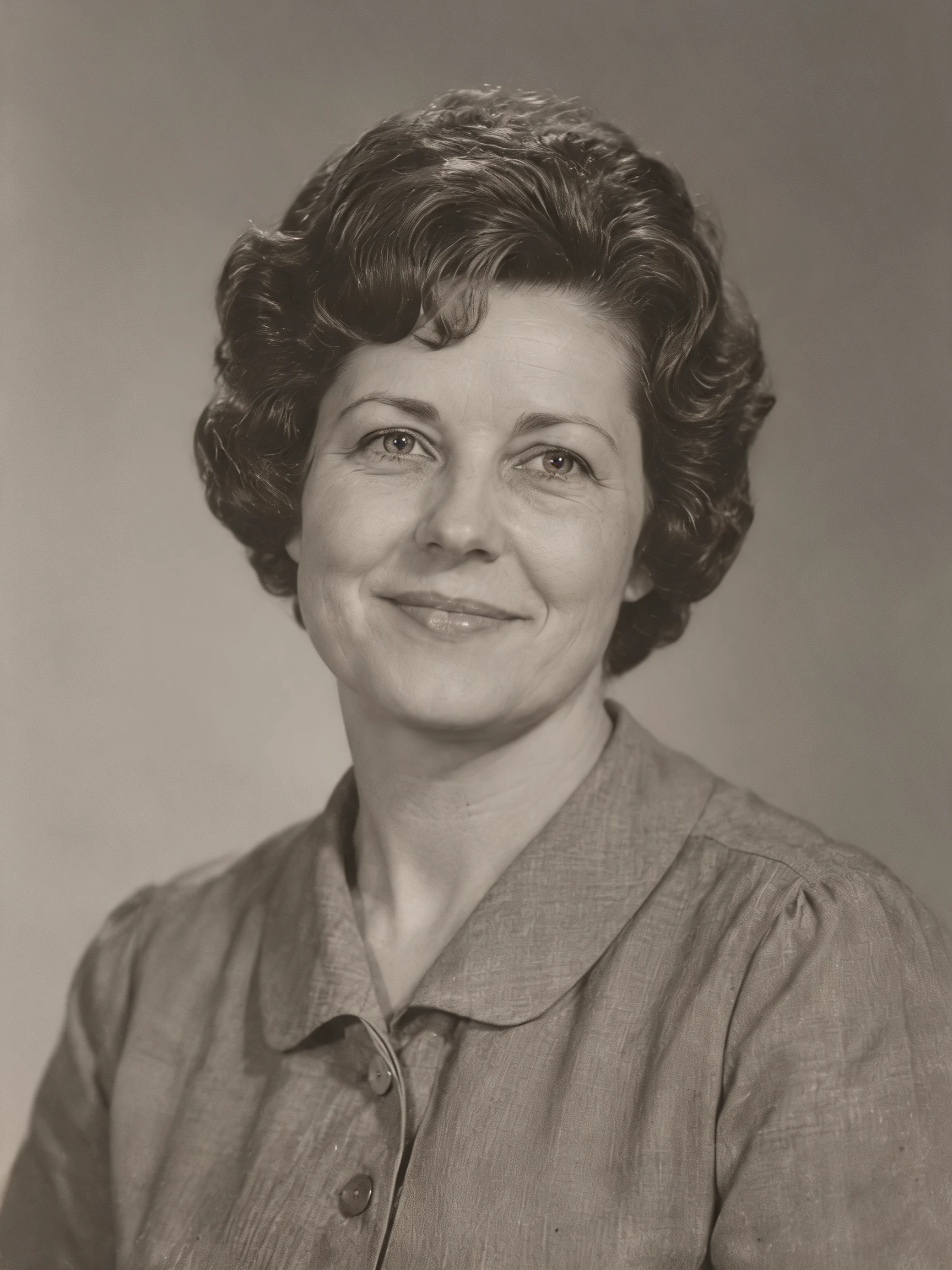
Ask for scratches and creases to be repaired while keeping the portrait monochrome. Compare the eyes, mouth and hair.
 PicUnfold
Restore old photos
Repair wear on an old scan, retain its monochrome look or explore colorization. Compare the new version with the original.
Compare original photos with actual model results. Try a sample or use its settings on your photo.
Photo editing toolsAsk for scratches and creases to be repaired while keeping the portrait monochrome. Compare the eyes, mouth and hair.
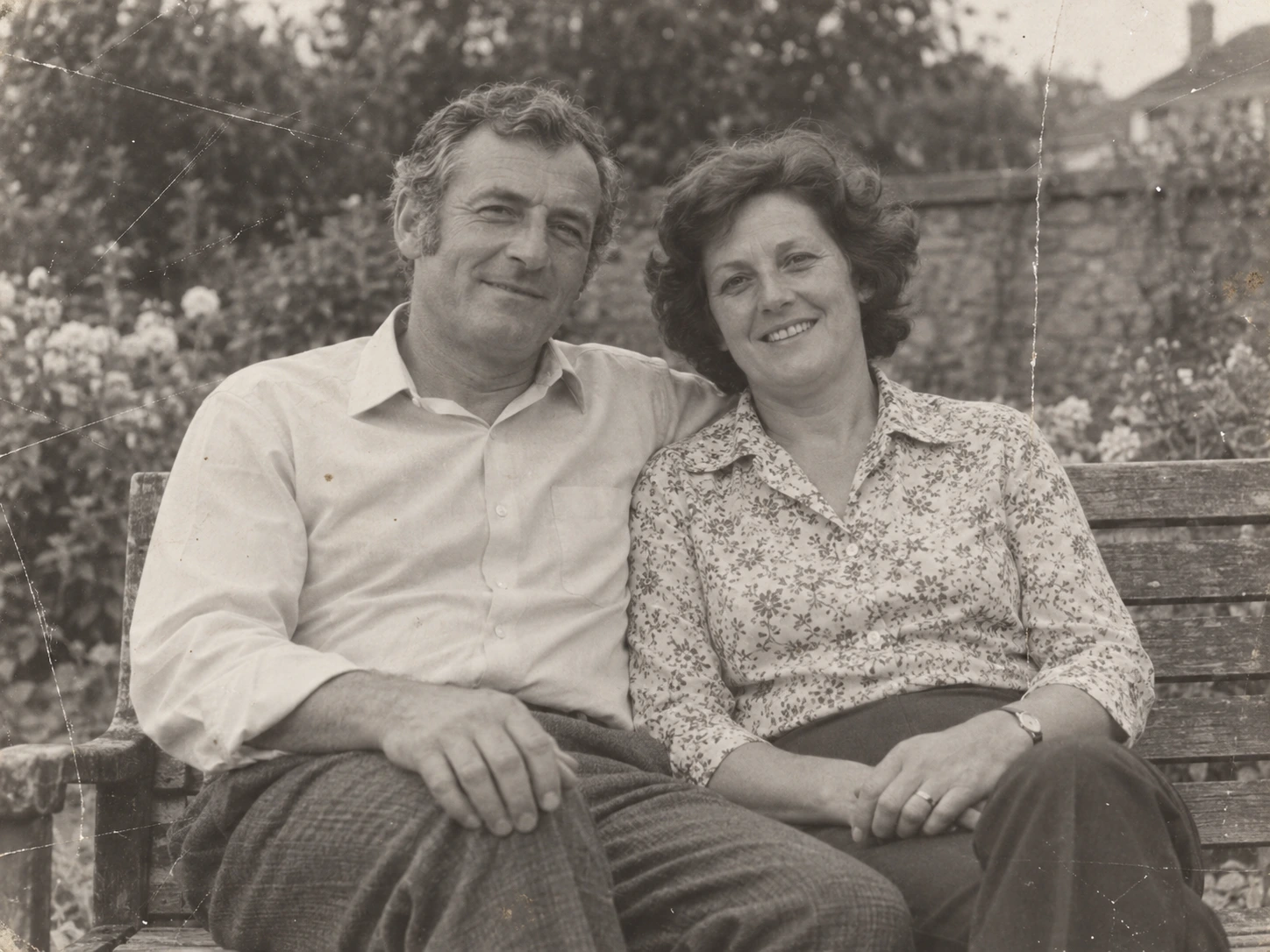
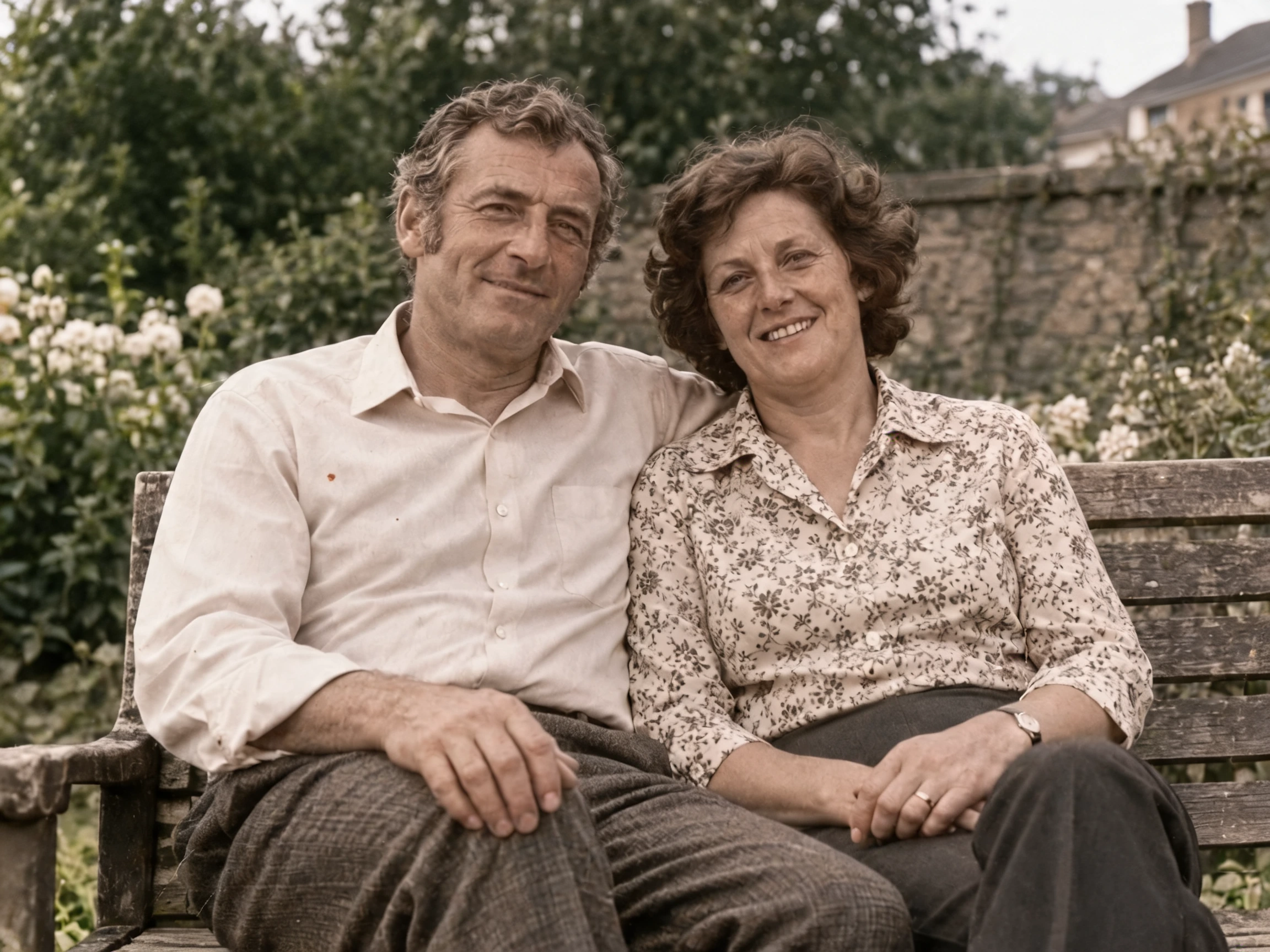
Repair and colorize the couple photo. Compare faces and clothing; the proposed colors are a model interpretation.
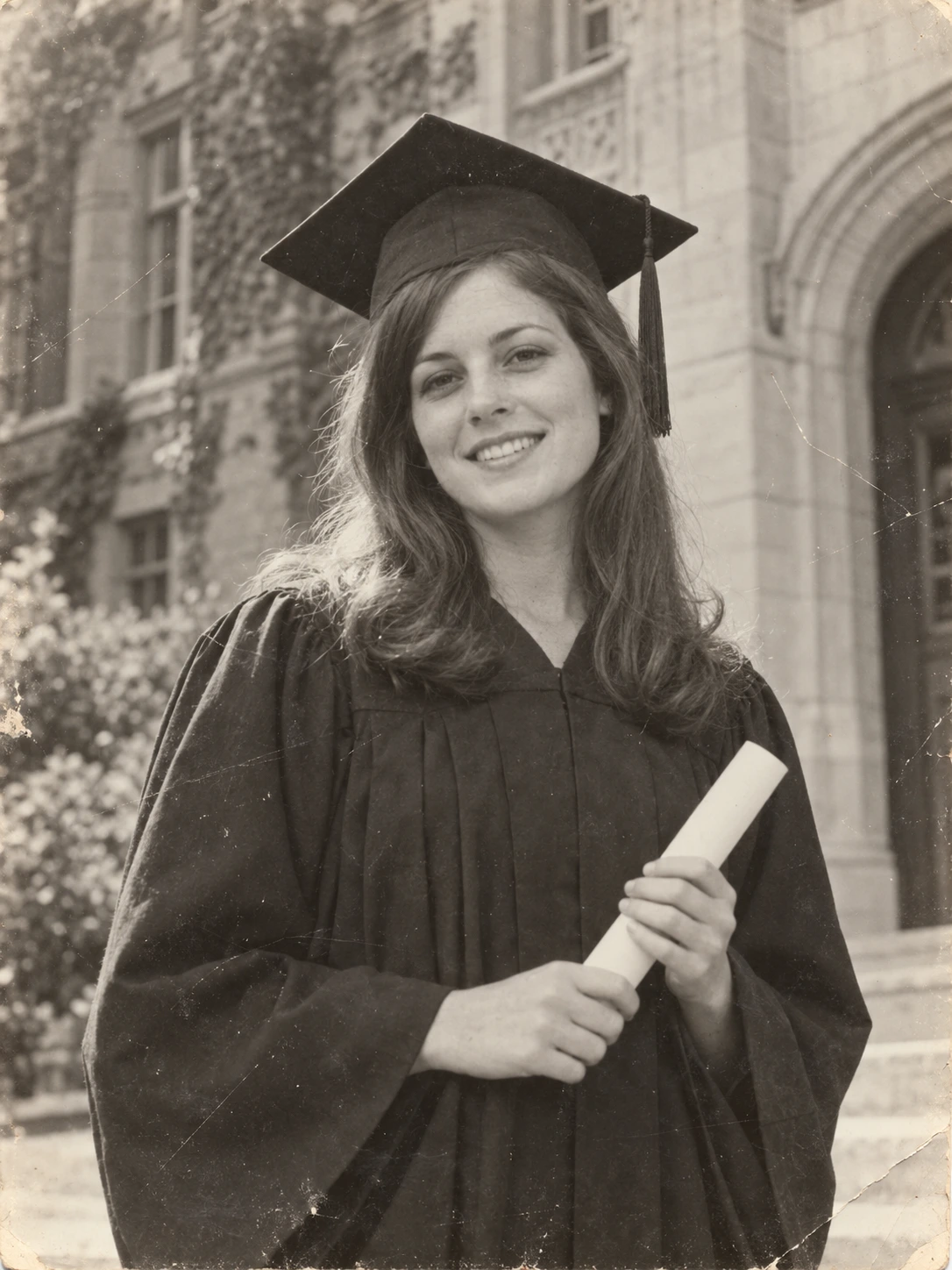
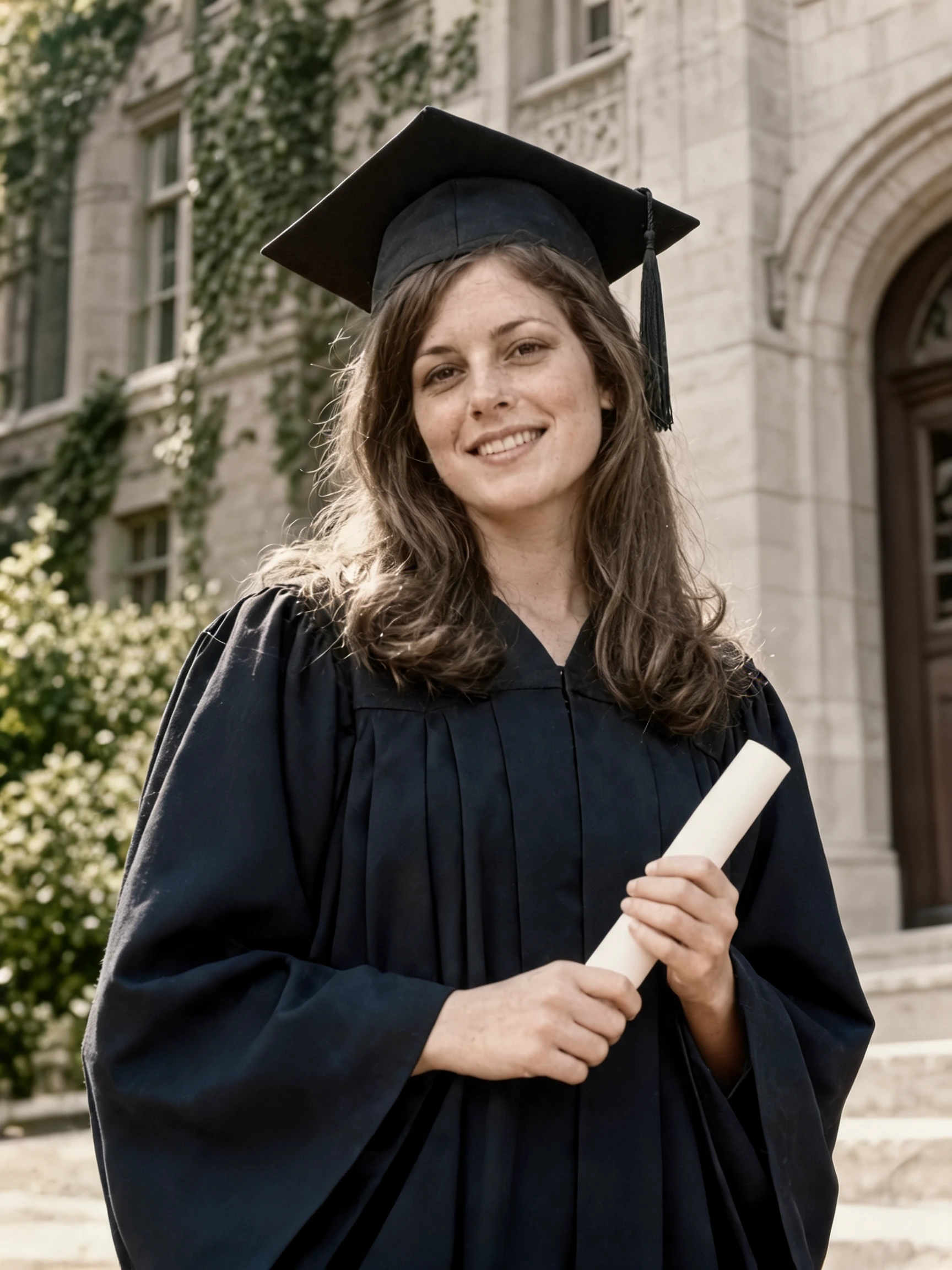
Explore a colorized version of a graduation portrait. The gown, skin and surrounding architecture are proposed colors, not recovered historical facts.
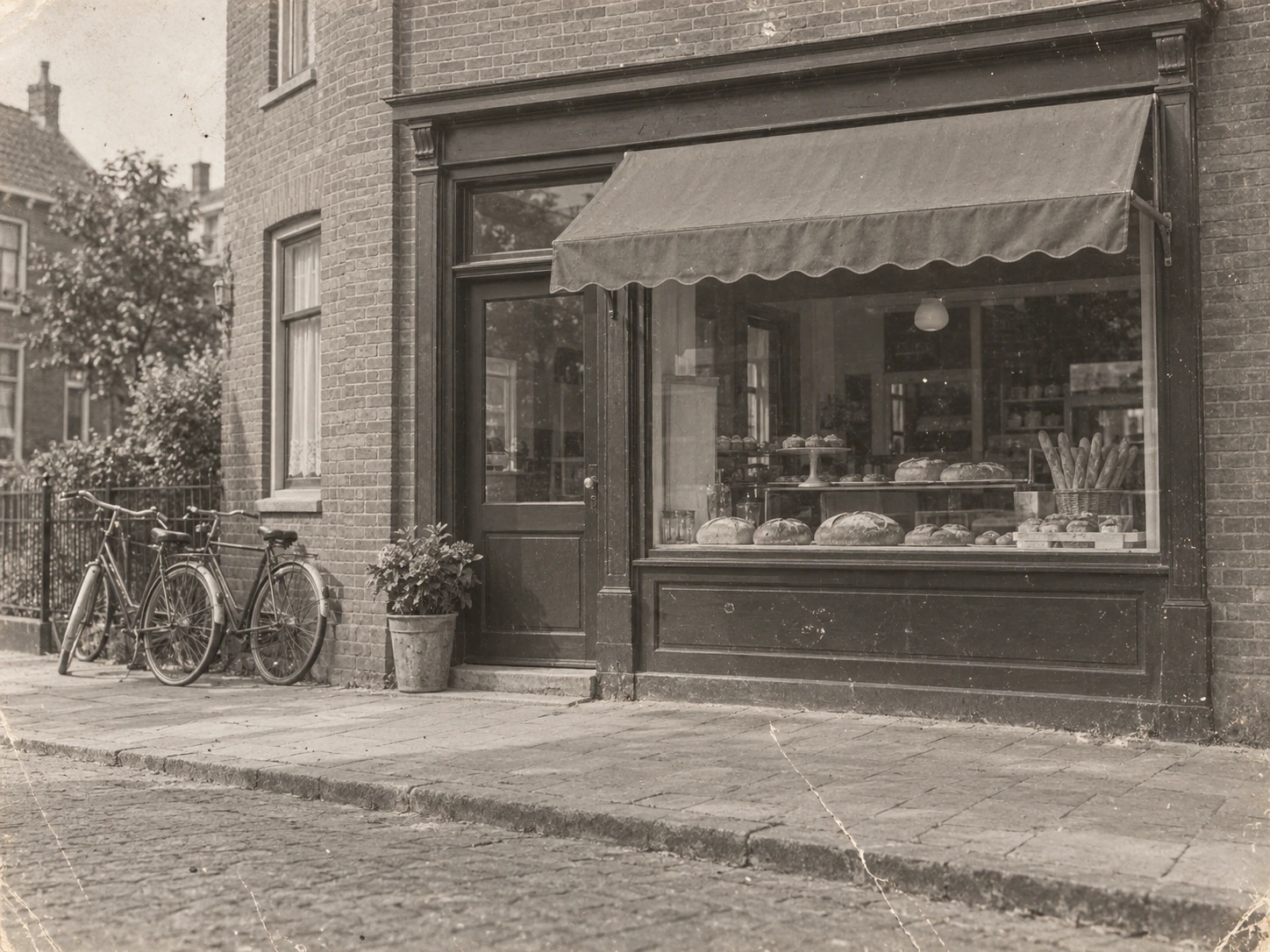
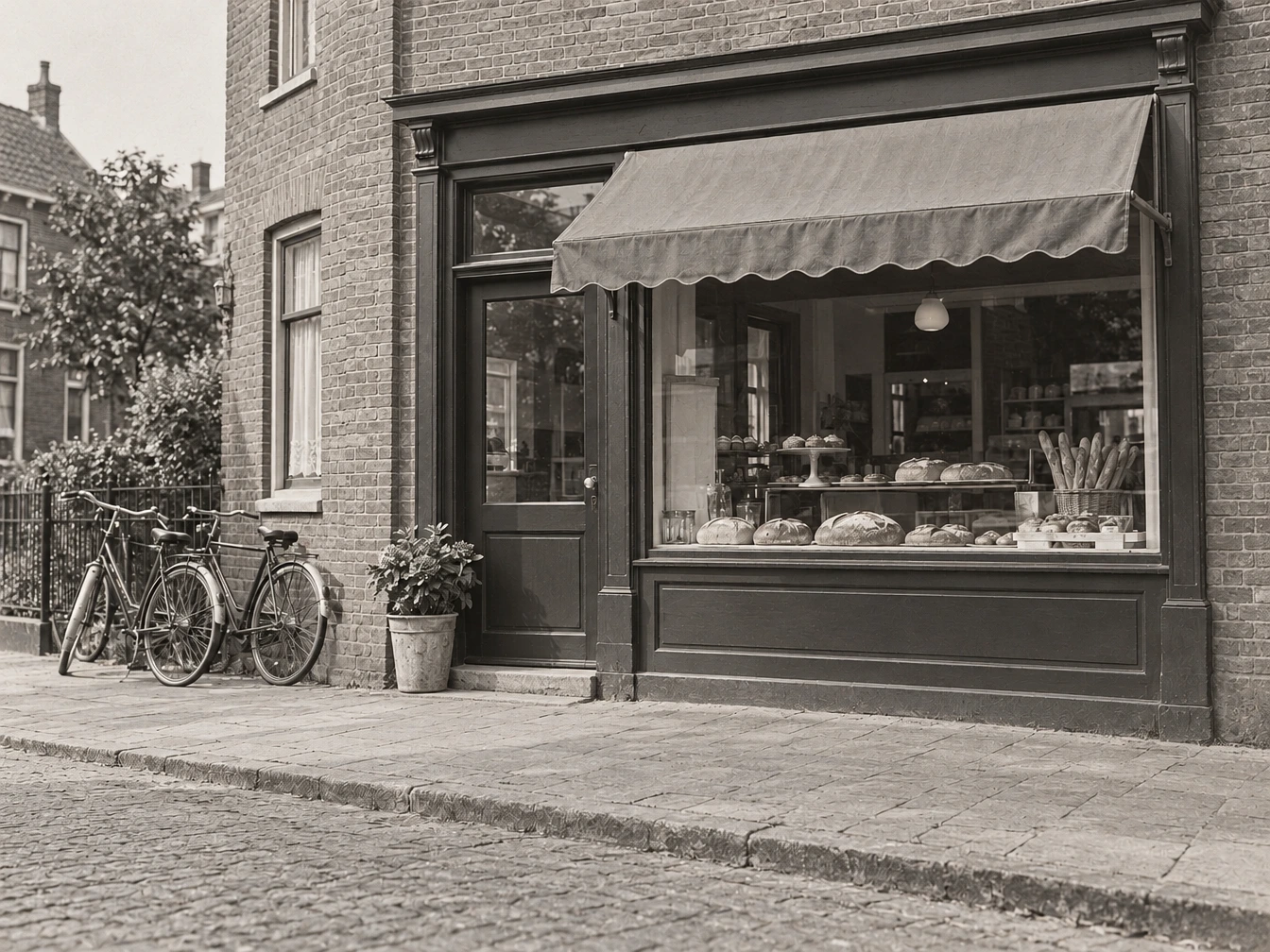
Use gentle cleanup on a faded shopfront scene. Compare the brickwork, bicycles and original atmosphere.
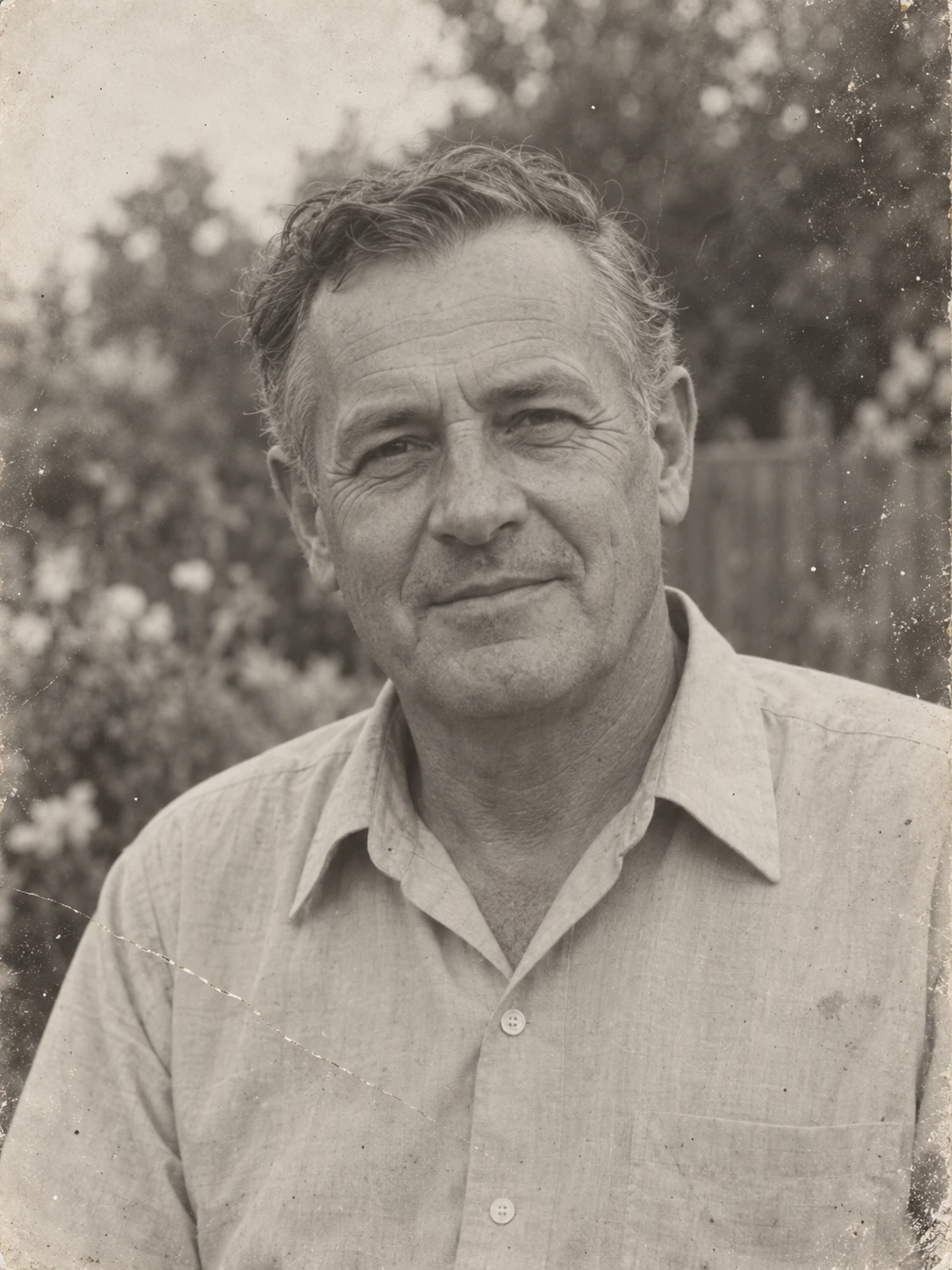
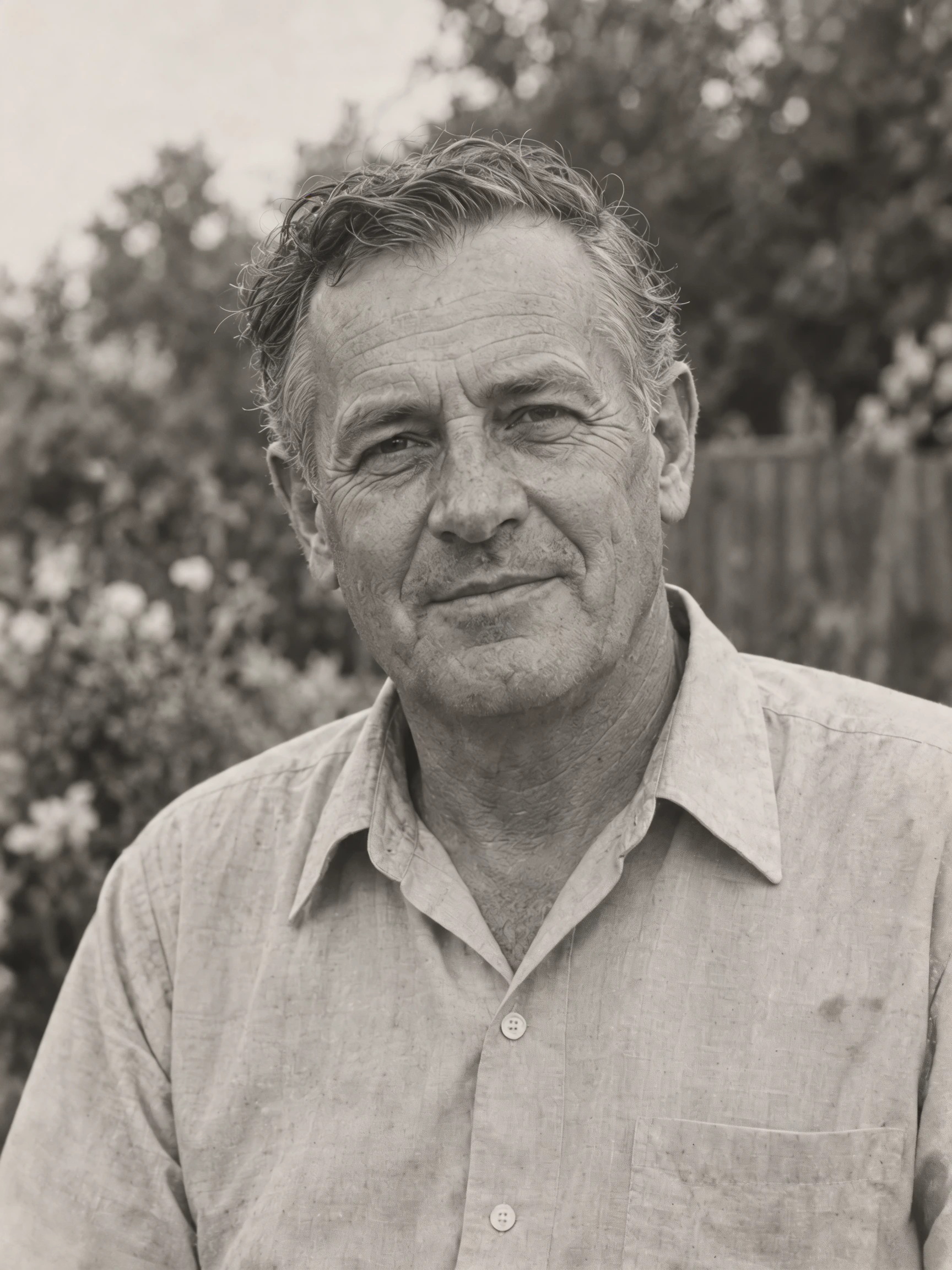
Clean up an older man’s portrait while retaining a monochrome look. Compare the face and original background, especially where print wear crossed fine detail.
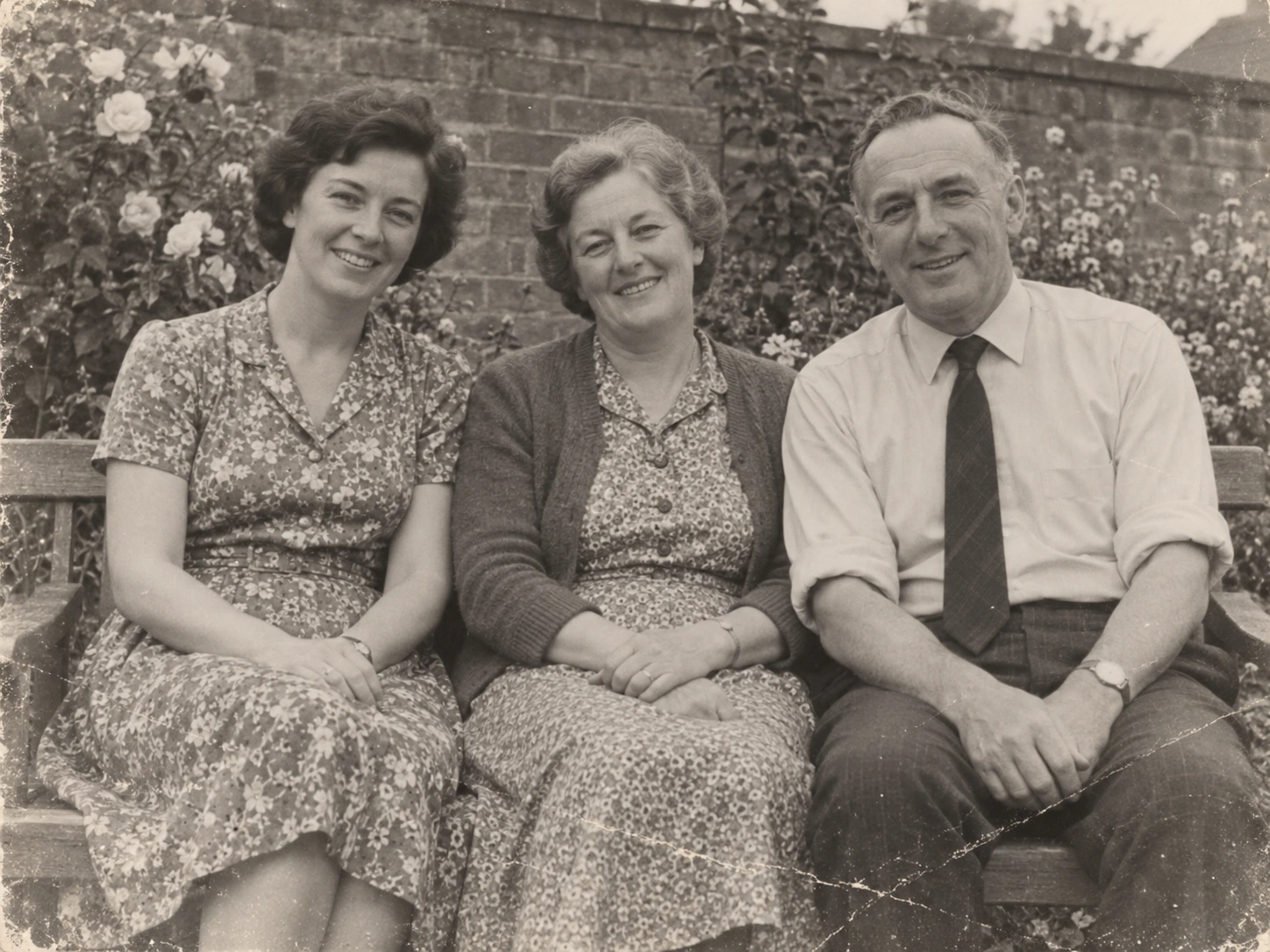
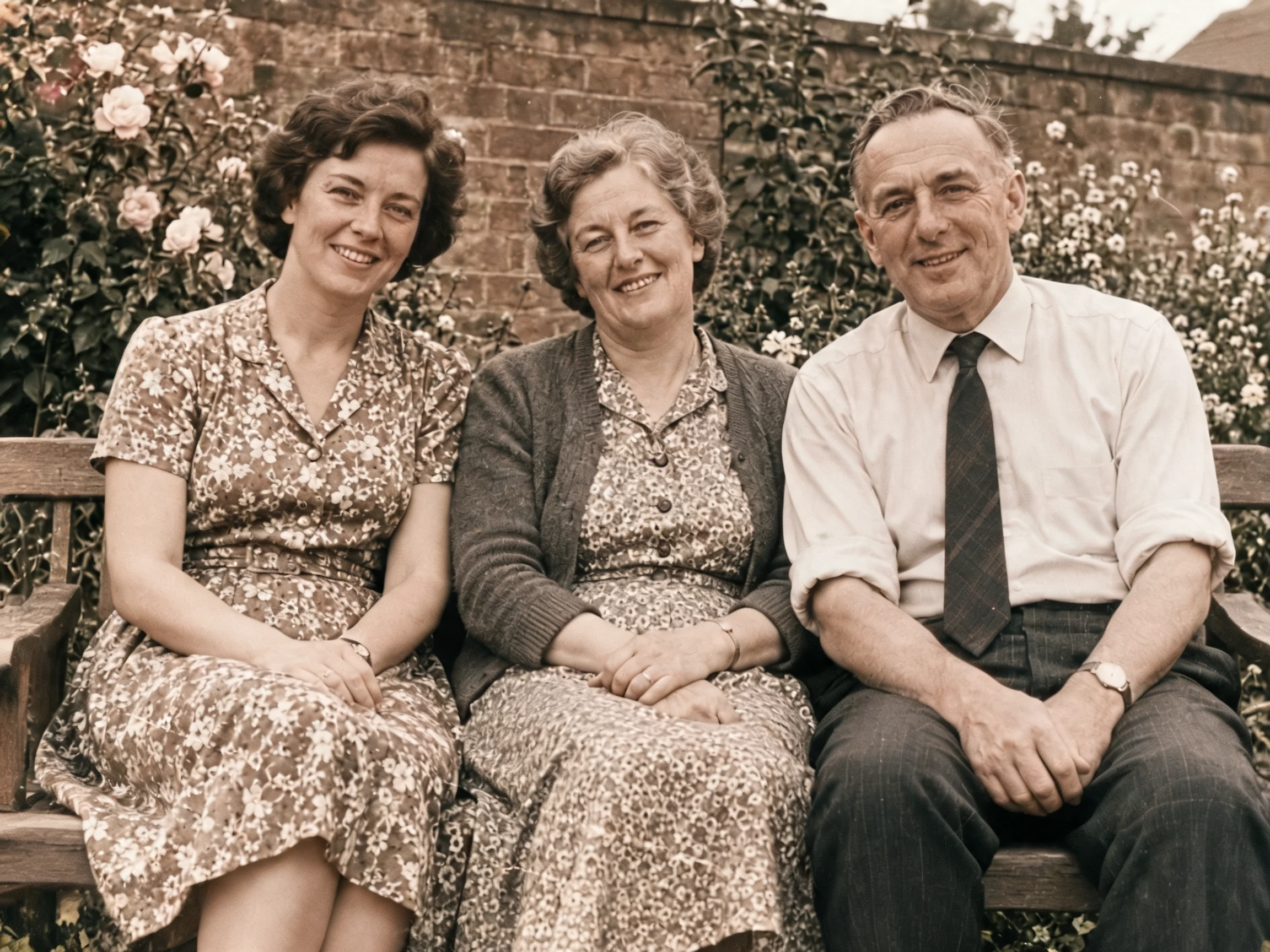
Bring a three-person family portrait into color. Check each face and the garden setting separately rather than judging the group only at thumbnail size.
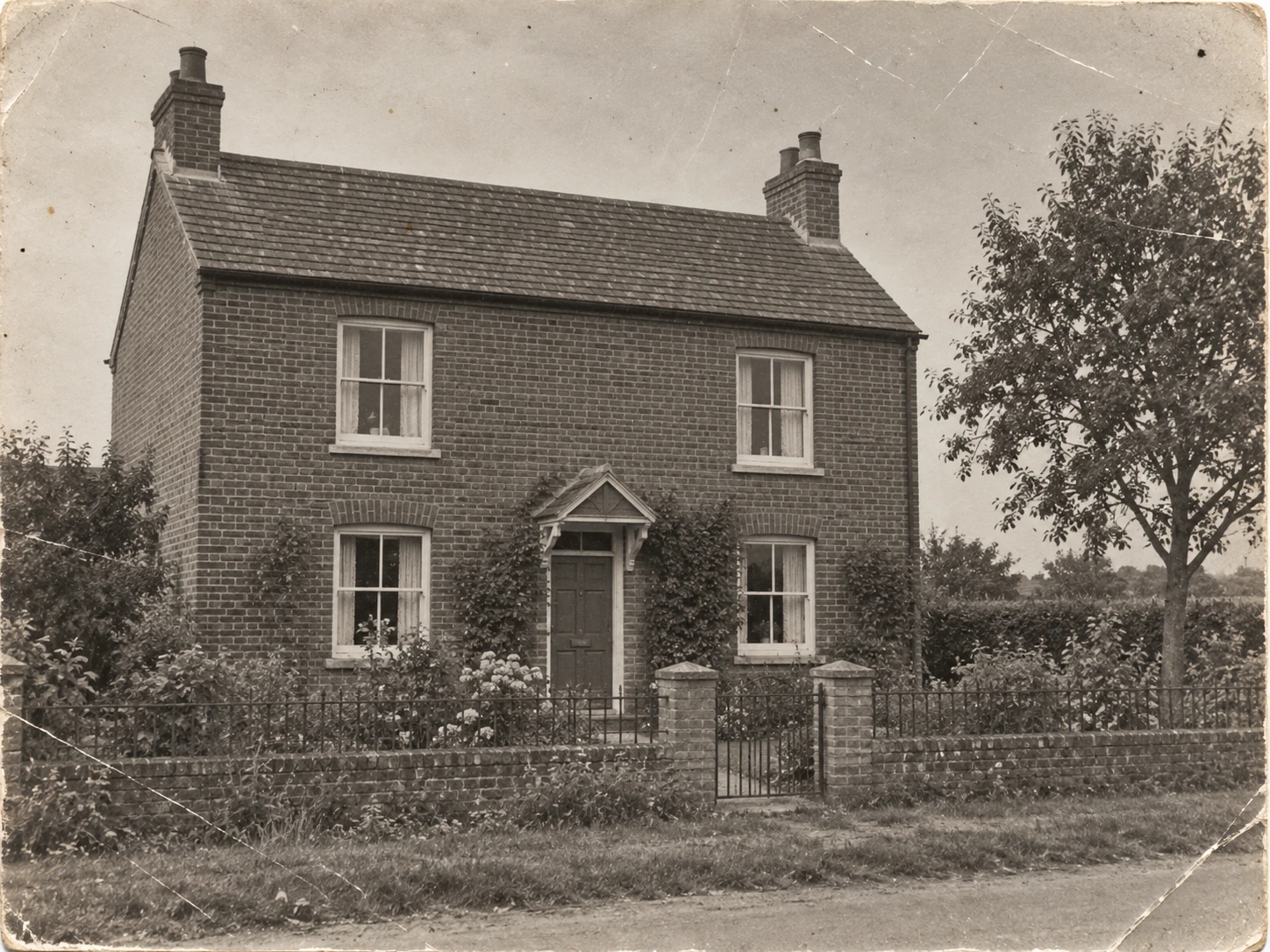
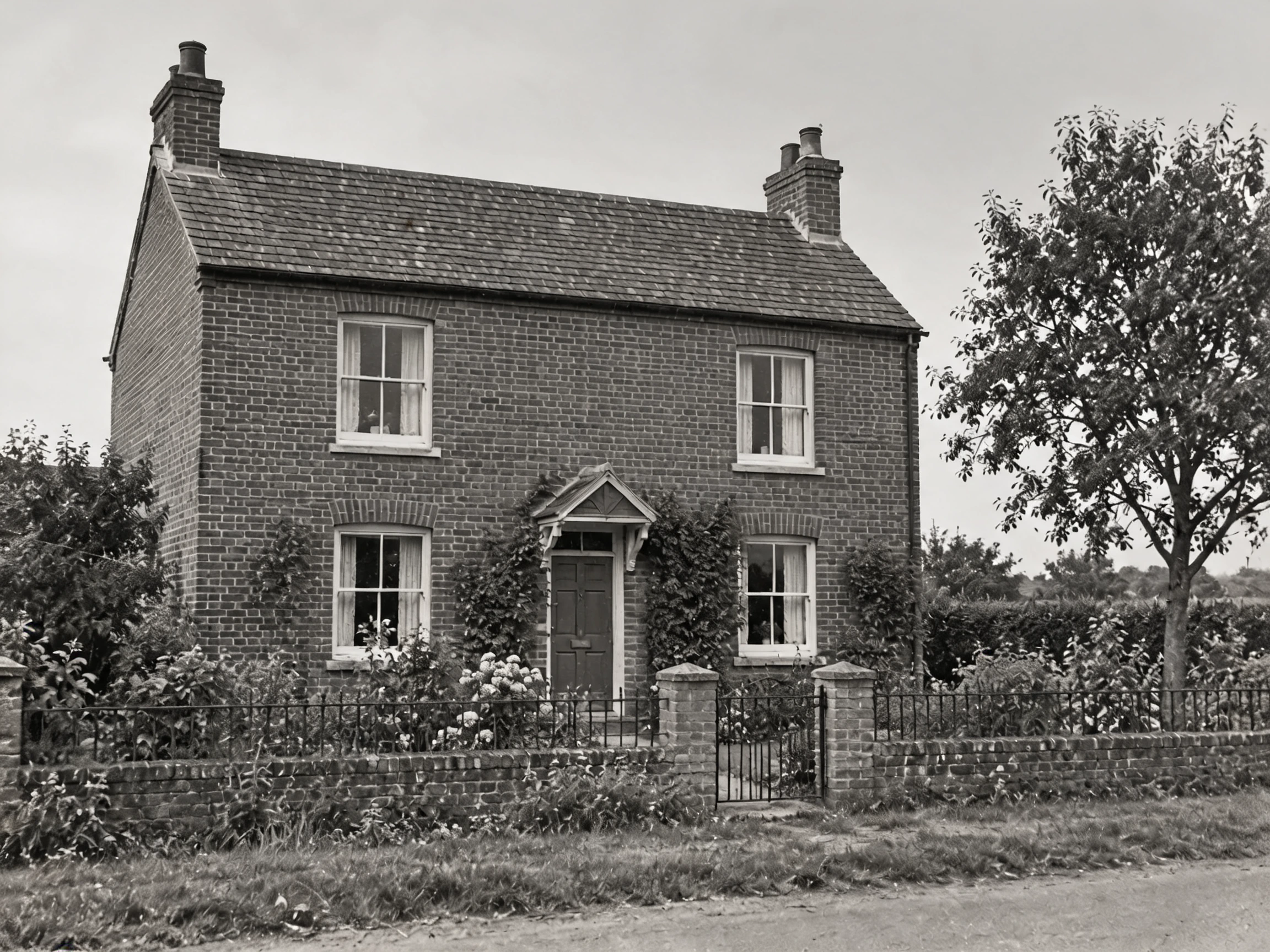
Repair a weathered house photograph while keeping its monochrome character. Compare the brickwork, windows and roof edges against the scan.
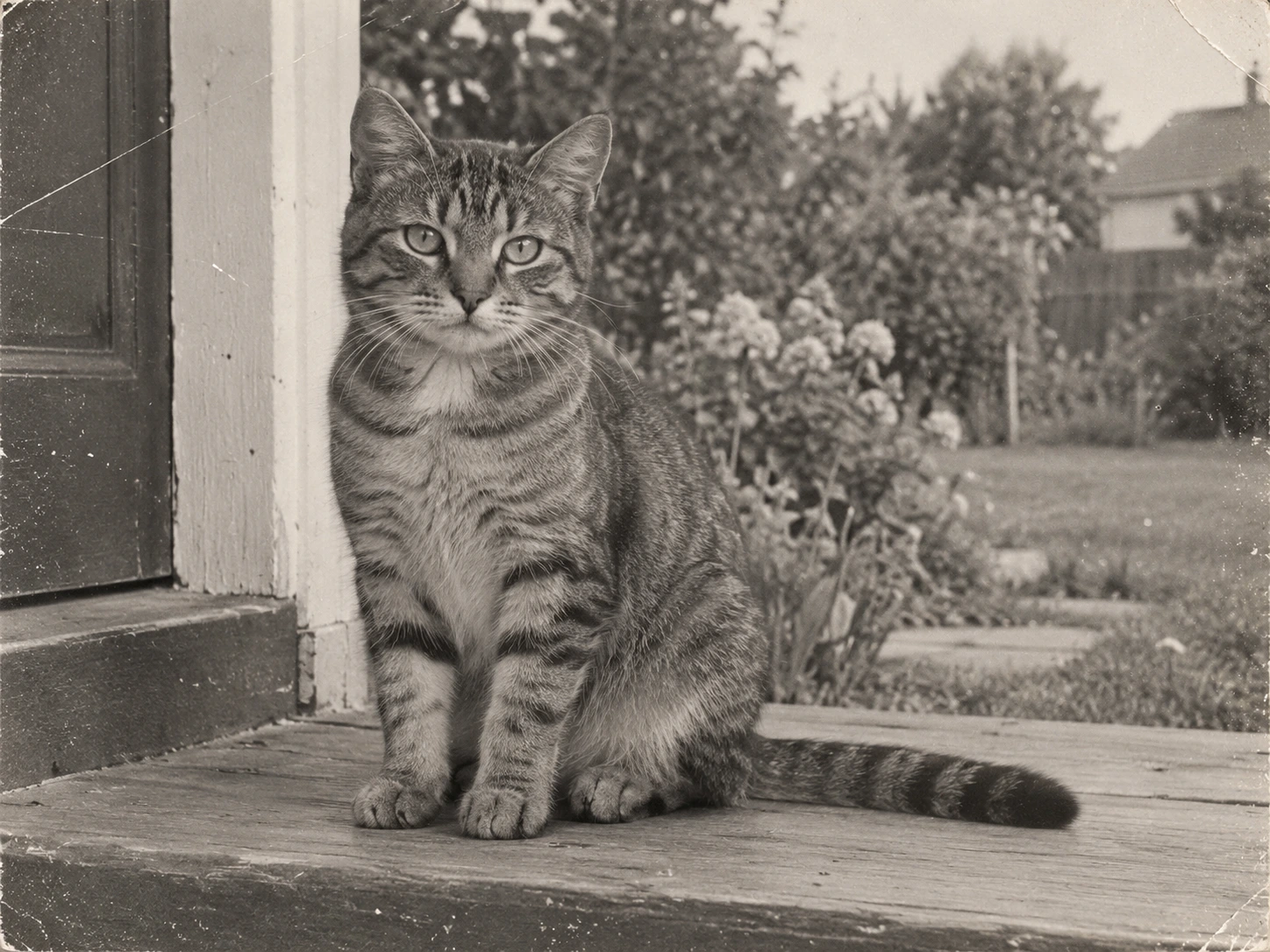
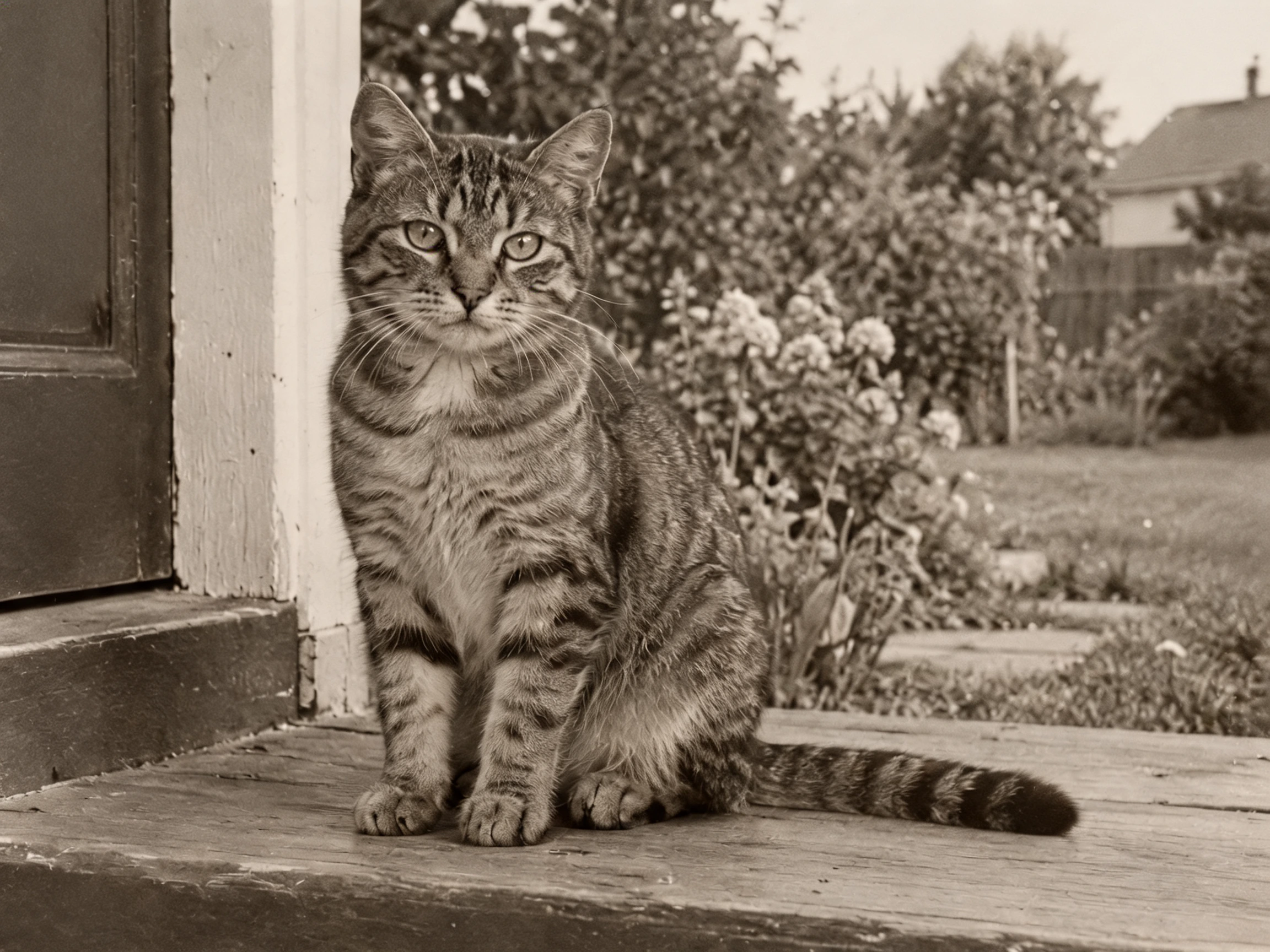
Use gentle cleanup on an old-style pet photo. Compare the cat’s eyes, striped fur and doorstep with the original print texture.
Choose damage repair to address scratches and creases while keeping the original color appearance. Use repair with colorization when you want a proposed color version, or gentle cleanup for lighter dust and noise.
Check faces, clothing and historical details against the original. A cleaner image is not proof that every reconstructed detail is historically correct; colorization is especially an interpretation of missing information.
Choose a clear JPG, PNG or WebP image.
Repair visible wear on an old photo, with an optional colorized look.
Review the result, compare it with your photo, and download it.
It may invent plausible details, but it cannot establish what the missing face truly looked like. Use a clearer source where possible and keep the original scan.
No. The damage-repair and gentle-cleanup options ask to retain the original color or monochrome appearance. Select repair and colorize only when you want a color proposal.
The examples use our AI-created source images and actual edits from the model named on each example. They are demonstrations, not customer photos. Results depend on the input.
Upload your photo, choose an option, then generate. You can add instructions under Advanced settings.
AI may invent missing facial details and colors. Keep the original and check family likeness carefully.
Verified accounts receive starter credits, subject to the daily allocation. Each generation uses the credits shown on the button.
AI edits may change fine details. Review faces, text, product details, and geometry before using the result.
Your files are private. When you generate, the reference is uploaded for processing. Reference files are kept for 7 days and generated files for 30 days. Download any results you want to keep. See the privacy policy for processing details.
Requests and images undergo safety checks. Credits used for a confirmed failed or undeliverable task are returned. Check My creations for its status.
Repair visible wear on an old photo, with an optional colorized look.